
We create digital solutions that work for businesses
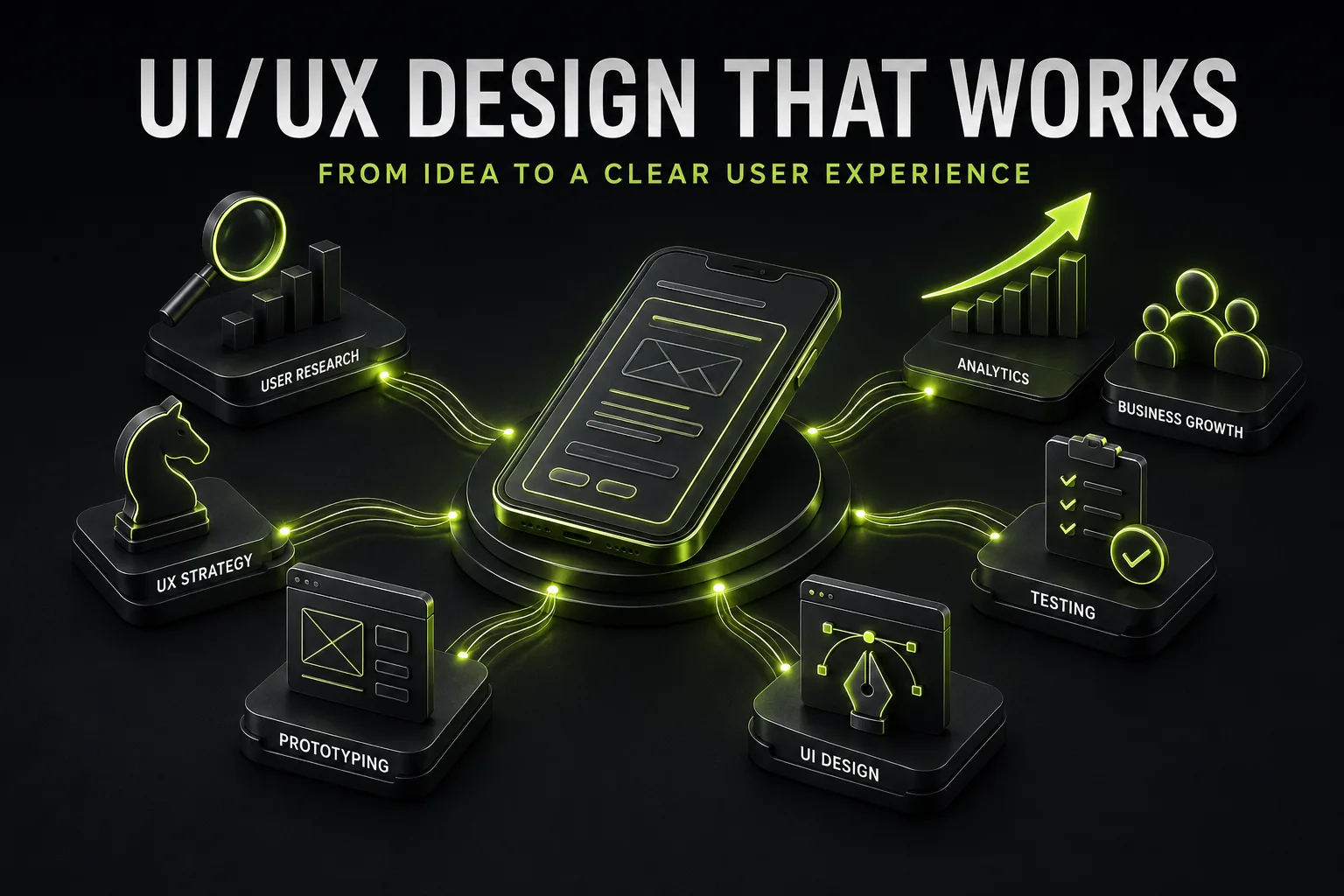
Effective UI/UX design starts with the user, not with colors or animations.
A visitor should quickly understand what a company offers, why it matters and what to do next.
That is why UI/UX should be connected to the entire website strategy. BB STUDIO combines structure, visual design, usability and responsive behavior within its website design and redesign service.
Before designing screens, define the user's scenario.
Ask:
For a service website, the journey might be:
Search → landing page → offer → proof → pricing → enquiry.
For an e-commerce website, the path can be longer:
Search → category → product → cart → checkout → payment.
This is why UI/UX should be planned together with website development.
The first screen should answer three questions:
What is this? Who is it for? What should I do next?
A strong hero section usually contains:
Avoid generic headlines that sound impressive but do not explain the actual offer.
The visitor should not have to decode your business before taking the next step.
UX is largely about removing unnecessary obstacles.
A long form, confusing navigation, unclear buttons or excessive pop-ups can interrupt an otherwise good journey.
For advertising campaigns, a dedicated landing page can focus the entire interface on one conversion goal.
The fewer unnecessary decisions a user has to make, the easier it becomes to complete the intended action.
UI is the visual language of the interface.
Typography, spacing, contrast, buttons, cards and icons should help users understand what matters most.
A simple hierarchy might be:
Message → benefit → proof → CTA.
Not every element needs to compete for attention.
In fact, one of the strongest signs of mature UI design is knowing what not to emphasize.
Responsive design is more than making a desktop layout fit a smaller screen.
Mobile users interact differently. They have less screen space, use touch instead of a mouse and often complete tasks in different contexts.
Check:
This becomes especially important for online stores, where even a small usability problem can interrupt the purchase journey.
Design decisions should not depend entirely on personal taste.
A team may think that a new layout is better, while users behave differently.
A website UX audit can reveal problems in navigation, forms, mobile experiences, content hierarchy and key conversion paths.
The goal is to transform subjective feedback into a structured process:
problem → evidence → impact → recommendation → priority.
A beautiful interface is not the final KPI.
Depending on the project, measure:
If a redesign looks significantly better but produces no business improvement, the underlying problem may not have been visual.
Good UI/UX solves a user problem that is connected to a business objective.
The cost depends on the number of pages, complexity of user flows, responsive layouts and project requirements.
The current BB STUDIO pricing page lists starting prices from ₴7,900 for design/redesign, ₴9,900 for a landing page, ₴19,900 for a corporate website and ₴29,900 for an online store.
For projects where design is only one part of the task, the final budget should include development, integrations, analytics and other requirements.
Effective UI/UX is not about adding more visual effects.
It is about creating a clear path:
need → information → trust → action → result.
When users understand the offer, navigate easily and know what to do next, design becomes a real business tool rather than decoration.
That is the difference between a website that simply looks modern and one that is designed to perform.
 SEO
SEO
 SEO
SEO
 SEO
SEO
 SEO
SEO
 Let’s create something amazing together
