
We create digital solutions that work for businesses
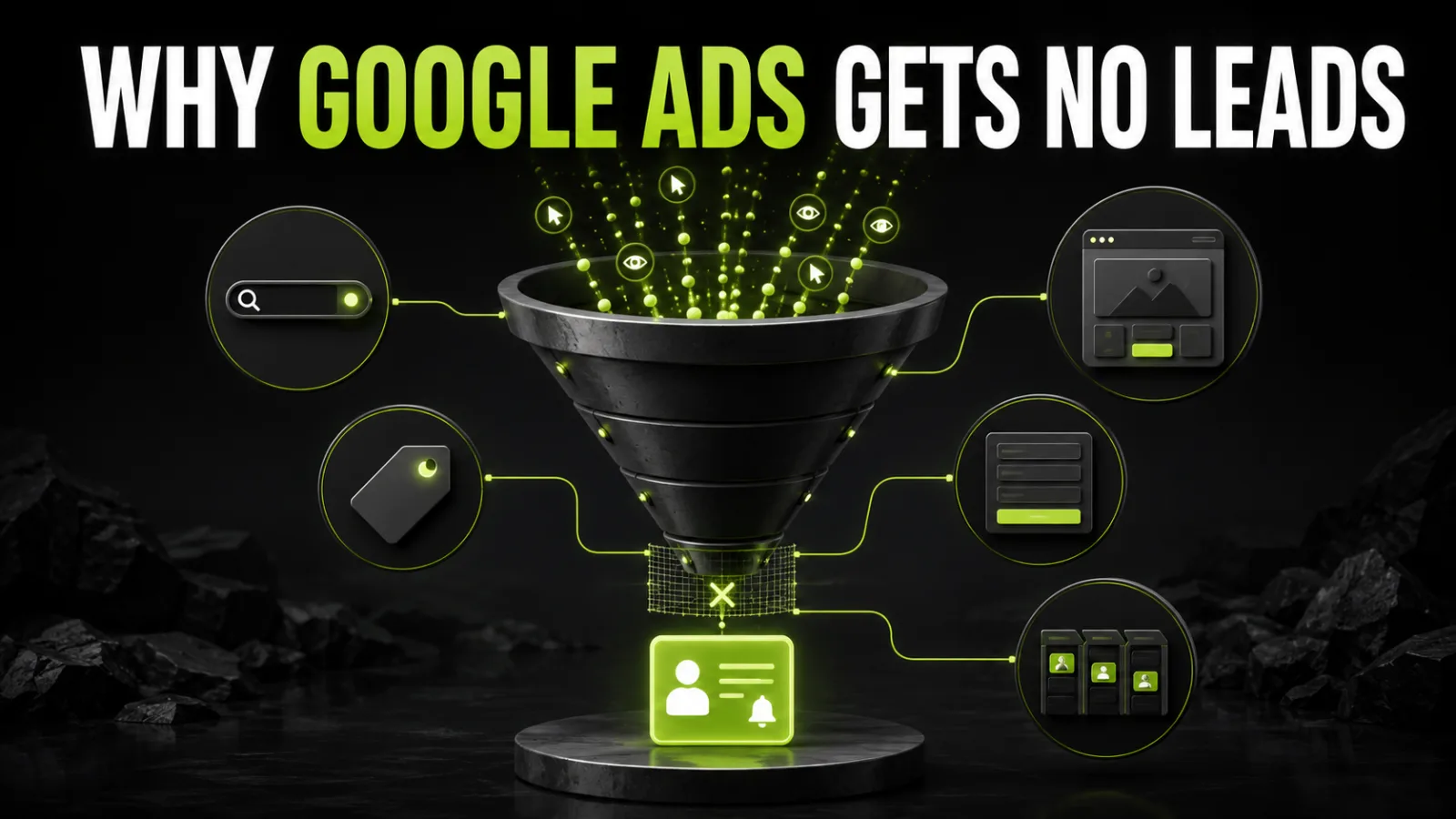
When Google Ads spends money without producing the expected leads, randomly changing everything is the least reliable response. More budget will not fix irrelevant queries, new creative will not repair a broken tag, and automated bidding cannot find customers when a page view is treated as the main conversion.
Start by locating the broken stage:
impression → click → relevant page → action → qualified lead → sale → profit
A campaign with no impressions requires a different investigation from one with many leads and no completed sales.
No impressions: inspect account and payment status, dates, policy review, keywords, geography, bids, budget, and diagnostics.
Impressions but few clicks: inspect intent, ad relevance, offer clarity, and auction visibility.
Clicks but no leads: inspect search terms, landing page, mobile journey, form, speed, and tracking.
Leads but poor quality: inspect queries, locations, networks, ad copy, qualification, spam prevention, and primary conversions.
Sales but weak profitability: inspect acquisition cost, margin, values, repeat purchases, and budget allocation.
The business may receive leads that are absent from Google Ads, or the account may report conversions that never happened.
Common failures include a tag that does not fire after successful submission, a conversion triggered on button click despite a form error, duplicate tracking through Google tag and GA4 import, directly accessible thank-you pages, missing phone and messenger tracking, test leads, consent gaps, and incorrect purchase value or currency.
Test every action with Tag Assistant and a real journey. Compare forms or CRM records with Ads using the same date range and counting rules.
Google Ads distinguishes primary and secondary conversion actions. Primary actions can populate the Conversions column and inform bidding according to campaign goals. Secondary actions are generally observed without serving as the main optimization signal.
If page views, scrolls, button clicks, form starts, or time on site are primary, the system may seek people who complete easy micro-actions rather than become customers.
For lead generation, the main goal is usually a successful lead, a sufficiently long call, or a qualified lead. Ecommerce campaigns should optimize toward purchases with accurate values.
A keyword is an advertiser setting. A search term is what the person actually typed. The search-terms report reveals what the business paid for.
Look for research-only queries, free or DIY intent, jobs and courses, unsupported cities, different product models, existing-customer support, overly broad wording, and requests where the offer cannot compete.
Do not add negative keywords mechanically. Judge intent in context; the same word can be irrelevant in one market and valuable in another.
One campaign should not force unrelated services, locations, margins, funnel stages, and landing pages into the same message.
Separate segments when the product, intent, geography, economics, destination, or conversion value is materially different. Avoid excessive fragmentation too: tiny campaigns receive little data. The structure should support relevance while preserving enough volume for learning.
Google uses multiple signals for location targeting and does not guarantee perfect accuracy. Check actual user locations and the available advanced settings, not only the map selected at launch.
Common issues include targeting a whole country for a city service, radii that include unsupported areas, conflicting exclusions, generic pages for local ads, and equal budget allocation across regions with very different outcomes.
Compare locations using qualified leads and sales, not clicks alone.
A person clicks a specific service, price, or deadline and lands on a generic homepage. They must repeat the search after paying you for the click.
The landing page should continue the promise with the same product, a clear headline, relevant conditions and location, evidence, and a specific next action. Message match does not require identical copy; it requires a coherent expectation.
Google Ads brings a potential buyer to a choice. It does not automatically create a compelling proposition.
Check whether the service scope is clear, pricing has a starting point or calculation method, differentiation is concrete, evidence is available, timelines are credible, and the CTA does not demand too much commitment.
When competitors show products, delivery, and prices immediately while the page asks only for a phone number, the main issue may not be bidding.
Large portions of paid traffic may arrive on phones. A desktop page cannot compensate for a mobile hero that hides the offer, an obstructed CTA, tiny fields, hidden validation, a non-clickable phone number, slow loading, or an impossible checkout.
Test real devices and compare conversion rate and CPA by device.
A technically functioning form may still ask for too much or fail to explain the next step.
Watch for excessive required fields, unclear phone formats, aggressive CAPTCHA, lost data after an error, missing confirmation, generic submit labels, absent privacy information, and response times that contradict the promise.
Ask only for information needed to continue. Add qualification thoughtfully rather than turning first contact into a long questionnaire.
Automated bidding acts on the signals and conversions it receives. It cannot compensate for broken tracking or a false objective.
Problems include optimizing for clicks when leads matter, unrealistic target CPA, target ROAS without accurate values, restrictive targets on a new campaign, optimizing toward spam leads, and frequent budget or goal changes.
Google notes that Smart Bidding calibration can take several weeks or one to two conversion cycles depending on available data. A long sales cycle should not be judged after two days, but learning status does not excuse obvious targeting or tracking failures.
A small budget is not automatically a problem. It becomes one when it cannot buy enough relevant clicks relative to CPC and baseline conversion.
expected clicks = budget / average CPC
expected leads = clicks × landing-page conversion rate
If the budget buys 30 clicks and the page converts at 2%, zero leads does not prove failure because the expected number is below one.
Concentrate limited budget on the highest-value product, location, and intent. Improve the page and align the test budget with a realistic CPA.
Daily edits to bids, budgets, goals, locations, and ads produce noise. The team cannot identify which change mattered, while automated strategies continually adapt.
Keep a change log with date, hypothesis, edit, expected effect, decision rule, and evaluation date. Fix critical defects immediately; test optimization ideas in a controlled way.
Performance Max uses goals, values, feeds, creative assets, audience signals, and website content across Google inventory.
Review conversion goals, purchase or lead values, feed quality, asset-group structure, text and media quality, final URL expansion, brand exclusions, negative keywords where appropriate, search themes, insights, and products with different margins.
Automation scales the signal it is given. It does not remove the need for strategy.
For phone or sales-assisted businesses, an online form is only the beginning. When spam, unqualified contacts, proposals, and completed deals all appear equal, bidding cannot learn which clicks create revenue.
Map deeper stages:
lead → qualified lead → proposal → sale
Import deeper offline conversions and values when volume, consent, and technical capability support it. Google recommends enhanced conversions for leads as a more durable way to match offline results with ad interactions.
The campaign may bring suitable contacts that the business loses through slow replies, missed calls, inconsistent pricing, weak follow-up, delayed estimates, unavailable inventory, or insufficient margin.
Measure beyond CPL:
cost per sale = ad spend / sales
ROAS = ad-attributed revenue / ad spend × 100%
Management decisions should also include gross profit, repeat purchases, returns, and sales-team cost.
| Symptom | First check | Next check |
| Zero impressions | Status, billing, policy, dates | Bids, keywords, locations, diagnostics |
| Low CTR | Search intent | Ads, offer, auction visibility |
| Clicks, zero conversions | Tag and test submission | Page, form, mobile |
| Ads shows more leads than CRM | Duplicates and counting | Actual form records |
| Spam leads | Terms, locations, networks | Form and offline-quality import |
| CPA increased suddenly | Change history and demand | CPC, CVR, competition, website |
| Weak Performance Max leads | Goals and values | Assets, feed, URLs, CRM |
| Leads without sales | Calls and CRM | Response time, offer, qualification |
| Sales with low ROAS | Values and margin | Allocation and repeat revenue |
Minutes 0–10: choose one date range across Ads, GA4, and CRM. Record impressions, clicks, spend, leads, qualified leads, sales, and revenue.
Minutes 10–20: complete a test lead or purchase. Check tags, duplicates, primary goals, value, and currency.
Minutes 20–30: inspect search terms, locations, devices, hours, networks, and destination URLs. Mark spend without relevant intent.
Minutes 30–40: review structure, bidding, budget, learning status, targets, asset groups, and change history.
Minutes 40–50: complete the landing-page journey on a real phone. Review message match, speed, form, errors, CTA, trust, and confirmation.
Minutes 50–60: review recent leads, lost reasons, response time, sales, CPA, and margin. Select the three highest-priority fixes.
broken measurement;
billing, policy, and serving blocks;
irrelevant traffic;
page and form defects;
wrong goals and bidding;
offer and user experience;
CRM quality feedback;
budget scaling.
Do not scale until the business knows which action the campaign optimizes and what that action is worth.
Do not decide from a few calendar days when the sales cycle is long and the sample is small. Check technical integrity, mathematically possible conversion volume, and conversion delay.
However, learning status does not justify wrong locations, irrelevant queries, a broken form, or optimization toward page views.
Consider an external audit when spend rises without a clear cause, repeated edits fail, Ads and CRM disagree, spam dominates, automation lacks defined goals, cost per sale is unknown, or an independent review is needed before scaling.
A useful audit ends with evidence, priorities, expected impact, and a validation plan—not merely “good” or “bad” setup.
Google Ads rarely fails for one isolated reason. Results depend on demand, targeting, measurement, landing pages, offers, sales execution, and economics.
Diagnose from top to bottom: are ads serving, are clicks relevant, does the page work, is the action recorded, is the lead qualified, does it become a sale, and is the sale profitable?
BB STUDIO can review the ad account, analytics, landing pages, and CRM funnel, then prioritize changes without randomly increasing spend.
 Analytics and Conversion
 SEO
SEO
 SEO
SEO
 SEO
SEO
 Let’s create something amazing together
