
We create digital solutions that work for businesses
Small businesses rarely lose customers because they lack one more complex dashboard. The common causes are simpler: a lead stays in a private messenger, a follow-up is missed, a proposal disappears in an inbox, or the owner cannot see which enquiries turned into revenue. Memory can hold the process together while volumes are low. It stops working when channels and team members multiply.
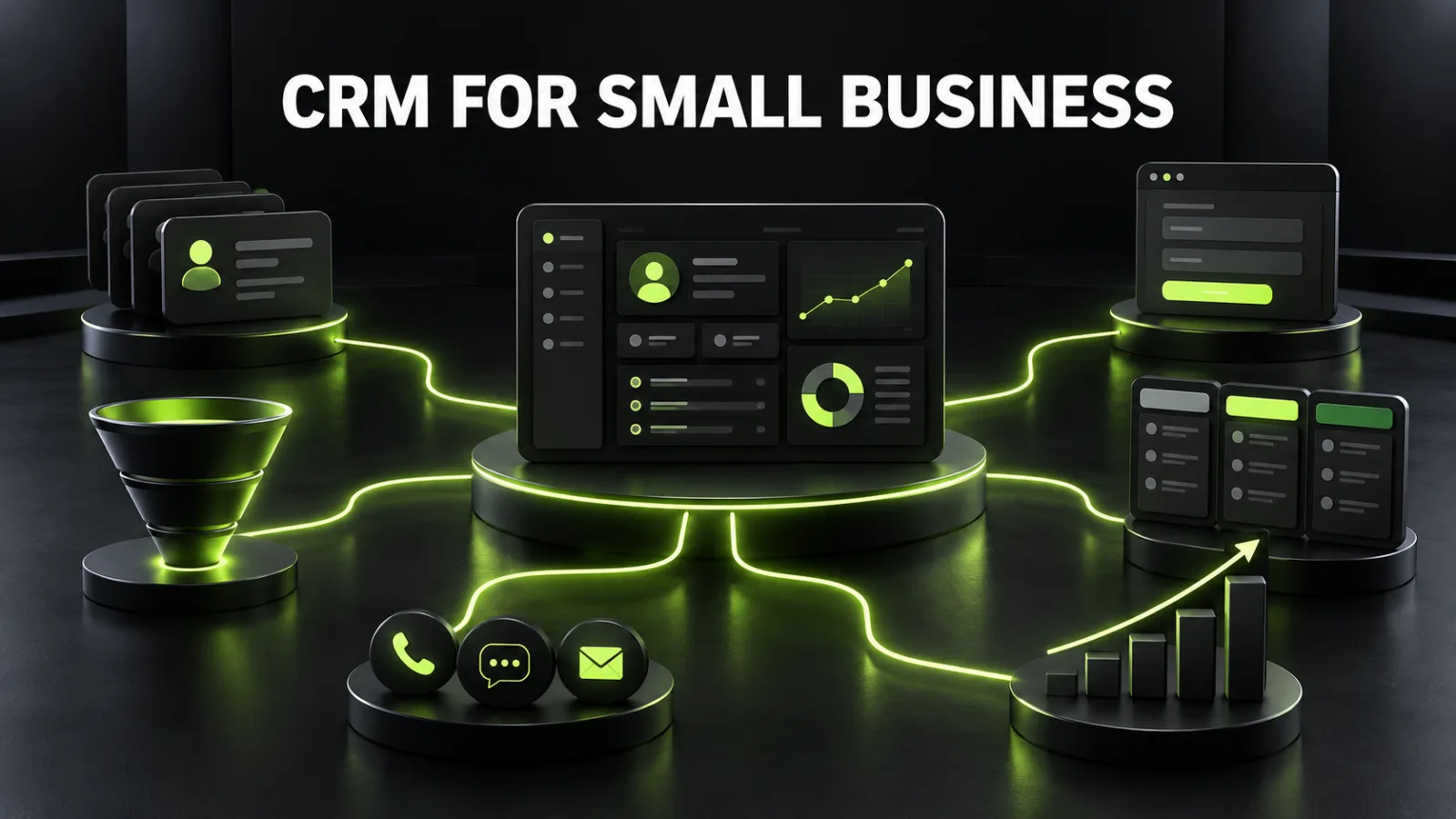
A customer relationship management system brings contacts, enquiries, deals, tasks, and communication history into one working environment. Its purpose is not to become an expensive address book. It should create a controlled path from the first enquiry to a sale, a repeat purchase, or a recorded reason for loss.
Buying a subscription is not the same as implementing CRM. Moving an inconsistent process into new software only produces digital disorder. Selection should therefore start with the customer journey, roles, data, integrations, and performance goals—not with a feature count.
A CRM creates a shared customer record and connects it to leads, opportunities, orders, messages, calls, files, and tasks. At minimum, the system should answer five questions: who contacted the business, where they came from, what they need, who owns the next action, and what outcome followed.
For a small business, the practical benefits include:
capturing every enquiry in a controlled register;
preserving context across email, calls, and chats;
assigning an owner and next action to every active deal;
reporting conversion, revenue, and loss reasons;
automating repetitive, rule-based work;
helping new employees follow a process instead of reconstructing it from a colleague’s memory.
CRM cannot replace positioning, a persuasive offer, or good service. It makes the operating process visible and repeatable. If the website attracts visitors but few enquiries, first diagnose why website traffic is not turning into leads. A CRM becomes valuable when there is a meaningful flow to capture and manage.
Do not use team size as the only trigger. A solo owner handling dozens of daily orders may need a CRM more urgently than a five-person team managing two large monthly contracts. Common warning signs include:
enquiries arrive through a website, phone, Instagram, Telegram, email, or marketplaces;
conversations remain in employees’ personal accounts;
there is no shared list of active opportunities;
follow-ups are frequently missed;
management reports are assembled manually;
the source of a completed sale is unknown;
customer context leaves with a departing employee;
repeat sales depend on memory;
customers have to explain the same situation repeatedly.
A structured spreadsheet may still be enough for a very low volume. Define required fields, statuses, and owners even then. That discipline will make future migration easier.
| Tool | Primary purpose | Best fit |
|---|---|---|
| Spreadsheet | a simple contact and deal register | low volume, one owner, minimal automation |
| CRM | sales, communication, pipelines, tasks, and customer history | several channels, follow-ups, a team, or growth |
| ERP | finance, procurement, inventory, production, and resources | complex internal operations and accounting |
| Help desk | support queues, tickets, SLAs, and knowledge | high post-sale service volume |
| CDP | behavioral data consolidation and audience segmentation | large-scale marketing data and personalization |
One platform may cover several roles, but module count is not a reliable selection criterion. A simple tool that the team uses consistently is more useful than an extensive suite full of empty sections.
Before booking product demos, map the real customer journey. Review the last 20–30 enquiries and reconstruct the sequence: source, first response, qualification, proposal, follow-up, decision, payment, and after-sale work. Mark where information is duplicated, delayed, or lost.
The map should identify:
every entry point;
the data received from each source;
the rule for creating a lead or order;
the owner of the first response;
stage entry and exit conditions;
message and document templates;
the point at which a task is created;
the event that counts as a sale;
standardized loss reasons;
the process after payment.
If forms cannot provide sufficient context or are difficult to integrate, include that work in the scope of website development or improvement. The objective is not merely to send a form. Decide which fields, UTM parameters, landing-page details, and enquiry identifiers must reach the CRM.
A pipeline should describe facts, not a salesperson’s mood. Every stage needs a clear entry condition and an action that moves the opportunity forward. A service-business pipeline might use:
| Stage | Entry condition | Required action | Exit condition |
|---|---|---|---|
| New enquiry | record created | validate details and respond | first contact completed |
| Qualification | needs are discussed | record scope, budget, and timing | fit has been assessed |
| Proposal | solution prepared | deliver the proposal | client received it |
| Negotiation | feedback exists | answer questions and revise | decision reached |
| Payment | terms accepted | issue an invoice | funds received |
| Won | sale confirmed | hand over to delivery | project started |
| Lost | deal closed without a sale | record a reason | data ready for analysis |
Avoid stages such as “thinking,” “warm,” or “almost ready” unless the organization defines exact rules. Interest level can be a separate field. The pipeline should show an operational state.
Different processes usually need separate pipelines. A new project, repeat service, partner enquiry, and support request have different owners, timings, and outcomes. Combining them distorts reporting.
Start with a minimum set of fields that people use for decisions:
person or company name;
phone and email;
source and channel;
UTM parameters where available;
product or service;
owner;
current stage and next action;
expected value;
creation and closing dates;
outcome and loss reason;
relevant communication consent.
Do not add dozens of speculative fields. Every field should have an owner, format, source, and business purpose. Free text is hard to aggregate, so use controlled values for sources, products, and loss reasons.
Replace generic rankings with a short list of required scenarios, then test each candidate. Evaluate:
| Criterion | What to test |
|---|---|
| Usability | whether a salesperson can complete routine work without a long manual |
| Pipelines | whether the real process fits without excessive workarounds |
| Channels | website, email, telephony, messengers, social channels, marketplaces |
| Automation | rules, tasks, notifications, templates, and webhooks |
| API | documentation, limits, authentication, error visibility, and a sandbox |
| Reporting | conversion, response time, value, losses, and export |
| Data | import, export, duplicate controls, backups, and deletion workflows |
| Access | roles, field visibility, audit logs, and multifactor authentication |
| Support | response quality, knowledge base, language, and partner ecosystem |
| Cost | licences, implementation, integrations, migration, training, and support |
Check local operating requirements as well: payment providers, delivery services, telephony, fiscal tools, accounting, and marketplaces. International sales may require currencies, languages, time zones, regional data hosting, and privacy workflows.
Run a pilot with realistic cases: a web enquiry, returning customer, duplicate contact, missed call, reassigned deal, loss, payment, and export. A sales demo shows the ideal route; a pilot shows your workday.
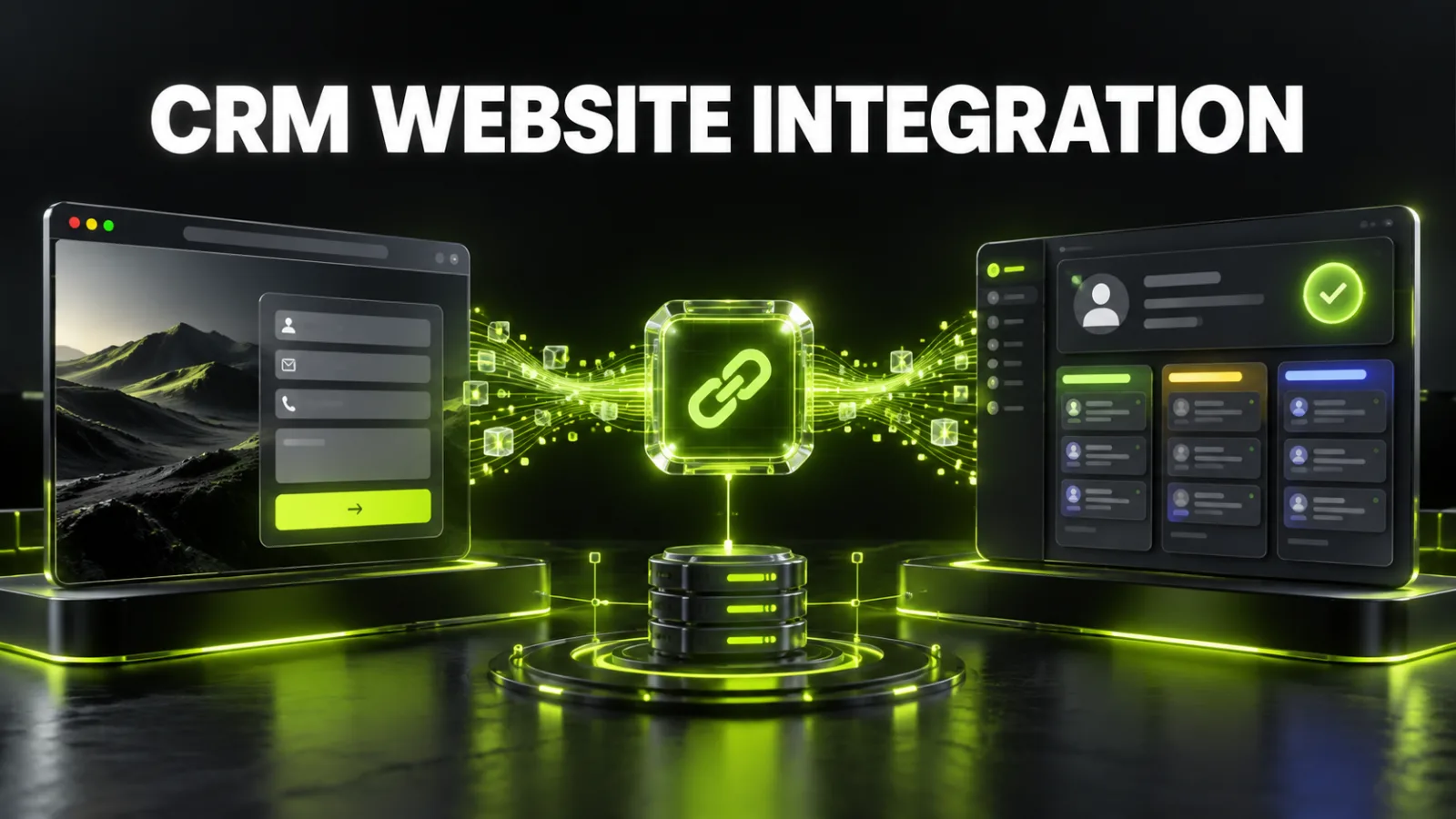
Sending a form only to an email inbox is fragile. Messages can be filtered, overlooked, or stripped of campaign context. A stronger architecture creates or updates the CRM record only after server-side validation and returns a clear status to the website.
The basic flow is:
a visitor submits a form;
the server validates data and consent;
phone and email values are normalized;
the integration searches for duplicates;
the CRM creates or updates a contact;
it creates a lead or opportunity with source data;
routing assigns an owner;
a follow-up task is created;
the website displays confirmation;
a technical log stores the integration result.
Email can remain a backup notification, but it should not be the source of truth. Critical integrations need retries, error logs, and alerts when the API is unavailable.
The data model is more complex for an online store: contacts, orders, products, stock, payments, shipping, returns, and discount codes must be aligned. A repeated webhook must not create a second order, and a returning buyer must not become a second customer without reason.
Automate stable rules before rare exceptions. A useful first set includes:
assigning owners by service, location, or round-robin routing;
creating a first-response task;
escalating overdue work;
confirming that an enquiry was received;
scheduling follow-up after a proposal;
requiring a reason when a deal is lost;
handing won work to delivery;
reminding the team about a repeat service;
warning a manager about inactive opportunities;
flagging likely duplicates.
Automated customer messages must respect timing, channel, consent, and context. The goal is a faster, more consistent experience—not additional spam.
CRM explains what happened after an enquiry. Web analytics explains the journey before it. Preserve the source, campaign, UTM parameters, landing page, and a stable enquiry identifier. Website events and conversions can be structured using the separate Google Analytics 4 setup guide.
Advertising decisions should not stop at “form submitted.” When platform rules, consent, and architecture allow it, qualified and won outcomes can be sent back as conversion signals. This helps distinguish cheap irrelevant leads from actual business. Personal data must not be placed carelessly in analytics parameters.
Before launching Google Ads management, define which CRM outcomes represent a qualified lead and a sale. For search engine optimization, connect revenue not only to the Organic channel but also to the landing page or content cluster that initiated the journey.
Do not import every historical file unchanged. First preserve a copy, then define cleaning rules:
normalize phone numbers and email case;
separate companies from individual contacts;
consolidate source names into one dictionary;
flag obsolete and incomplete records;
define duplicate keys;
map old statuses to new stages;
validate encoding, dates, currencies, and owners;
run a sample import;
reconcile record counts and totals;
document a rollback plan.
Keep the old system available in a restricted, read-only form for a defined verification period. Personal data requires lawful processing, retention rules, and a way to honor user rights.
CRM contains commercially sensitive and personal information. The minimum baseline includes corporate accounts, unique passwords, multifactor authentication, least-privilege roles, audit logs, export controls, and immediate removal of access when someone leaves.
Review who can see financial fields, export the complete database, edit automation, delete records, and connect applications. API credentials must never be exposed in website front-end code. Store them securely, limit their permissions, and rotate them after an incident or supplier change.
Integration quality also needs continuing maintenance. A website support service can help detect when a form changes, an API begins returning errors, or a new field stops being transferred.
For example: every website and messenger enquiry enters CRM, receives an owner within one minute, and can be reported through to revenue by channel.
Record sources, roles, stages, documents, exceptions, and loss points. Separate launch-critical requirements from later enhancements.
Turn the process into 10–15 test cases. Shortlist two or three systems that meet critical needs without excessive customization.
Use one pipeline, a small user group, and one or two lead sources. Test the full deal cycle under real conditions.
Clean the database, approve field mapping, connect lead sources, and test duplicates, errors, and retries.
Teach daily work rather than every feature: accept a lead, change a stage, create a task, record a loss, find history, and open a report.
During the first weeks, review ownerless deals, overdue tasks, empty required fields, duplicates, and integration failures every day.
Avoid daily redesign. Gather enough evidence, then remove unnecessary fields, refine stages, and add automation and reports.
| Metric | What it reveals |
|---|---|
| First-response time | how quickly new enquiries receive attention |
| Lead coverage | whether enquiries are left untouched |
| Stage conversion | where opportunities are lost |
| Win rate | the share of enquiries that become sales |
| Sales-cycle length | time required to reach a decision |
| Average deal value | the financial value of a win |
| Revenue by source | which channels produce money, not just leads |
| Loss reasons | what product or process problems require action |
| Repeat sales | whether the database creates value after the first purchase |
Treat CRM as an investment, not another subscription. Total cost includes licences, configuration, integrations, migration, training, and support. Benefits may include fewer lost leads, saved time, faster response, higher conversion, and repeat revenue. The financial logic is similar to calculating website ROI.
The organization starts adapting itself to a random feature set. Goals, scenarios, and critical integrations must come first.
A large launch is harder to test and adopt. Start with the operational core, validate it, and expand in controlled phases.
Duplicates, inconsistent sources, and empty contacts undermine reports immediately. Cleaning is part of implementation.
Someone must own rules, fields, permissions, training, data quality, and change management.
If the team sees the system only as surveillance, it will work around it. Demonstrate the practical benefits: less data entry, clear priorities, and complete context.
A form, plugin, telephony, or API update can silently interrupt data flow. Schedule test enquiries and monitor failures.
the goal is measurable;
every lead source is documented;
stages have clear conditions;
required fields are defined;
roles and permissions are tested;
duplicate rules are active;
migration is tested on a sample;
the website sends source and context;
integration errors are logged;
automation handles exceptions safely;
the team has completed scenario-based training;
a CRM owner is assigned;
the first weeks have a monitoring plan;
success metrics are agreed;
data can be exported and restored.
The right small business CRM is not necessarily the most expensive or feature-rich system. It is the one that reflects the real sales process, receives enquiries from the required channels, makes the next action clear, preserves history, and gives management trustworthy sales data.
Start by auditing the lead journey, design a simple pipeline, create test cases, and run a pilot. Scale integrations and automation only after the core works. To assess website forms, APIs, and the technical integration path, discuss your CRM integration with BB STUDIO.
 CRM and Business Automation
 CRM and Business Automation
 SEO
SEO
 Cybersecurity for Businesses
 Let’s create something amazing together
