
We create digital solutions that work for businesses
Building a website is technically easier than ever. You can use a website builder, install a CMS, or commission a custom product. A business, however, needs more than an online page. It needs a system that explains the offer, earns trust, appears in search, and turns visitors into enquiries or purchases.
The right starting point is therefore not a color palette or domain name. Define the role of the website, the customer journey, and the metrics that will show whether it works.
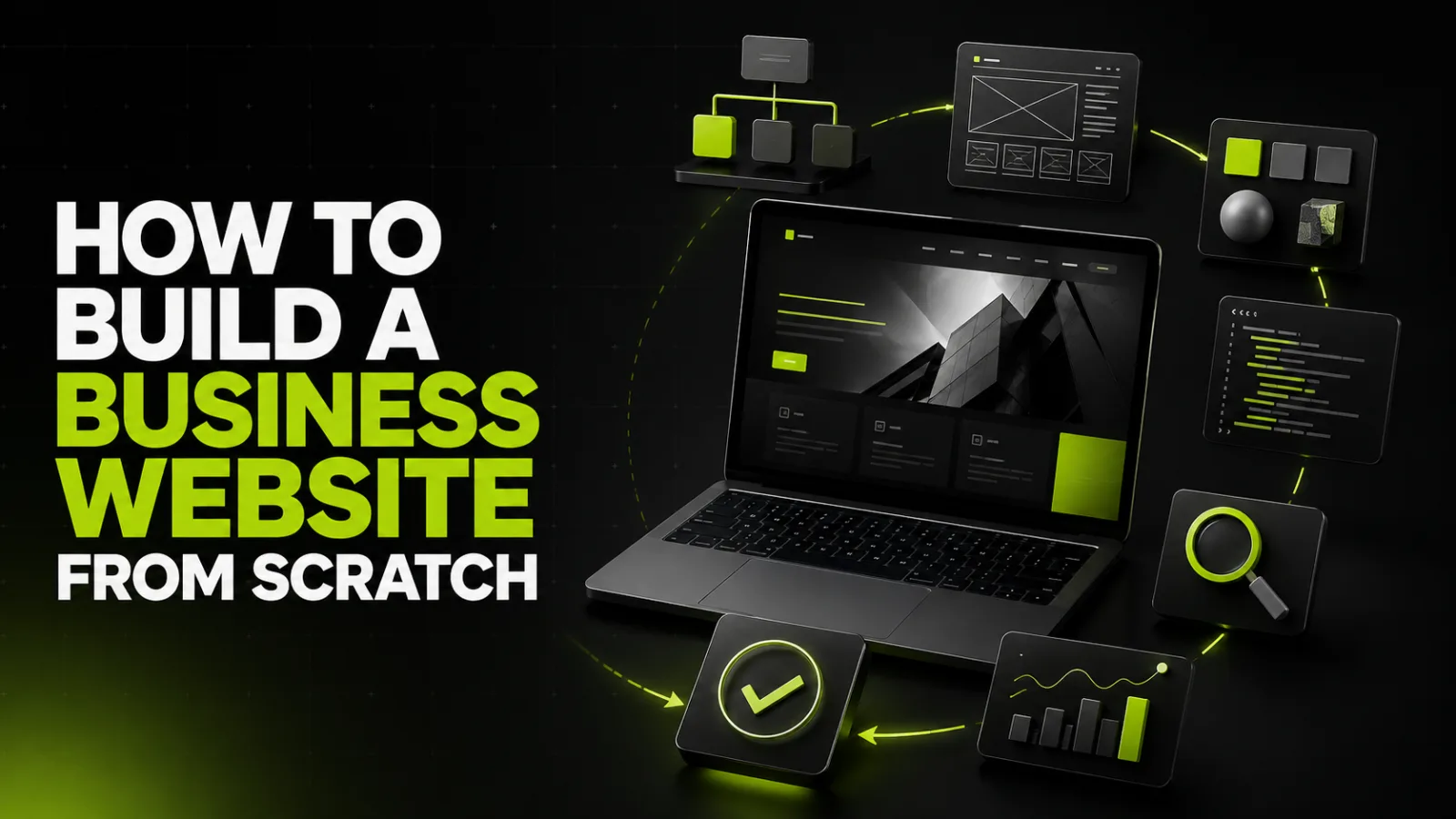
The complete process consists of ten stages:
define the business objective and audience;
select the right website type;
research demand and competitors;
design the information architecture and journeys;
prepare real content;
select a platform and development approach;
create prototypes and visual design;
develop the website and integrations;
implement SEO and analytics;
test, launch, and improve with data.
Skipping the strategic stages often produces an attractive website with the wrong pages, weak messages, and no measurable business outcome.
“We need a modern website” is not an actionable goal. A useful objective connects a visitor action to business value: generating consultation enquiries, selling products, demonstrating expertise, collecting quote requests, automating appointments, or attracting organic traffic.
Choose two to four metrics such as qualified leads, form conversion rate, revenue, lead cost, or organic traffic share. This turns the website into a measurable asset.
A landing page serves one offer or campaign.
A brochure website provides a small company with essential information and contact options.
A corporate website supports multiple services, case studies, content, and SEO growth.
A catalogue website presents many products or services and may collect quote requests instead of payments.
An online store manages products, checkout, payments, delivery, and orders.
A web application supports custom workflows, accounts, permissions, and automation.
Current formats, timelines, and starting budgets are available on the BB STUDIO pricing page.
Collect the phrases customers use, frequent objections, questions from sales conversations, recurring Google results, competitor offers, and important information competitors fail to explain.
The purpose is not to copy the market leader. It is to produce a clearer and more complete decision path. Search-led architecture should be planned before design because different user intents often require separate pages.
A typical corporate website may include a home page, service pages, company information, case studies, pricing, a blog, and contacts. The exact architecture should follow customer demand.
Each important page must answer five questions: what is offered, who it is for, what result it provides, why the company is trustworthy, and what the visitor should do next.
Map the journey from traffic source to landing page, proof, decision, and conversion. The final action may be a form, call, booking, purchase, calculator, or quote request.
Real content determines page length, component size, evidence, and hierarchy. Prepare the value proposition, service descriptions, pricing logic, case studies, authentic images, FAQs, legal pages, contact details, and calls to action.
Designing with placeholder text commonly creates rework when the final copy arrives.
A builder works for a quick experiment, a simple presentation, and a limited budget. Constraints emerge when the project needs custom logic, complex integrations, advanced SEO control, or significant scaling.
WordPress and other content management systems balance speed, editorial control, and extensibility. The result depends on implementation quality, plugins, hosting, and maintenance—not merely the platform name.
Custom development is appropriate for services, portals, calculators, complex catalogues, and workflows that should not be forced into a generic platform.
The detailed trade-offs are explained in WordPress vs Website Builders.
A prototype establishes page order, navigation, forms, filters, cards, and calls to action before visual decoration. Fixing the journey at this stage is far cheaper than changing developed screens.
Good UI design supports brand positioning, guides attention, works on small screens, maintains readable contrast, avoids unnecessary animation, and accommodates real content and future expansion.
Development turns approved layouts into a functional product. Implement responsive behavior, content management, forms, email delivery, CRM, payments, shipping, multilingual content, and every agreed feature.
The business should control the domain, hosting, analytics, Search Console, source repository, and paid licences. View examples in the BB STUDIO portfolio or explore website development services.
Prepare readable URLs, unique titles and headings, internal links, canonical tags, indexing rules, a sitemap, image alt text, relevant structured data, HTTPS, responsive content, and solid performance.
Google recommends creating content for people while helping search engines understand it. A submitted sitemap supports discovery but does not guarantee indexing. Structured data can make a page eligible for rich results, but display is not guaranteed.
Configure GA4 around meaningful actions rather than page views alone. For lead generation, measure form views, starts, submissions, phone or messenger clicks, and qualified outcomes. Include SEO specialists while planning the architecture, not after launch.
Test phones, tablets, and desktops; navigation; forms; email and CRM delivery; payments; redirects; canonical URLs; metadata; SSL; backups; access rights; analytics events; and Core Web Vitals.
Use BB STUDIO Tools to inspect SSL, DNS, redirects, and metadata. After release, collect real behavior for several weeks and prioritize improvements by user impact and business value.
A DIY launch can make sense when testing a simple idea with no complex integrations and enough time to learn. Professional development is safer when the website will be a primary sales channel, the search market is competitive, integrations are business-critical, deadlines matter, or the internal team cannot coordinate strategy, design, engineering, and quality assurance.
As of August 2026, BB STUDIO starting prices are UAH 9,900 for a landing page, UAH 12,900 for a brochure website, UAH 16,900 for a catalogue, UAH 19,900 for a corporate website, UAH 29,900 for an online store, and UAH 59,900 for a custom web product. The final budget depends on page count, design, functionality, content, languages, and integrations.
A successful business website begins with objectives, audience insight, and architecture—not with a platform. Content, prototypes, design, code, SEO, analytics, and testing follow in that order. This process reduces rework and allows the project to be judged by leads, sales, and organic growth.
BB STUDIO can deliver the full cycle and provide ongoing website support after launch.
 Web development
 Web Application Development
 SEO
SEO
 Hosting & tech
 Let’s create something amazing together
