
We create digital solutions that work for businesses
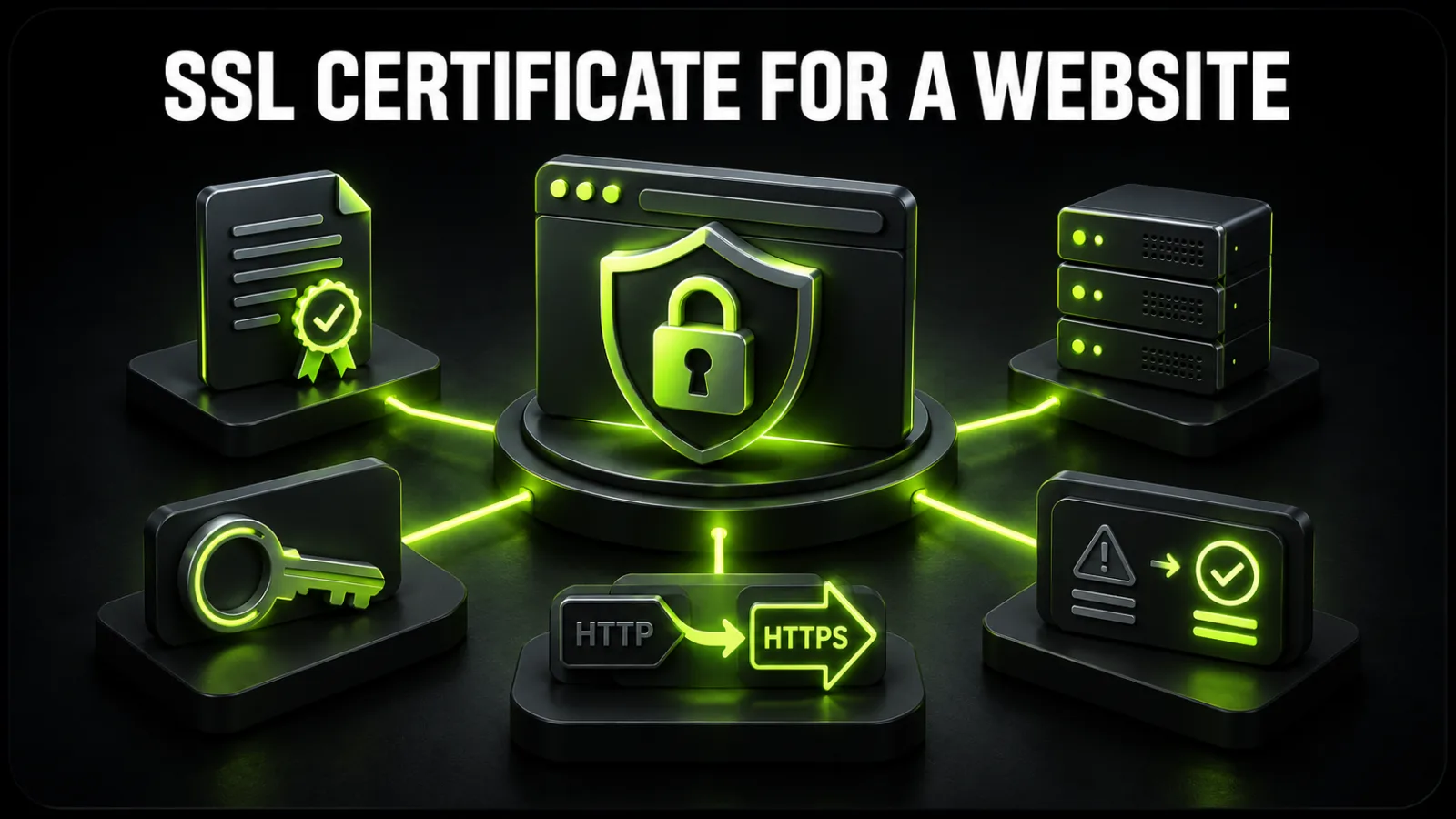
HTTPS is a baseline requirement for any website, from a landing page to an online store. It encrypts data between the browser and server, authenticates the domain, reduces interception risk, and removes the “Not secure” warning. However, clicking “Issue SSL” in a hosting panel is only the beginning. You must install the complete certificate chain, move internal resources to HTTPS, configure one clean 301 redirect, and verify automatic renewal.
If you do not have server access or the website already shows errors, the work can be handled through website technical support. The guide below also helps you audit an existing setup or supervise a contractor.
People still use the term SSL, although modern secure connections use TLS. A certificate includes the domain name, public key, certificate authority information, and validity period. A browser checks whether the certificate comes from a trusted authority, matches the requested hostname, and remains valid.
HTTPS provides:
encryption, so traffic between the visitor and server should not be readable in transit;
integrity, so data should not be silently modified during transfer;
authentication, so the browser can verify the certificate was issued for the requested domain.
SSL does not clean malware, patch a vulnerable CMS, or replace access control. If compromise is suspected, run a separate website malware and vulnerability check.
Most blogs, service websites, and stores can use a free certificate issued automatically by the host or an ACME client. A paid certificate is not automatically “more encrypted.” It may be appropriate when the business needs organization validation, contractual warranties, vendor support, or must satisfy a formal corporate policy.
| Type | What is validated | Suitable use |
|---|---|---|
| DV | control of the domain | most websites, blogs, stores, and services |
| OV | domain plus organization details | companies with internal verification requirements |
| EV | extended organization checks | regulated environments or an explicit policy requirement |
| Wildcard | a domain and one level of subdomains | many dynamic subdomains |
| SAN / multidomain | several named domains | one project operating across several domains |
Before buying anything, check whether SSL is included in your plan. It is one of the criteria covered in the guide on how to choose website hosting. The essential points are hostname coverage, automatic renewal, and correct server configuration.
Do not begin by editing the CMS URL. Establish a recoverable starting point first:
Create a full backup of files and the database, then confirm it can be restored. Use the detailed website backup guide if needed.
List every hostname: example.com, www.example.com, subdomains, panels, APIs, and webmail endpoints.
Identify where TLS terminates: the server, load balancer, CDN, or reverse proxy.
Confirm access to the registrar, DNS, hosting panel, CMS, CDN, and analytics.
Save existing redirect rules, canonical tags, sitemap, and robots.txt.
Schedule a low-traffic maintenance window and define a rollback owner.
When the server is also changing, avoid combining uncontrolled changes. First review the process for moving a website to another host.
A certificate for example.com does not always cover www.example.com. Include both if they resolve, plus active subdomains. Do not choose a wildcard by default when a few specific names are sufficient.
The simplest route is the SSL/TLS or Let’s Encrypt feature in the hosting panel. On a self-managed server, use a maintained ACME client and the official documentation for your web server. Domain control may be validated through an HTTP request or DNS record.
The server needs the domain certificate, intermediate certificates, and private key. An incomplete chain may work on one device and fail on another. Never send a private key through chat or email, store it in a public repository, or leave its file permissions open.
Make sure the correct certificate is attached to the intended virtual host. With a CDN, load balancer, or Cloudflare in front, both legs must be protected: browser to proxy and proxy to origin. A mode that contacts the origin over HTTP does not provide end-to-end transport protection.
Set the canonical HTTPS address in the CMS. In WordPress, review WordPress Address and Site Address only after HTTPS already responds correctly; changing them too early can lock you out of the dashboard.
Update images, CSS, JavaScript, fonts, iframes, APIs, and downloads. For WordPress databases, use a tool that handles serialized values instead of a blind SQL replacement. Take a fresh backup before a bulk operation.
Mixed content occurs when an HTTPS document requests a resource over HTTP. The browser may block scripts, styles, or iframes, breaking menus, forms, or checkout. Open DevTools, locate HTTP requests, and replace them with HTTPS versions. If a third-party provider has no HTTPS endpoint, replace or remove that integration.
Every HTTP URL should redirect permanently to its exact HTTPS counterpart:
http://example.com/page → https://example.com/page
Choose either www or non-www as the canonical hostname. Avoid chains such as HTTP → HTTPS www → HTTPS non-www and loops between the server, CMS, and CDN.
Replace URLs in canonical tags, hreflang, XML sitemap, structured data, and internal links. Confirm that robots.txt does not block HTTPS pages and that the sitemap contains only final URLs returning 200. Add or verify the HTTPS property in webmaster tools where protocols are treated separately.
Change URLs in analytics, Tag Manager, ad accounts, CRM, payment providers, webhooks, email templates, maps, and company profiles. Authentication and payment callback URLs deserve special attention.
Test the homepage, categories, product or service pages, forms, login, registration, cart, checkout, search, downloads, and admin area. Include a mobile browser, private mode, and at least one device that does not have the old cache.
The certificate should renew automatically well before expiry. Verify that the scheduled job runs, domain validation still succeeds, and failure alerts go to a monitored address. One successful installation does not prove the next renewal will work.
| Symptom or code | Likely cause | What to inspect |
|---|---|---|
ERR_CERT_DATE_INVALID |
expired or not-yet-valid certificate, or incorrect clock | server/device time, validity dates, renewal logs |
ERR_CERT_COMMON_NAME_INVALID |
hostname is not covered | SAN entries, www/non-www, virtual-host mapping |
ERR_CERT_AUTHORITY_INVALID |
untrusted issuer or incomplete chain | intermediate certificates, full chain, corporate proxy |
| “Not secure” on some pages | mixed content or a form posting to HTTP | DevTools Console/Network, templates, plugins, external assets |
ERR_TOO_MANY_REDIRECTS |
conflicting server, CMS, and CDN rules | proxy SSL mode, forwarded headers, duplicate redirects |
| SSL handshake / protocol error | protocol, cipher, SNI, or origin failure | server logs, TLS configuration, origin certificate |
Do not “fix” these errors by disabling HTTPS. Identify whether the failure starts at DNS, CDN, server, CMS, or an individual page resource.
After SSL installation, WordPress may retain HTTP URLs in content, theme settings, and plugin metadata. A safer sequence is:
verify that https://domain responds;
create a current backup;
update WordPress Address and Site Address;
run a serialization-aware search and replace;
purge CMS, server, and CDN caches;
test media, page builders, forms, and fonts;
enable the global 301 redirect only after those checks.
Behind a reverse proxy, WordPress must recognize the original HTTPS request. Otherwise it may create a redirect loop or generate HTTP URLs. Do not paste random configuration snippets without understanding the headers sent by your specific proxy.
A secure connection between the browser and CDN does not prove that traffic to the origin server is encrypted. A complete setup needs a valid origin certificate and a mode that verifies it. If a loop appears, inspect:
the protocol used by the CDN to reach the origin;
whether the server, CMS, or CDN rule performs the redirect;
whether the original-protocol header is passed correctly;
whether the origin responds to the expected hostname;
whether an old certificate remains after a server change.
The guide on checking a domain, host, and server helps collect DNS, IP, and infrastructure facts before changing settings.
Changing the protocol changes the URL, so search engines need consistent signals. Each old page should 301 redirect to the matching HTTPS page; canonical, hreflang, sitemap, and internal links should use the final address. Avoid combining HTTPS migration with a large URL restructuring unless necessary, because diagnosis becomes harder.
After launch, monitor:
indexing of HTTPS pages;
old HTTP URLs in reports;
3xx, 4xx, and 5xx responses;
organic traffic and primary conversions;
speed and Core Web Vitals.
TLS involves computation, but a modern correct setup is rarely the main cause of a slow website. If performance declines, inspect the CDN, cache, and server with the website speed optimization checklist.
Test the four homepage variants: HTTP/HTTPS and www/non-www. The three non-canonical variants should reach the chosen canonical URL through a clean route. Then:
inspect certificate details in the browser: hostname, issuer, and validity;
check DevTools for HTTP requests or blocked resources;
use curl -I to inspect status codes and the Location header;
use openssl s_client to inspect the chain and SNI if you have the expertise;
run an independent SSL configuration scan;
crawl the website for internal HTTP links;
test forms, checkout, APIs, and webhooks;
simulate renewal or inspect a dry-run log.
More infrastructure and maintenance guides are available in the Hosting and Technical category.
The certificate covers the domain, www, and required subdomains.
The server presents a complete trusted chain.
The private key has restricted access.
Every HTTP URL 301 redirects to its exact HTTPS counterpart.
There are no redirect loops or unnecessary chains.
Canonical, hreflang, sitemap, and structured data use HTTPS.
Internal code and database values contain no required HTTP assets.
Forms, checkout, authentication, and APIs work.
CDN-to-origin traffic is protected.
Analytics and conversions continue after the URL change.
Automatic renewal is enabled and tested.
Expiry or renewal-failure monitoring is active.
Only one hostname is covered. The www version or a subdomain then shows a warning.
CMS URLs remain on HTTP. The application continues generating insecure links.
Redirects are enabled at every layer. The server, plugin, and CDN create a loop.
A temporary 302 is used instead of a permanent 301. Search signals become less explicit.
Mixed content is not tested. Important features fail only on certain templates.
Renewal is assumed rather than verified. The site later becomes inaccessible to some visitors.
The private key is shared. After exposure, reissue the certificate and replace the key.
A do-it-yourself setup is reasonable when the host provides automated SSL, the site is small, a current backup exists, and rollback is clear. Get specialist help for a VPS, multiple subdomains, CDN, reverse proxy, online store, payment integrations, or custom server configuration—especially after a loop, dashboard lockout, or conversion drop.
For an audit and controlled migration, contact BB STUDIO. Before making changes, we document the backup, canonical hostname, TLS termination points, and acceptance checks.
 Analytics and Conversion
 Hosting & tech
 Hosting & tech
 Hosting & tech
 Let’s create something amazing together
