
We create digital solutions that work for businesses

An SEO audit costing several hundred euros begins with things you can check yourself in an hour. We do not hide this: most technical problems are visible from the outside, and a business owner is perfectly capable of finding them — you only need to know where to look and in what order.
Below is the same sequence we start any project with. Eight steps, free tools, and an explanation of what to do with each finding.
It sounds trivial, but this is the costliest mistake in SEO and it happens regularly. A developer blocks the staging domain from indexing, forgets to unblock it after the launch — and traffic disappears within weeks.
Open the indexability check and paste your homepage URL. The tool gives a verdict and, if the page is blocked, names the cause:
WordPress has a separate “Discourage search engines from indexing this site” checkbox, switched on during development and forgotten. Check it in your reading settings.
Search Google for site:yoursite.com. The number under the search bar is the approximate count of indexed pages. If you have 200 pages and 30 were found, you have a crawling problem.
The exact picture lives in Google Search Console under Page indexing. It gives a reason for every URL that is not indexed. The two most common are:
“Discovered — currently not indexed” — the crawler knows about the page but has not reached it. Usually just a matter of time, especially on a young site.
“Crawled — currently not indexed” — worse. It means Google looked and decided not to add it: the content is too thin, nearly duplicates another page, or adds nothing new to what already ranks.
The sitemap.xml file belongs in your site root, should contain only canonical URLs and must be submitted in Search Console. The most frequent errors: URLs blocked by a noindex tag sitting inside the sitemap; old pages that already return 404; addresses using http instead of https, or www when the site runs without it.
If there is no sitemap at all, the sitemap.xml generator will crawl the site through its links and hand you a ready file. Put it in the root and add a Sitemap: line to robots.txt so the crawler finds it without your help.
If robots.txt itself is missing or looks questionable, the robots.txt generator assembles one, with ready presets for WordPress, OpenCart and online stores.
The title is the strongest text signal a page has. The description does not affect ranking directly, but it decides whether people click your result among ten others.
The meta tag checker shows what the tags say and whether they fit the limits. The benchmarks: title under 60 characters, description under 160. Longer and Google truncates mid-word.
What to look at first:
If tags need building from scratch, the meta tag generator shows a live snippet preview: you see immediately how the result will look in Google.
Speed is not the main ranking factor, but it shapes behaviour: if a page takes five seconds, people return to the results, and that is noticeable.
The speed audit gives a 0–100 score and a list of specific problems. The most common findings and what to do about them:
| Problem | What it means | Effort to fix |
| No gzip or brotli | the page travels to the visitor uncompressed | one line of configuration |
| Images not in webp | pictures weigh a third more than needed | conversion, half an hour |
| No Cache-Control | the browser reloads everything every time | server settings |
| HTTP/1.1 | an outdated protocol | switched on at the host |
| Blocking scripts in head | the page waits for them before showing | the defer attribute, developer work |
If the audit flagged images, you can close that one without leaving the site: the WebP converter compresses files right in the browser, up to twenty at a time, and preserves transparency.
If you ever changed the URL structure, the domain, or moved to https, old addresses must lead to new ones through a single direct 301. The redirect checker shows the real chain.
Two typical diagnoses. First: a 302 instead of a 301 — that means “temporarily”, and authority does not pass to the new URL. The classic reason traffic collapses after a migration. Second: a chain of three or four hops, each eating part of the equity and adding delay.
The 301 redirect generator helps fix it — it assembles rules for .htaccess or Nginx and warns immediately if a rule would create an infinite loop.
Schema.org markup does not raise rankings — Google has confirmed this repeatedly. What it does is change how your result looks: star ratings, expandable questions, price, breadcrumbs instead of a bare URL. Such a listing stands out, so you get more clicks at the same position.
The Schema.org generator builds JSON-LD for the types you actually need: LocalBusiness, Article, Product, FAQPage and BreadcrumbList.
One rule you must not break: only mark up what genuinely exists on the page. Star ratings without real reviews, or FAQ markup where there is no visible questions block, is a violation — and Google removes rich results not from one page but from the entire site, sometimes for months.
The last step is no longer about SEO but about being able to see results. If you run ads, newsletters or post links on social media, every link needs UTM tags — otherwise all that traffic collapses into a pile of “direct visits” in Google Analytics.
The UTM link builder assembles a correct link with presets for Google Ads, Facebook and newsletters. The main rule is to write the tags identically across campaigns: Analytics treats Facebook and facebook as two different sources, and your statistics fall apart into dozens of near-identical rows.
After eight steps you will have a list of findings. Sort them by priority:
And the main thing to understand after such an audit: if no technical problems turned up and the site still is not growing, the cause is usually not in the code. Most often it is a young domain and the absence of external links. We covered this in detail in why your site is not growing in Google.
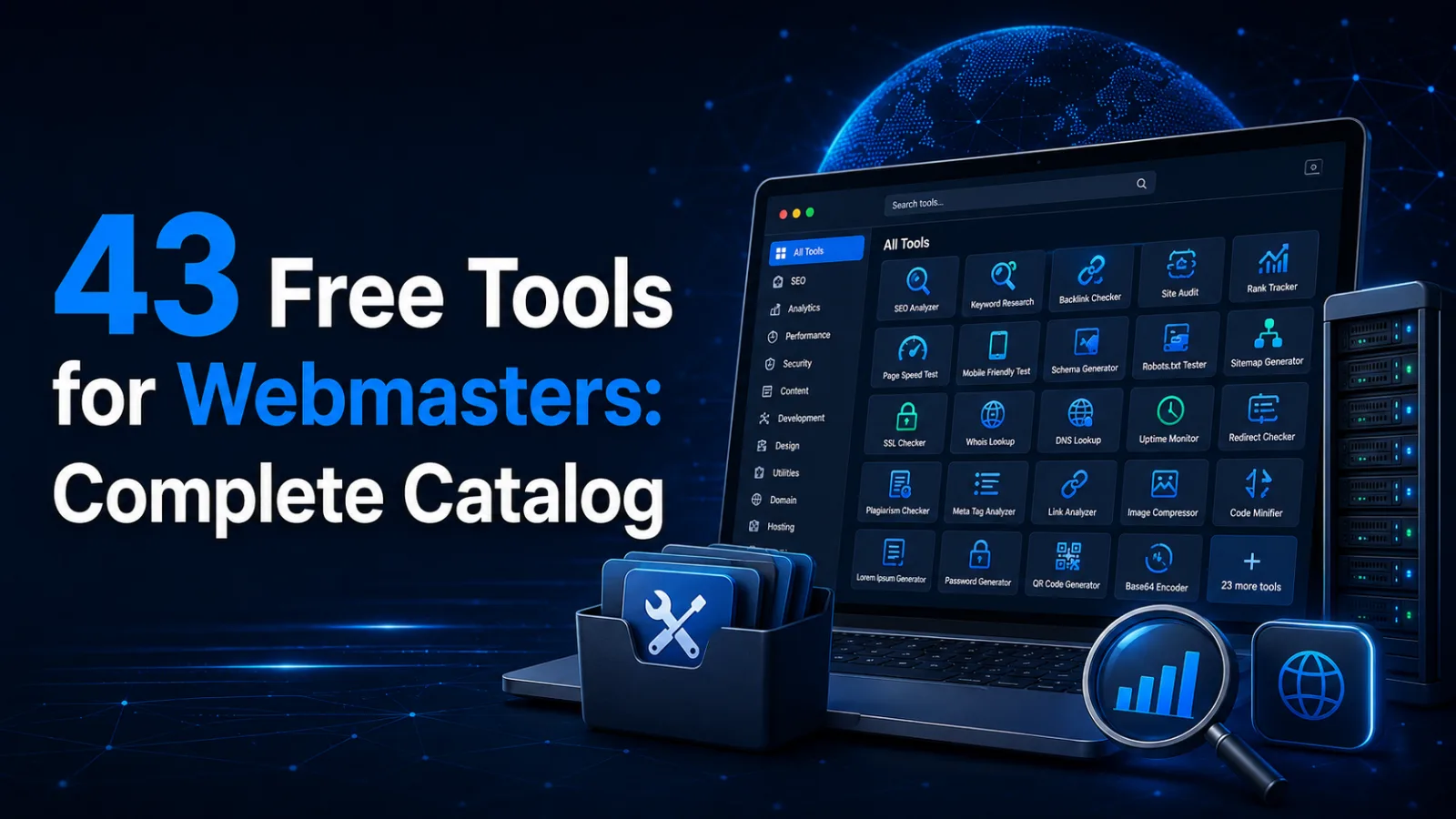
The complete set of checks lives in our catalogue of 43 tools. And if you need help with the fixes, get in touch.
 Web development
 Cybersecurity for Businesses
 Hosting & tech
 Design & UI/UX
 Let’s create something amazing together
