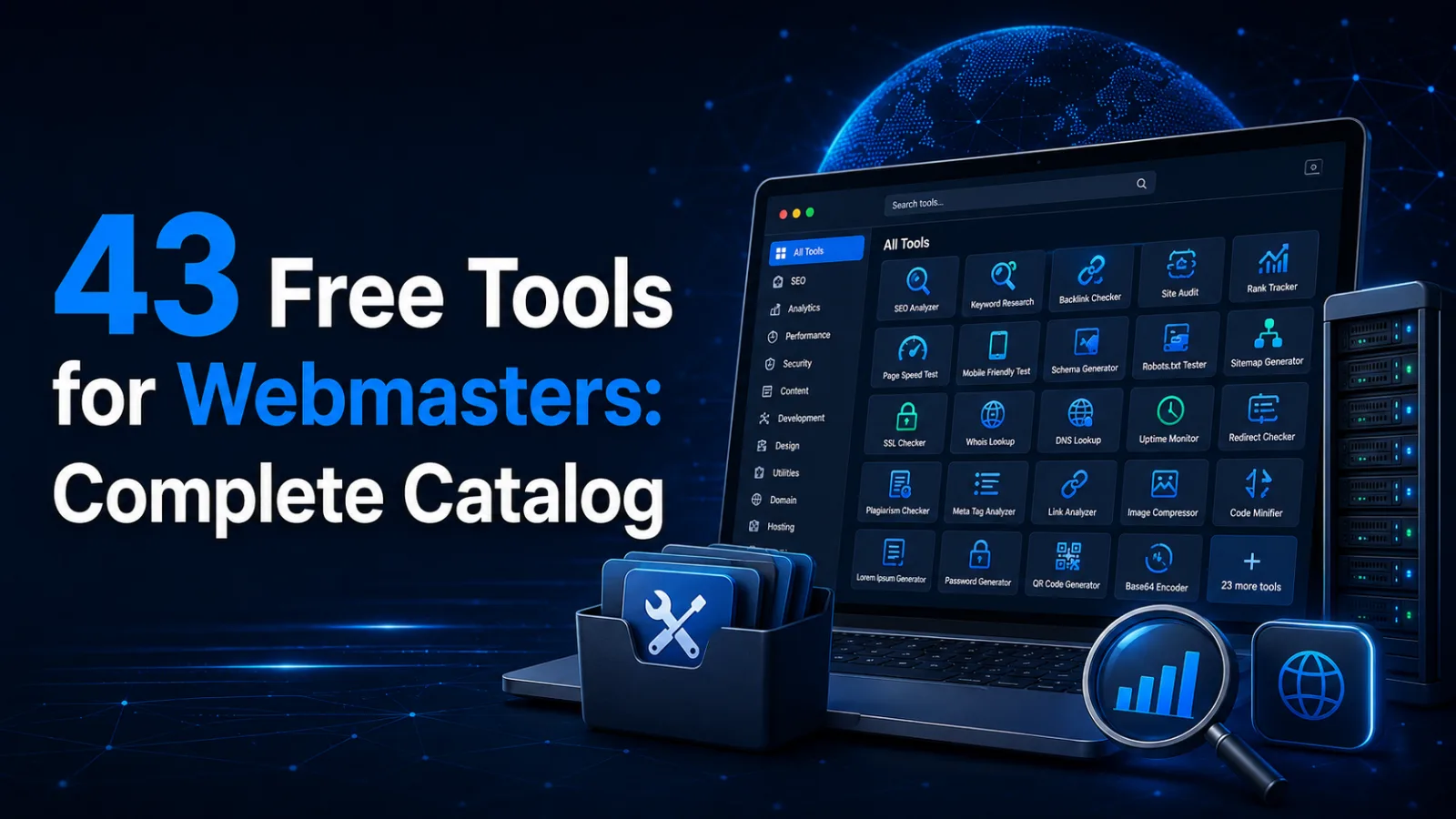
43 Free Tools for Webmasters: The Complete Catalogue
Web development
You do not need a paid subscription to check a website. Most tasks — from “why do my emails land in spam” to “why is this page missing from Google” — are solved by free tools in a couple of minutes. The real problem is different: there are hundreds of such services, half of them are buried in ads, and some demand registration for a single lookup.
We have gathered 43 tools in one place and keep them free of ads, registration and usage limits. Below is the full list by category, with a note on when each one is useful.
What to know before you start
Some of the tools run entirely in your browser — the data never leaves your computer. This applies to everything involving files and personal information: the image converter, QR code reader, tax ID and IBAN validators, JSON formatter and text comparison. It is easy to verify: open the Network tab in developer tools and you will see no requests at all while you work.
The rest reach out to external services because there is no other way: to read the DNS records of somebody else’s domain or measure a server’s response time, the request has to come from our side. These tools store nothing.
Network and domains — 7 tools
Everything about the domain, the server and how they answer the outside world.
DNS records — A, AAAA, MX, NS, TXT, CNAME, SOA, SRV, PTR and CAA. The first place to look when a site “does not open” or email stops flowing.
Domain WHOIS — registrar, creation date and expiry date. The age of a domain is especially telling: it explains a great deal about why a site is not ranking yet.
Site hosting — whose servers the site runs on and in which country. Useful when checking a contractor or a competitor.
Response time — DNS, connection, TLS and TTFB as separate figures.
Redirect checker — the whole 301 and 302 chain to the final address. It doubles as a link unshortener: it reveals where a bit.ly really leads without you opening it.
Port checker — whether a port is open from outside, distinguishing “closed” from “filtered by a firewall”.
My IP — your address, provider and city at a glance.
IP information — country, city, provider, ASN and timezone for any address.
Anonymity check — what sites see about you: proxy headers, membership of Tor or a hosting network, a real IP leak through WebRTC, a timezone mismatch. The most common finding is WebRTC: it exposes the real address around the VPN.
The largest group. These are the tools we use ourselves on client projects every day.
Indexability check — answers “why is this page not in Google”: robots.txt rules for your exact URL, the noindex meta tag, the X-Robots-Tag header, the canonical and redirects.
SSL — simply to know when your certificate expires.
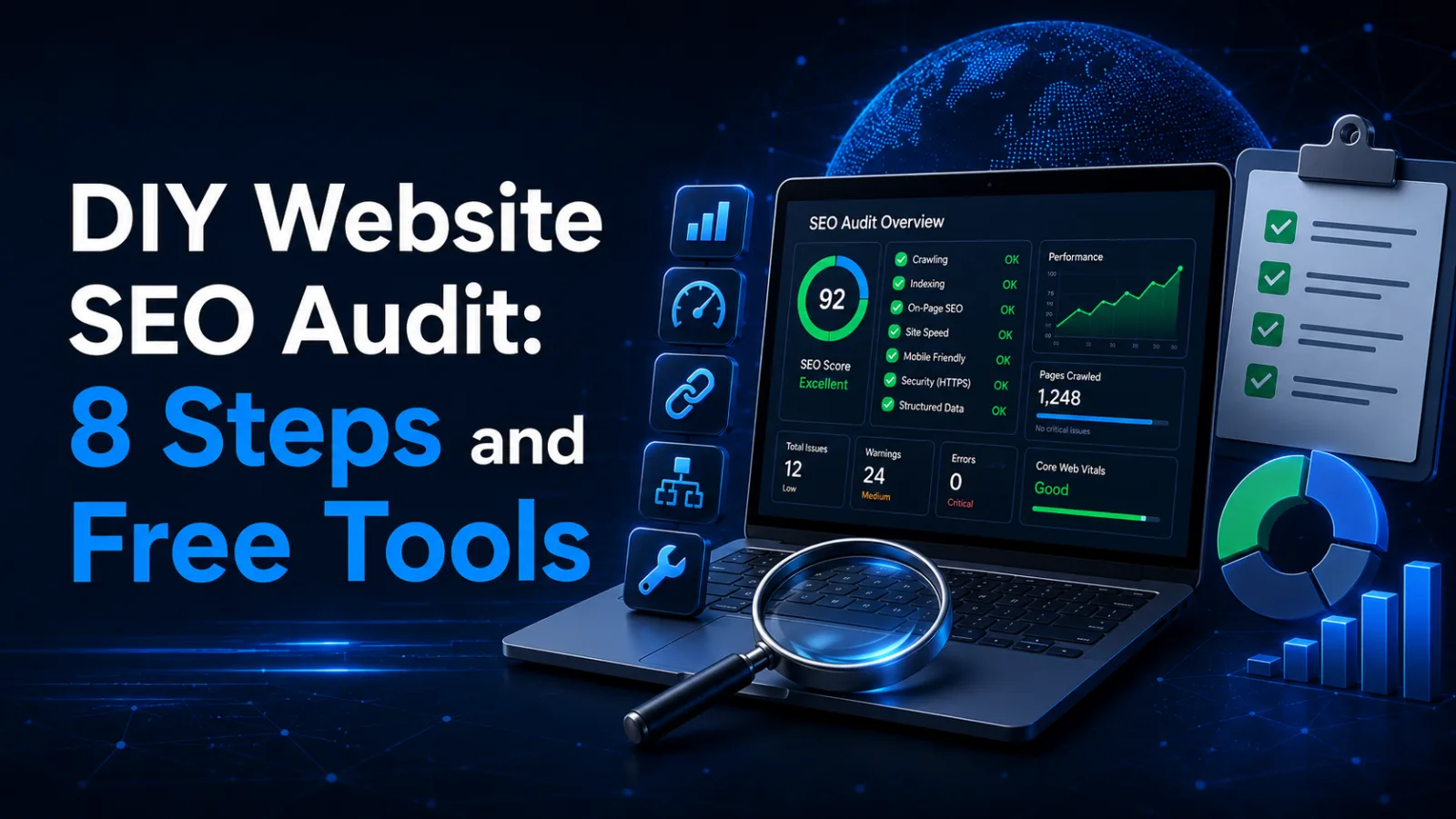
That is five minutes of work, and it usually surfaces two or three real problems.
The questions we get most often
Is it really all free? Yes, with no limit on the number of checks and no registration. We build these tools for ourselves and our clients, not as a separate product.
Do you store my data? No. Some tools send nothing to a server at all — everything is computed in your browser. The rest run the request at the moment you press the button and log nothing.
Can I use them on sites I do not own? Yes, every check uses publicly available information — the same thing any visitor or search crawler sees. The one limit we set deliberately is on the port checker: no more than 15 ports per request, so the tool does not turn into a network scanner.
If the checks made it clear that something needs fixing but not what exactly, get in touch — we will look and tell you specifically. And if you would rather work it out yourself, start with our guide on how to get to the top of Google.

 SEO
SEO
 Web development
 Web development
 E-commerce
 Let’s create something amazing together
