
We create digital solutions that work for businesses
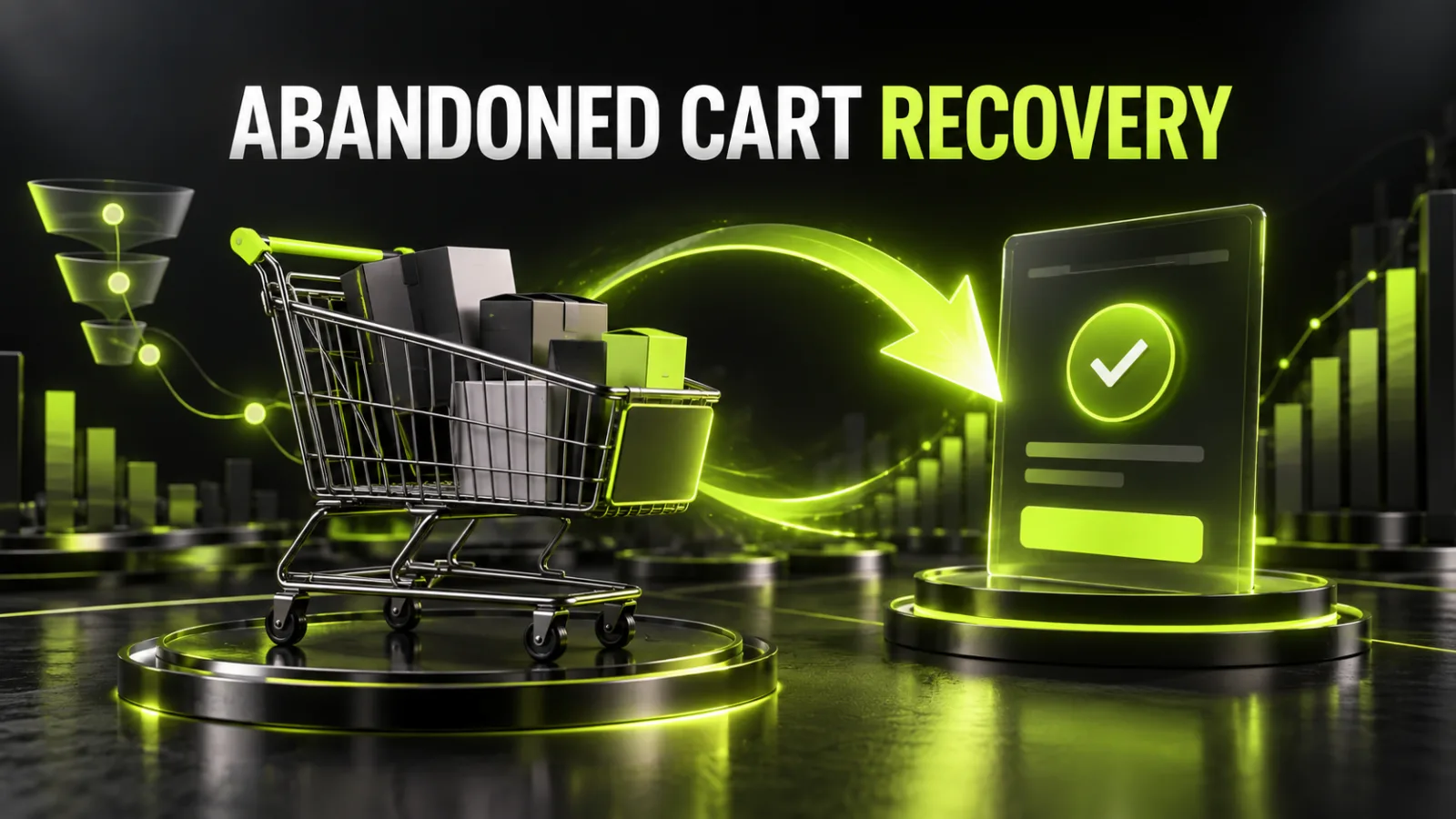
A shopper views a product, adds it to the cart and leaves without placing an order. That does not necessarily mean the purchase intent has disappeared. Unexpected delivery costs, an inconvenient form, a missing payment option, a technical error or a simple interruption may have stopped the order.
Cart recovery is only the second half of the solution. The first is removing the reason for abandonment. If checkout is broken, an email sequence only sends the shopper back to the same obstacle.
The right order is therefore to measure the funnel, test the technology, remove friction and only then launch automated reminders and retargeting.
These situations require separate rules.
| Scenario | What happened | Is the contact known? |
|---|---|---|
| Abandoned cart | A product was added, but checkout did not start | Often not |
| Abandoned checkout | The shopper started checkout but did not buy | Email or phone is often available |
| Failed payment | An order was created, but payment was not completed | Usually yes |
| Delayed purchase | The shopper saved a product or is comparing options | Depends on the account |
Each scenario needs a different trigger. You cannot email a visitor who only added a product unless you have legitimately obtained their contact and have a valid basis for the message. A shopper whose payment failed needs clear instructions or another payment method, not a generic discount coupon.
Abandoned carts are normal. Some visitors compare prices, check delivery terms or are simply not ready to buy. The goal is not to reduce abandonment to zero. It is to remove avoidable losses and recover shoppers with genuine purchase intent.
An industry average is not a diagnosis for your store. Analyse your own data by:
If mobile checkout loses 80% of shoppers while desktop loses 45%, the likely issue is not the product but the mobile experience.
Delivery, fees or a minimum order value appears only at the last step. Even a small surcharge damages trust when it was hidden before checkout. Show delivery terms on the product page, in the cart and before payment details. When the exact amount depends on location, provide a calculator or a clear range.
Requiring an account adds a password, confirmation and another decision. Allow guest checkout and offer account activation after the order has been placed.
Every unnecessary field creates another chance for an error. Do not ask for a date of birth, secondary phone number or other data that is not needed to fulfil the order. Use appropriate field types, autofill and helpful error messages next to the affected field.
Cards, cash on delivery, Apple Pay, Google Pay, bank transfers and local methods have different importance in different markets. Evaluate successful payment share and customer demand, not just the number of connected methods.
Shoppers need to know the delivery time, price, carrier, pickup options and collection rules. “Delivery will be calculated by a manager” introduces uncertainty where customers expect self-service.
A button does not respond, a promo code breaks the total, the payment page does not return to the store, a session expires, a product disappears or delivery options fail to load. These problems are often invisible in a standard sales report.
The store lacks contact details, return terms, seller information, reviews or a clear payment policy. Random “Secure” badges do not solve this. Trust comes from specific terms, verifiable information and a consistent interface.
Some people use the cart as a wish list. Persistent carts, wish lists and price or stock alerts are more useful for this group than aggressive pressure.
A minimum ecommerce funnel is:
view_item → add_to_cart → view_cart → begin_checkout → add_shipping_info → add_payment_info → purchase
GA4 recognises recommended ecommerce events, but the store must send them with the correct parameters. Check items, item_id, item_name, price, quantity, currency and value where applicable.
If purchase fires again after a page refresh or before payment confirmation, revenue will be overstated. If begin_checkout is missing on mobile, the abandonment diagnosis will be wrong.
Use the full Google Analytics 4 setup guide for the measurement foundation and the Google Tag Manager guide for events and the dataLayer.
(carts without a purchase / all created carts) × 100%
Use one definition of a cart and one consistent period. Users, sessions and carts are different units.
((begin_checkout − purchase) / begin_checkout) × 100%
recovered orders / carts included in the recovery flow
Count only confirmed purchases attributed to the recovery flow within a defined window. Subtract cancellations, returns, discounts, channel fees and messaging costs.
Complete real orders on:
Do not test only successful orders. Enter an invalid postcode, leave a required field empty, use an expired promo code and simulate a declined payment. The shopper should understand what went wrong without losing data already entered.
Use server logs for backend errors and session recordings for UX analysis. Mask personal, payment and other confidential fields.
Display products, quantities, discounts, delivery, taxes and the final total in one clear summary. Any delivery change should update the total immediately.
A purchase should not depend on creating a password. After a successful order, offer to activate an account using the information already provided.
Fields should match the actual fulfilment process. Show progress for a multi-step checkout, or use one well-structured page with clear sections.
Sync carts for signed-in customers. For guests, keep the cart for a reasonable time using a cookie or server session. A recovery message should use a secure personal link that restores the current cart.
A declined payment should not force the shopper to re-enter the address and delivery details. Allow another payment attempt or a different method.
Third-party widgets, trackers, chat and large scripts can slow down the most critical step. Checkout should contain minimal third-party code and have dedicated error monitoring.
Send it after a delay long enough to indicate genuine abandonment. Its purpose is to restore saved products, not to introduce an immediate discount.
Include:
After a longer delay, answer likely questions about delivery, returns, warranty, size or compatibility. The content should match the product category.
Offer free delivery, a bonus or a discount only when the margin allows it. Do not create a fake timer or claim that stock is reserved when it is not.
The flow must stop immediately after a purchase, withdrawal of consent, loss of stock or expiry of the cart.
A coupon in the first message teaches customers to abandon carts deliberately. First test a reminder without a discount, then segment incentives.
A discount can be limited to:
Compare net profit, not only recovery rate. A no-coupon flow with fewer recoveries can be more profitable.
Email has room for products and terms. SMS is visible but more expensive and sensitive to consent. A messenger works when the customer deliberately chose it. Web push requires browser permission.
Do not send the same message through every channel at once. Define priority, frequency limits and a stop rule after purchase.
The contact, consent status, cart contents, currency, language and link must move between systems accurately.
Create audiences for visitors who added a product or started checkout but did not purchase. Exclude customers promptly.
Separate segments for people who:
Ads should lead to the current product or restored cart, not a generic home page. Do not advertise unavailable products. Audience, conversion and exclusion setup is part of professional Google Ads management.
Do not expose an email address, phone number or other personal data in a URL. Use a random token with an expiry, validate access to the cart and prevent the link from revealing another customer’s order.
The system should account for:
Confirm the legal model for each market with a qualified adviser. The technical ability to send a message does not automatically grant the right to use the contact for any marketing purpose.
WooCommerce stores often use a plugin or CRM automation. Before launch, verify:
Updates to WooCommerce, the theme or a payment module can alter checkout. Controlled updates and error monitoring require ongoing website support.
Do not change the form, delivery, payment, messages and discounts simultaneously. Otherwise, you cannot identify the cause of the result.
Prioritise:
For an A/B test, define the primary metric, minimum test period, segment and stopping rule. Five early orders are not enough to declare a winner.
add_to_cart, begin_checkout and purchase fire correctly;An abandoned cart is not merely an email-template problem. It is a signal about the entire buying journey. First identify where shoppers leave, then test payment, delivery, mobile forms and ecommerce events. Only after that should you deploy relevant messages, exclusion-aware retargeting and CRM integration.
If the store needs a new checkout, ecommerce analytics or end-to-end recovery automation, BB STUDIO website development can include these requirements before launch. For an audit of the current funnel and an improvement plan, contact BB STUDIO.
 E-commerce
 E-commerce
 Artificial Intelligence
 CRM and Business Automation
 Let’s create something amazing together
