We create digital solutions that work for businesses
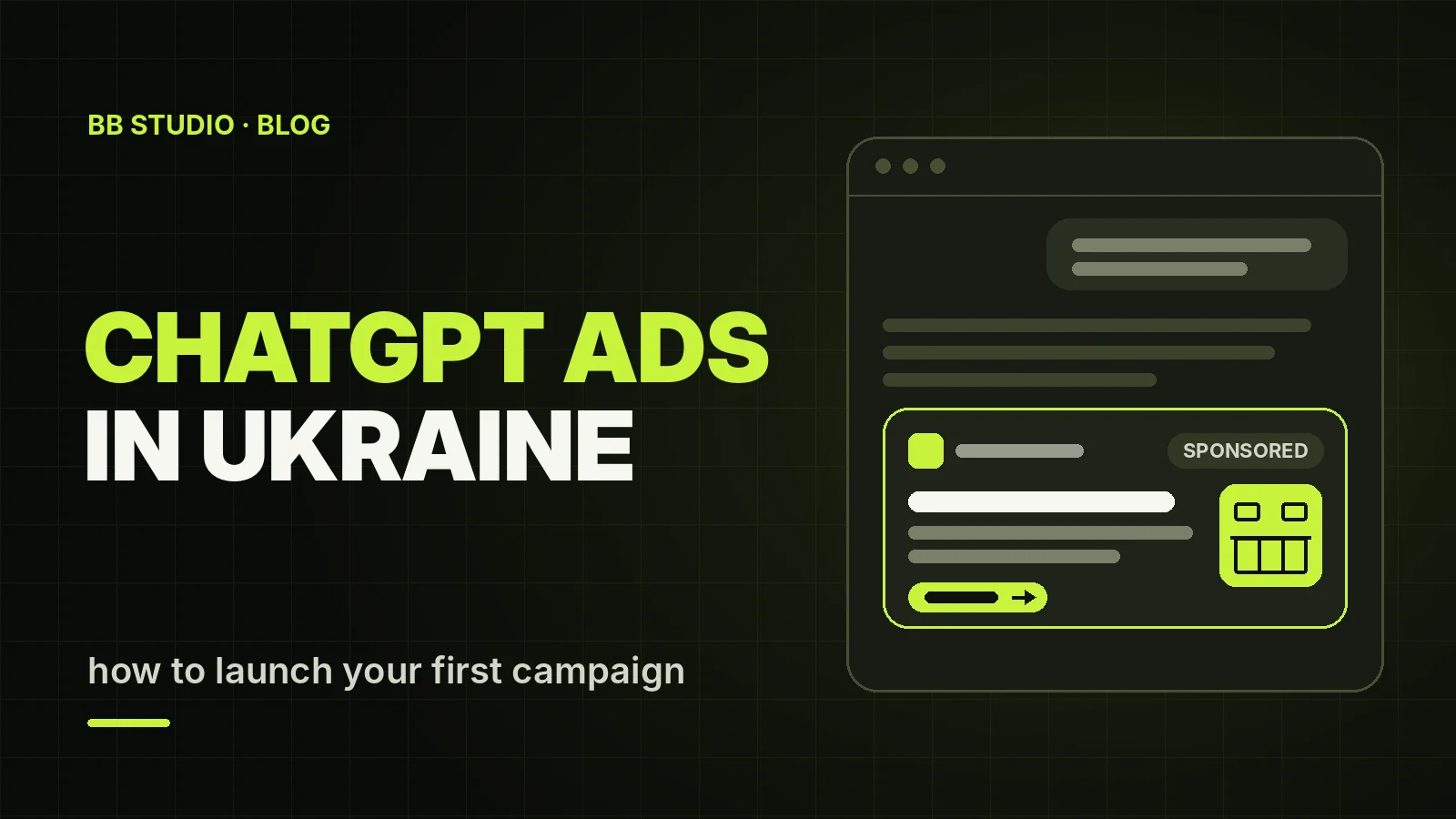
On 21 October 2026, OpenAI added Ukraine to the list of countries where businesses can buy ChatGPT ads. A Ukrainian company can now open its own Ads Manager account, install the pixel and show ads to people who are asking ChatGPT for advice about its product or service right now.
The channel is new, and many of the guides written in Ukraine date from the months when it wasn’t available here yet. Here is what we know as of November 2026: who sees the ads, how much to budget for a first test, how to set up tracking, and which niches ChatGPT ads are still closed to.
An ad can appear under a ChatGPT answer when the conversation is related to your product or service. It is labelled as sponsored and kept separate from the answer. OpenAI stresses three principles: ads don’t influence answers, advertisers don’t see conversations, and users can hide an ad and see why they were shown it.
Not everyone sees ads:
Advertisers get aggregated statistics: impressions, clicks, spend, CTR (the share of impressions that end in a click), cost per click and conversions. They never see users’ conversations.
| Google Ads (search) | ChatGPT Ads | |
|---|---|---|
| What triggers the ad | a search query and keywords | the conversation topic, context hints, the content of your page |
| What the person is doing | looking for something specific | asking for advice and choosing |
| Format | text headlines and descriptions | a headline of up to 50 characters, up to 100 characters of text, a square image |
| You pay for | mostly clicks | 1,000 impressions (CPM) or a click (CPC) |
| Targeting | queries, audiences, location | conversation context, location, platforms, custom audiences (25,000+ contacts) |
| Tracking | Google tag and GA4 | OpenAI pixel and Conversions API |
| Competition | high | still taking shape: the channel is new |
The key point: there are no keywords and no match types. You describe the situations in which someone might ask about your product, and the system decides when to show the ad. That’s why a higher bid can’t make up for a vague customer description or a mediocre landing page: the auction weighs both the bid and relevance.
Any company registered in one of the countries on OpenAI’s list can run ads on its own through Ads Manager, and since 21 October 2026 that list includes Ukraine. What matters is the advertiser that receives the invoices: a card from another country won’t help if the company isn’t registered there.
A new account first shows ads in its own country. Other markets open up after business verification and a certain level of spend, so exporters should start with Ukraine and expand step by step.
OpenAI’s ad policies are stricter than Google’s or Meta’s, and they have been revised several times since spring 2026. As of November 2026 the picture looks like this:
One more condition: the landing page must match the ad, and the ad must not imitate the ChatGPT interface.
Prices are set in an auction. Each campaign has one of three goals, and you can’t change it after the campaign is created:
The minimum daily campaign budget is $25 or €15, depending on the account currency. Hryvnia isn’t among the currencies yet, and the country, currency and time zone are chosen once and can’t be changed later. The daily budget is averaged over the week: on a given day spend can reach twice the daily budget, but weekly spend never exceeds seven times the daily budget.
| A 4-week pilot | Account in dollars | Account in euros |
|---|---|---|
| Minimum budget per day | $25 | €15 |
| Budget for 28 days | $700 | €420 |
| Clicks if a click costs $1 / €1 | up to 700 | up to 420 |
Few people know yet what a click really costs. In the first public reports from advertisers, a typical CTR (the share of impressions that end in a click) was around 1%, and European clicks cost anywhere from €0.16 to €2.68. There is no data for Ukraine, and in the handful of comparisons advertisers have published, Google search ads still turned more clicks into leads. That’s why ChatGPT is worth testing alongside your other channels rather than instead of them.
Check your category against OpenAI’s ad policies. Then look at the page the ad will lead to: is it fast, does it have a specific offer with a price, does the form work? OpenAI’s crawler, OAI-AdsBot, reviews the page. Don’t block it in robots.txt, Cloudflare or your firewall: if the crawler can’t open the page, your ads may fail review. You can check access with our free AI crawler checker.
Sign up at ads.openai.com and create an ad account. Choose the country, currency and time zone carefully, because they can’t be changed later. The brand name in the account should match the name on your website, and the legal name should match your company documents: mismatches can slow down verification. Business verification itself can take up to 7 business days, sometimes longer.
Create a billing profile: company details, address, invoice email and a bank card. Billing is postpaid: the card is charged when spend reaches a threshold and at the end of the month. A campaign won’t start until the billing profile is complete.
Without tracking you’ll only see clicks, not leads. In the conversions section of the account, create a Web data source and get your pixel ID. Then:
lead_created), bookings (appointment_scheduled), purchases (order_created);bzrcdn.openai.com and bzr.openai.com.By default OpenAI credits a conversion to the ad if it happens within 30 days of the click, and reports conversions from people who saw the ad but didn’t click as a separate figure. Add UTM tags to your links so you can see visits from ChatGPT in GA4 too.
Context hints aren’t keywords but short descriptions of situations in which someone asks about your product. For a studio making fitted kitchens, for example:
Each situation gets its own ad group with its own hints. Two or three groups are enough for a first test. Specific descriptions work better than broad topics like “furniture”.
An ad consists of the brand name and logo, a headline, text, an image and a link. The headline can be up to 50 characters, but OpenAI recommends 16–24 so it isn’t cut off. The text can be up to 100 characters, with 32–48 recommended. The image must be a square PNG or JPG of up to 1200×1200 pixels.
Since the end of October 2026, “creative enhancements” have been switched on by default: the system can rewrite headlines and text, translate them, resize images and send people to a different page of your site. If your ad mentions prices, lead times or legally sensitive wording, it’s better to turn these enhancements off.
Start with one campaign with the Clicks goal. Once the pixel and events are reporting reliably, you can launch a separate campaign with the Conversions goal. Impressions and clicks in the account update about every 15 minutes, while spend lags by several hours, so judge results by the week, not by the hour.
After 3–4 weeks, compare the cost per lead with Google Ads and social media, not the cost per click. Check conversions against your CRM: the leads the account counts and your actual sales may differ. Then scale the groups that pay off and remove weak hints and ads.
If you don’t have a page like this, it’s easier to build one than to rework your home page. We build landing pages for ads in 5–14 days.
Ads buy a place under the answer, not the answer itself. Getting ChatGPT, Copilot or Gemini to mention you in their free answers takes different work: AI crawler access, Bing and IndexNow, llms.txt, Schema.org markup and mentions on other websites. We cover it in “How to Appear in ChatGPT, Google AI Overviews and Copilot” and on our ChatGPT and AI search optimisation page. The two channels work best together: ads bring leads now, while organic mentions build up and stay.
We set up ChatGPT Ads end to end: the account and verification, the pixel and Conversions API, context hints, ads, UTM tags and GA4 events.
You pay the ad budget to OpenAI directly from your own account. We work under a contract, with no prepayment.
ChatGPT advertising is a new channel where competition is still taking shape and a lot is still unknown. It won’t replace search ads or SEO, but it lets you reach customers at the very moment they are asking what to choose. Start by checking your niche and your page, set up tracking before the first impression, and judge the cost per lead, not per click. If you’d like to get there without the mistakes, get in touch and we’ll start with a free assessment.
 Artificial Intelligence
 E-commerce
 SEO
 Web development
 Let’s create something amazing together

