
We create digital solutions that work for businesses
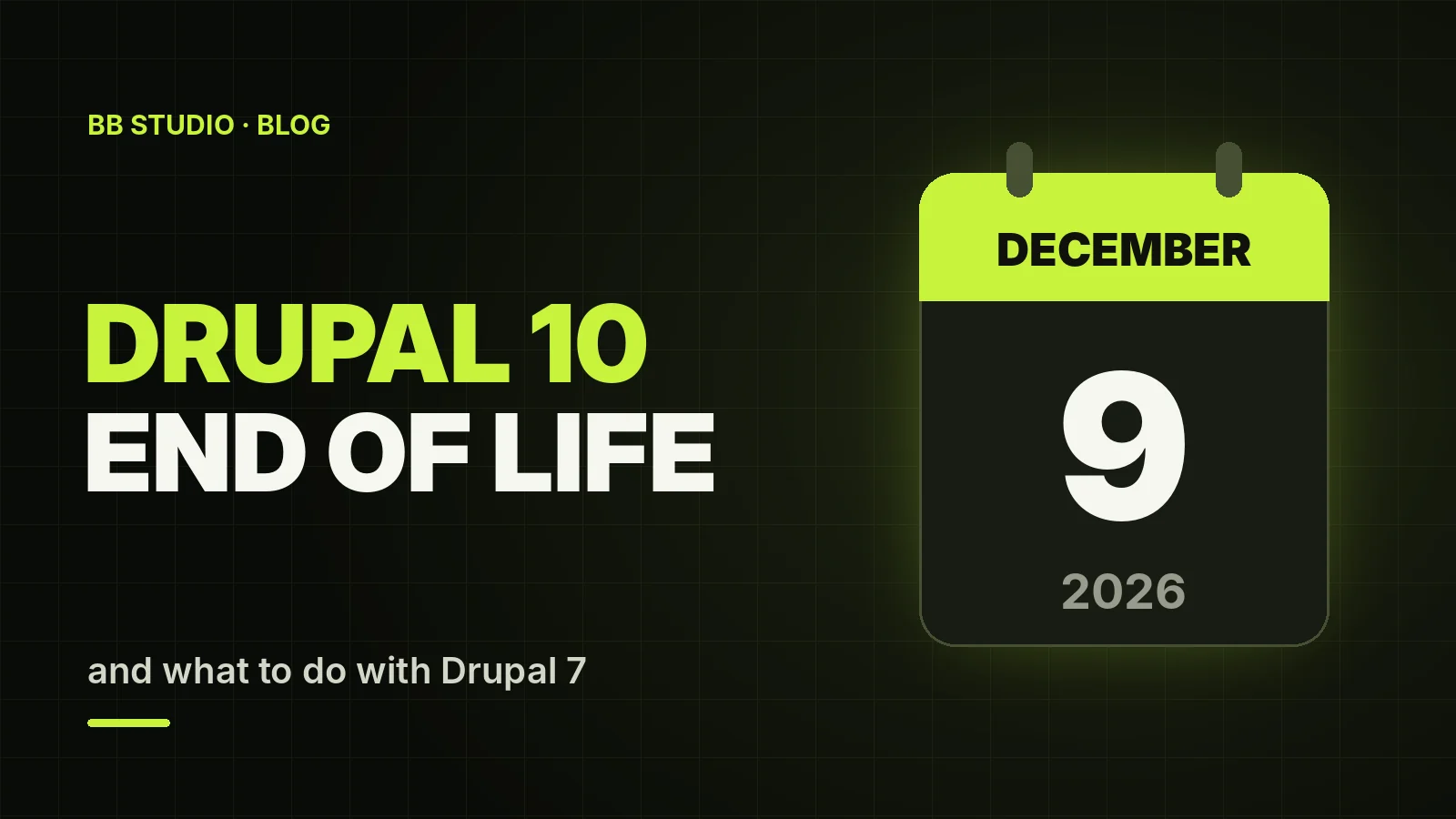
On 9 December 2026, Drupal 10 stops receiving security updates. At almost the same time, in the week of 7 December, Drupal 12 is due to be released. And Drupal 7, which still runs a good many university, NGO and company websites, has been unsupported since 5 January 2025.
For a site owner this means one thing: if your Drupal is not version 11, it is time to plan an upgrade. We look at what exactly is changing, how to move from Drupal 10 to 11, what to do with Drupal 7 and what the PHP and hosting requirements are.
Drupal 10 — upgrade to Drupal 11 now: it is a standard upgrade via Composer, provided your modules and theme are compatible and the server has PHP 8.3 or later. Drupal 8 and 9 — first to 10, then to 11. Drupal 7 — this is not an upgrade but a migration: the content is moved to Drupal 11 or another CMS, and the theme and custom modules are rebuilt.
There is no point waiting for Drupal 12: you cannot upgrade from Drupal 10 directly to 12, and Drupal 11 will be supported for years to come. Drupal 12 will require PHP 8.5 — you can move to it later, once your modules have compatible versions.
| Version | PHP | Database | Support |
|---|---|---|---|
| Drupal 7 | 5.6–8.3 (8.1–8.3 recommended) | MySQL 5.0.15 or later | ended 5 January 2025 |
| Drupal 8 and 9 | 7.x–8.1 | MySQL 5.5.3+ (Drupal 8) or 5.7.8+ (Drupal 9) | ended in 2021 and 2023 |
| Drupal 10 | 8.1–8.4 | MySQL 5.7.8+ or MariaDB 10.3.7+ | until 9 December 2026 |
| Drupal 11 | 8.3–8.4, plus 8.5 from 11.3 | MySQL 8.0+ or MariaDB 10.6+ | current version |
| Drupal 12 | 8.5 | MySQL 8.0+, MariaDB 10.11+ or PostgreSQL 18 | release planned for the week of 7 December 2026 |
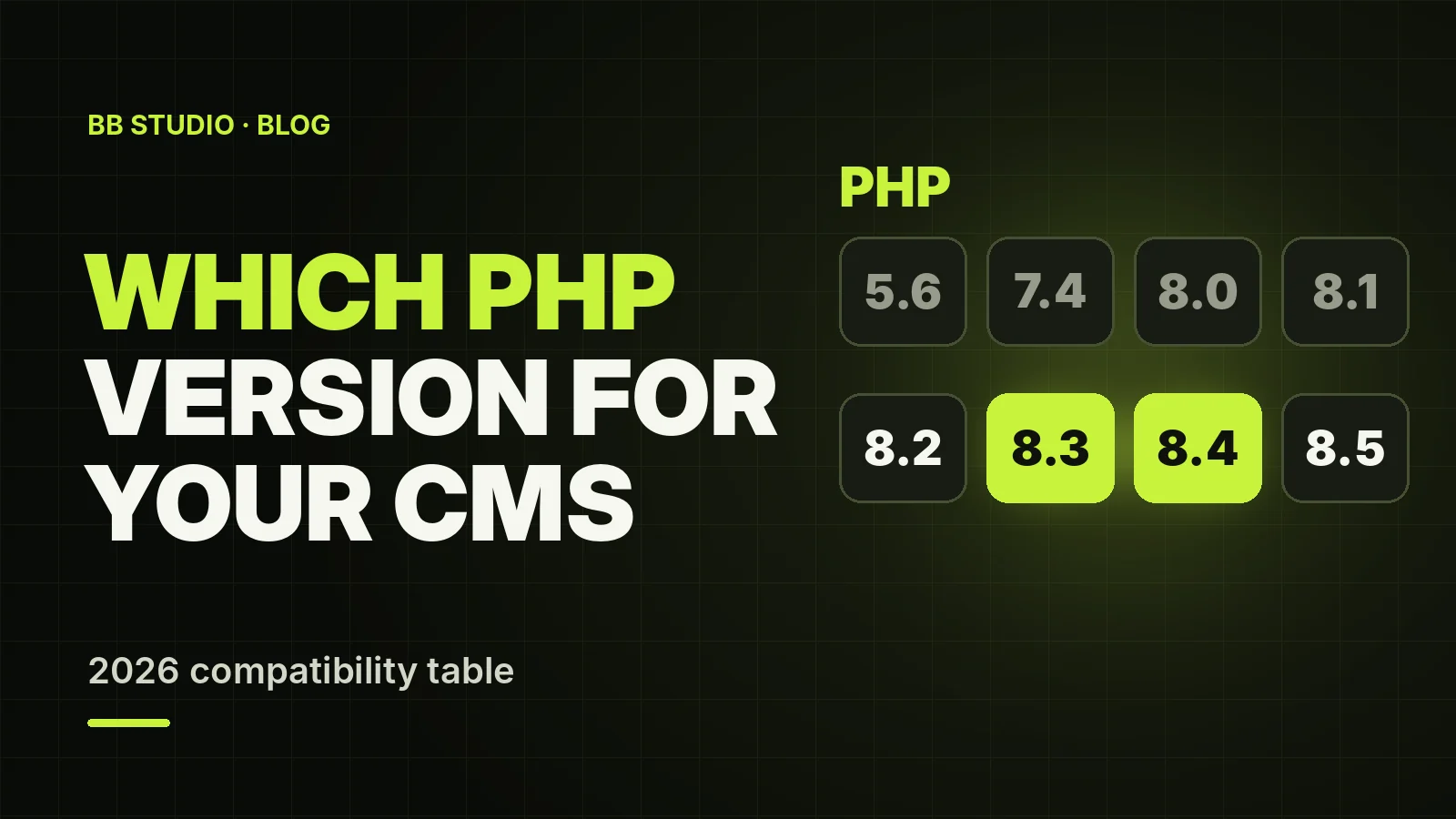
A typical memory_limit for a live Drupal site is 128–256 MB, and more for sites with lots of modules and media. For a comparison of Drupal’s requirements with other CMSs, see our PHP compatibility table.
Your site will not switch off on 10 December. But several important things change:
Bring the core up to the latest 10.x release, and the modules and theme to their latest versions. The more up to date your starting point, the fewer surprises during the major upgrade.
Install the Upgrade Status module: it shows which modules and themes already have Drupal 11 versions and which parts of your custom code contain deprecated API calls. Many of these fixes in custom modules can be automated with Drupal Rector.
In Drupal 11 several modules were moved out of core into separate projects, including Book, Forum, Statistics and Tour. If your site uses them, install their standalone versions via Composer before upgrading the core; otherwise that functionality will disappear after the upgrade.
Drupal 11 needs PHP 8.3 or later, MySQL 8.0+ or MariaDB 10.6+, and Composer 2. Check this in advance: if your host only offers PHP 8.1–8.2, the upgrade will have to be combined with a move to another host.
On a staging copy, update the dependencies to Drupal 11 with Composer, run the database updates with drush updatedb and rebuild the cache with drush cache:rebuild. Then check the Status report, pages, forms, search, language versions and the admin area.
Once the copy runs without errors, repeat the upgrade on the live site at a quiet time — with a fresh backup and a rollback plan. Our article on website backups explains how to set them up so that a restore actually works.
No. In Drupal you can only upgrade to the next major version: from 10 to 11, and only from 11 to 12. Besides, in the first months after a new version comes out, some modules do not yet have compatible releases. The sensible plan is Drupal 11 now and Drupal 12 once your modules are ready. The main technical requirement of Drupal 12 is PHP 8.5, so check whether your host offers that version.
Modern Drupal has a completely different architecture from Drupal 7: Symfony, Composer and the new Twig theme system. So an “upgrade” here means building the site on the new version and migrating the data. There are three options.
Content types, fields, taxonomy, users and files are moved with the Migrate API. The Migrate Drupal module, which handles migration from older versions, was deprecated in Drupal 11.4 and will not be included in Drupal 12, so a migration from Drupal 7 should be done on Drupal 11. The theme, Views and custom modules are usually built again from scratch.
If the site consists of company pages, news and a few forms, it is often simpler and cheaper to move the content to WordPress or another CMS with a simpler admin panel. The key thing is to keep the page URLs or set up 301 redirects so that you do not lose your search rankings. More on this in our article on 301 and 302 redirects.
If the migration cannot start any time soon, the minimum plan is: the latest Drupal 7 release, PHP 8.1–8.3, daily backups, up-to-date modules, restricted access to the admin area and regular malware scans. Some third-party companies offer paid extended support for Drupal 7, but that is a bridge to migration, not a substitute for it.
.htaccess support, or Nginx with rules for Drupal;Our Drupal hosting has all of this: PHP 5.6 to 8.5, SSH, Composer and MySQL 8, with free migration. And if you would like us to handle the upgrade to Drupal 11, we will do it as part of our website support: first an audit and an estimate in hours, then the work on a copy of the site.
Drupal 10 is left without security updates on 9 December 2026, and Drupal 7 already has none. For Drupal 10 the path is clear: check the modules, move to PHP 8.3, upgrade on a copy, go live. For Drupal 7, it is a migration to Drupal 11 or another CMS. Drupal 12 is the next stage, once modules catch up with it.
If you need help with an estimate or with the upgrade itself, get in touch with BB STUDIO — we will look at your site and tell you how much work lies ahead.
 Hosting & tech
 Hosting & tech
 E-commerce
 Web development
 Let’s create something amazing together
