
We create digital solutions that work for businesses
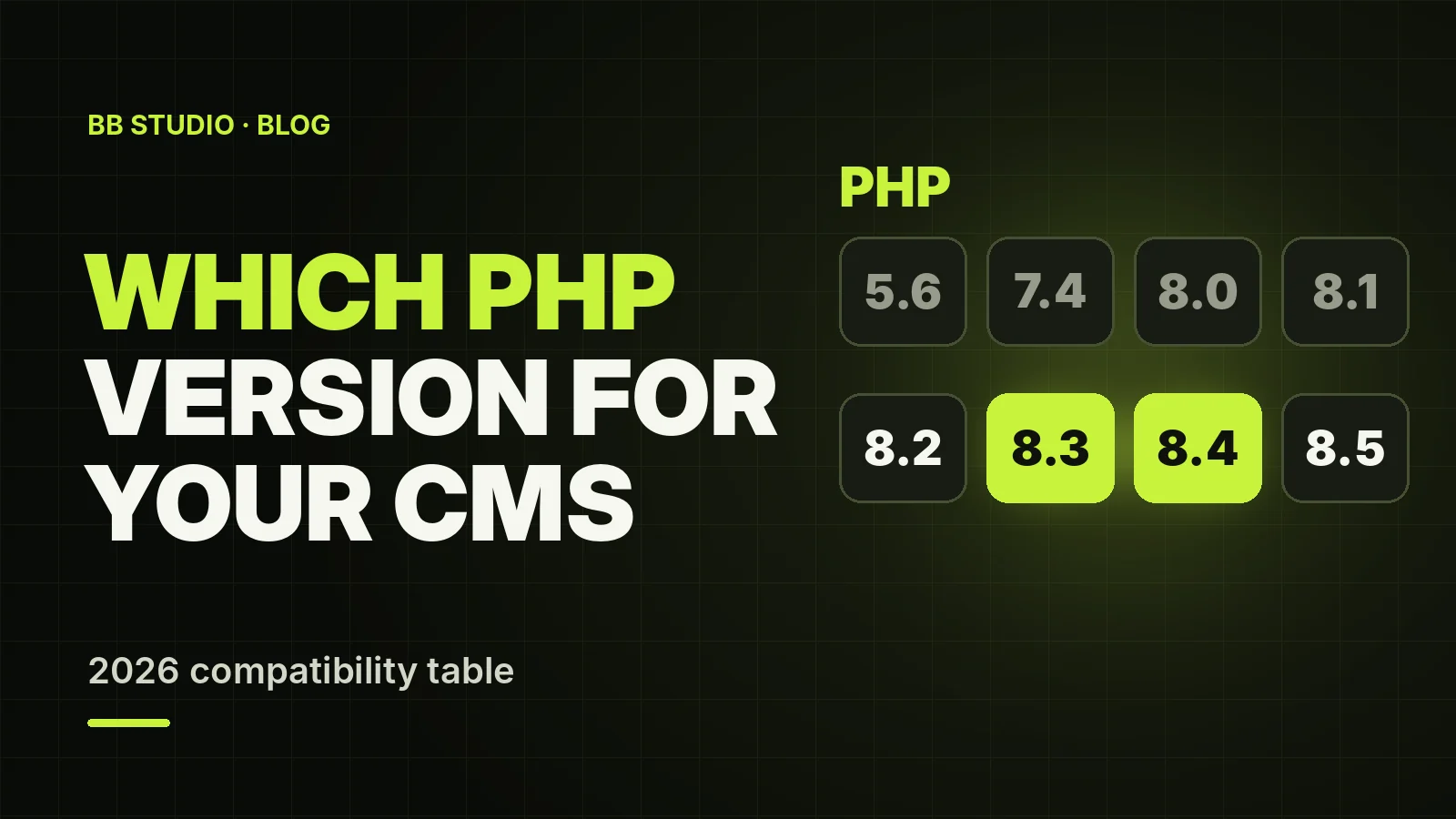
The PHP version is the foundation of a website, and owners usually only think about it when something breaks. Outdated PHP gets no security updates and runs more slowly. A version that is too new can bring an old site down, because its theme, plugins or modules were written for different rules of the language.
We have put the requirements of the CMSs popular in Ukraine — WordPress, Joomla, Drupal, PrestaShop, OpenCart and 1C-Bitrix — into a single table and added the support dates for PHP itself. Below you will find how to check your version, how to switch to a new one safely and what most often breaks after the switch.
For a new site in 2026, choose PHP 8.3 or 8.4: both are supported by current CMSs, while PHP 8.2 stops receiving security updates as soon as 31 December 2026. For an old site, choose the newest PHP version that your CMS version supports: 8.0 for Joomla 3.10, 7.4 for PrestaShop 1.7.8 and 8.3 for Drupal 7. Then plan an upgrade of the CMS itself.
Do not switch PHP on a live site blindly: first a backup and a test on a copy of the site, then the switch.
| Platform and version | Minimum PHP | Recommended PHP | Platform status |
|---|---|---|---|
| WordPress (current) | 7.4 | 8.3 or later | supported |
| Joomla 6.x | 8.3 | 8.4 | current branch |
| Joomla 5.x | 8.1 | 8.2–8.3 | security fixes only, until 12 Oct 2027 |
| Joomla 4.4 | 7.2.5 | 8.1–8.2 | unsupported since 14 Oct 2025 |
| Joomla 3.10 | 5.3.10 | 7.4–8.0 (8.0 maximum) | unsupported since 17 Aug 2023 |
| Drupal 11 | 8.3 | 8.3–8.4, plus 8.5 from 11.3 | current |
| Drupal 10 | 8.1 | 8.3 (8.4 maximum) | supported until 9 Dec 2026 |
| Drupal 7 | 5.6 | 8.1–8.3 (8.4 not supported) | unsupported since 5 Jan 2025 |
| PrestaShop 9.1 | 8.1 | 8.5 | current |
| PrestaShop 9.0 | 8.1 | 8.4 (maximum) | previous release of the 9 branch |
| PrestaShop 8.x | 7.2 | 8.1 (maximum) | previous branch |
| PrestaShop 1.7.8 | 7.1 | 7.4 (maximum) | unsupported |
| OpenCart 4.1 and 3.0.5 | 8.0 (for 4.x) | 8.2–8.3 (compatible up to 8.5) | supported |
| OpenCart 3.0.3 and older | 5.4 | 7.4 | outdated; do not run on PHP 8 without code changes |
| 1C-Bitrix, current versions | 8.2 | 8.2–8.4 | no legal updates in Ukraine |
| 1C-Bitrix, old kernels | 5.6–7.x | 7.4 | outdated |
The table is based on each project’s official documentation as of October 2026. For the newer OpenCart branches we list the PHP versions recommended in the release notes; check the minimum for your exact version. More on each platform: upgrading Joomla 3 and 4 to Joomla 5 and 6, the end of support for Drupal 10 and Drupal 7, PrestaShop 1.7, 8 or 9 and migrating from 1C-Bitrix.
PHP has two stages of support: active (bug fixes and security fixes) and security-only. Once the security-only stage ends, the version gets no patches at all, not even critical ones.
| PHP version | Released | Active support until | Security updates until |
|---|---|---|---|
| 5.6, 7.0–7.3 | 2014–2018 | — | ended 2018–2021 |
| 7.4 | 2019 | — | ended 28 Nov 2022 |
| 8.0 | 2020 | — | ended 26 Nov 2023 |
| 8.1 | 2021 | — | ended 31 Dec 2025 |
| 8.2 | 8 Dec 2022 | 31 Dec 2024 | 31 Dec 2026 |
| 8.3 | 23 Nov 2023 | 31 Dec 2025 | 31 Dec 2027 |
| 8.4 | 21 Nov 2024 | 31 Dec 2026 | 31 Dec 2028 |
| 8.5 | 20 Nov 2025 | 31 Dec 2027 | 31 Dec 2029 |
The practical takeaway: if your site is on PHP 8.2 now, it is worth moving to 8.3–8.4 before the end of 2026, as security updates for 8.2 end on 31 December 2026. If it is on 8.1 or older, this is no longer a routine upgrade but a security issue.
Another option is a temporary file that calls phpinfo(). It reveals everything about PHP on the server, so delete it as soon as you have finished checking: this information is useful to attackers too.
All this is much easier when the PHP version can be chosen separately for each site: the copy runs on the new version, the live site on the old one, and switching back takes a minute. Our hosting offers PHP 5.6, 7.0–7.4 and 8.0–8.5, and you switch versions in our own control panel.
| Switch | What changed in PHP | What you see on the site |
|---|---|---|
| 5.6 → 7.x | the old mysql_* functions were removed |
a very old site cannot connect to the database; white screen |
| 7.x → 8.0 | each(), create_function() and string offset access with {} were removed; mbstring.func_overload was dropped |
500 errors in old themes and modules; old UTF-8 Bitrix kernels will not start |
| 8.0 → 8.1 | passing null to built-in functions that expect a string or a number was deprecated |
hundreds of Deprecated warnings in the log, sometimes on screen |
| 8.1 → 8.2 | dynamic class properties were deprecated | warnings in old plugins; this is planned to become an error in PHP 9 |
| 8.3 → 8.4 | implicitly nullable parameters were deprecated | new Deprecated warnings in modules that have not been updated for a long time |
If the site shows a white screen or a 500 error after the switch, first go back to the previous PHP version — it takes a minute — and only then look for the cause in the error log. We describe the typical diagnostic steps using a 500 error in WordPress as an example.
Besides the version, hosting often lets you choose how PHP runs: as an Apache module or via FastCGI (Nginx + PHP-FPM). This determines whether the rules in your .htaccess file work — redirects, SEO-friendly URLs, folder protection. We cover how the modes differ and which one to choose for your CMS in a separate article: Apache vs Nginx + PHP-FPM.
In 2026 the default choice for a new site is PHP 8.3 or 8.4. For an old site, it is the newest version your CMS can handle, plus a plan to upgrade the CMS itself: Joomla 3 and 4, Drupal 7 and 10 and PrestaShop 1.7 are already, or will soon be, left without security patches. Only switch PHP after taking a backup and testing on a copy of the site.
If you need hosting that can run both a new site and an old one without a forced upgrade, see the page for your platform: WordPress, Joomla, Drupal, PrestaShop, OpenCart or 1C-Bitrix. Migration to our hosting is free.
 Hosting & tech
 Hosting & tech
 Hosting & tech
 For business
 Let’s create something amazing together
