
We create digital solutions that work for businesses
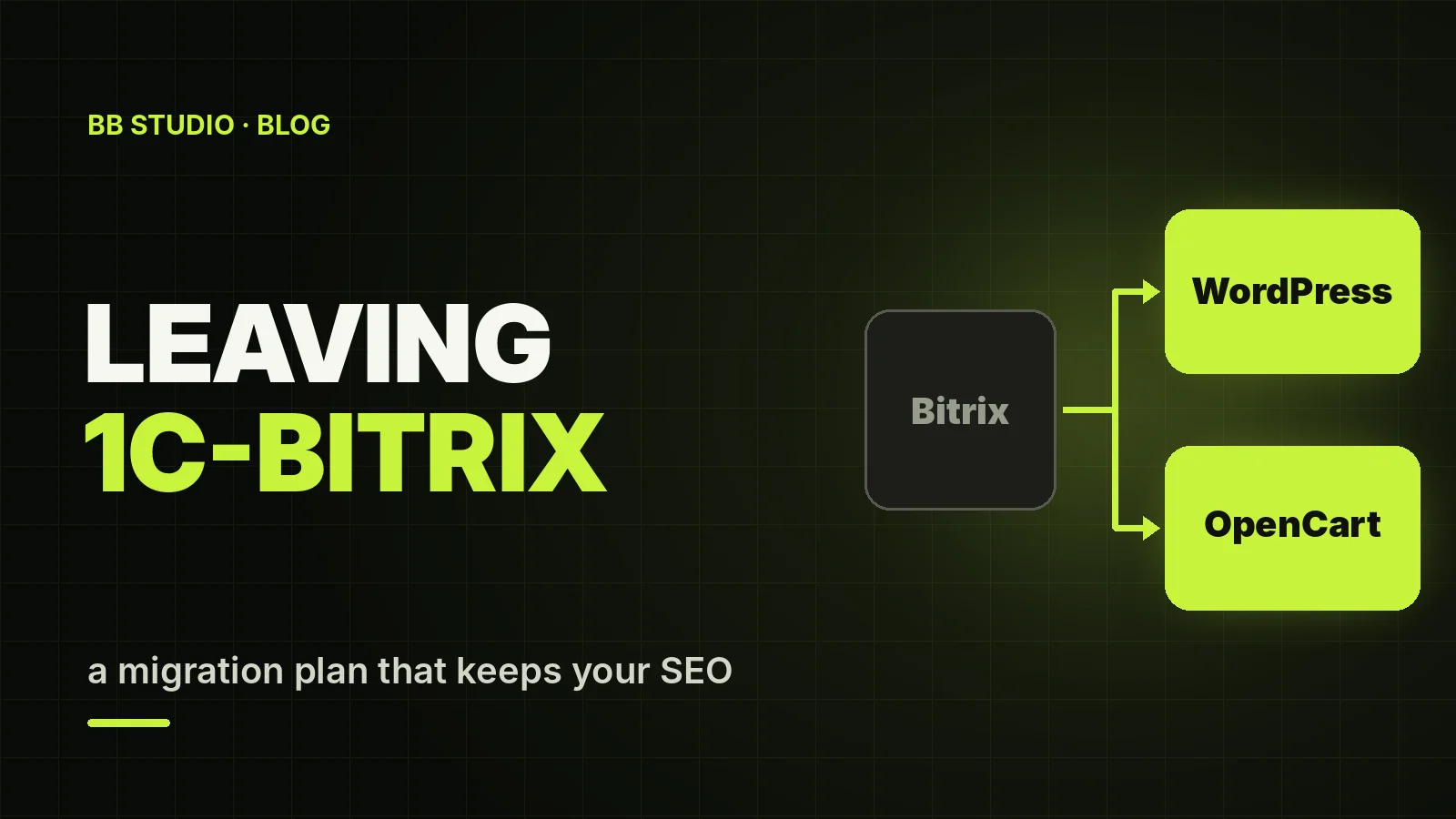
Only a few years ago, 1C-Bitrix was the standard choice for corporate websites and online stores that exchanged data with 1C. Those sites still work today, but their owners find themselves in an awkward position: the platform is Russian, there is no legal way to get updates from Ukraine, the pool of developers keeps shrinking, and the question “what is your site built on?” comes up more and more often when counterparties vet a business.
Here we look at what exactly happened to Bitrix in Ukraine, what a business that stays on it is risking, and how to move a website or online store to another platform without losing content, products or Google rankings.
A Bitrix site will not switch itself off, but without a licence it receives no security updates — and a Ukrainian business cannot legally pay the Russian developer to renew one. Moving to WordPress, OpenCart, WooCommerce or another CMS takes 2–3 weeks for a company website and 4–6 weeks for an online store. The key to a safe migration is transferring data straight from the database rather than by hand, plus 301 redirects from every old URL to its new one.
While the new site is being built, the old one has to keep running reliably, so it makes sense to host it somewhere that supports the PHP version it needs.
1C and 1C-Bitrix are different products, but they come from the same Russian ecosystem, and government bodies and large companies treat them the same way. As of October 2026, there is no general legal ban on private businesses using a Bitrix website. However, sanctions, the ban on payments to Russia and the growing list of prohibited software make Bitrix a platform with no future. This article is not legal advice: for your specific situation, consult a lawyer.
| Site type | Platform | Why |
|---|---|---|
| Company website, business card website, blog | WordPress or our CMS | a simple admin panel and affordable maintenance; plenty of WordPress developers to choose from |
| Product catalogue without a shopping cart | WordPress or our CMS | a catalogue with filters and quote requests, without unnecessary complexity |
| Online store with up to a few thousand products | OpenCart or WooCommerce | ready-made modules for Nova Poshta, LiqPay, monobank and exchange with 1C or BAS |
| Large store with complex logic | OpenCart or custom development | speed with a large catalogue, flexible pricing and warehouse logic |
| Corporate portal on Bitrix24 | a separate CRM and a separate website | your website and internal processes are better kept in separate systems |
For more on choosing a platform for an online store, see our article on which platform to choose for an online store.
Map out the site: sections, infoblocks, page types, the catalogue with its SKUs (trade offers) and properties, modules, integrations and forms. Separately, export from Google Search Console and Google Analytics a list of the pages that bring in traffic and enquiries: these are the ones it matters most to keep unchanged.
Based on the audit, choose a CMS and decide which sections move over as they are and which get merged or removed. Don’t change everything at once: a new design, a new structure and new URLs on the same day is the surest way to lose traffic without knowing why.
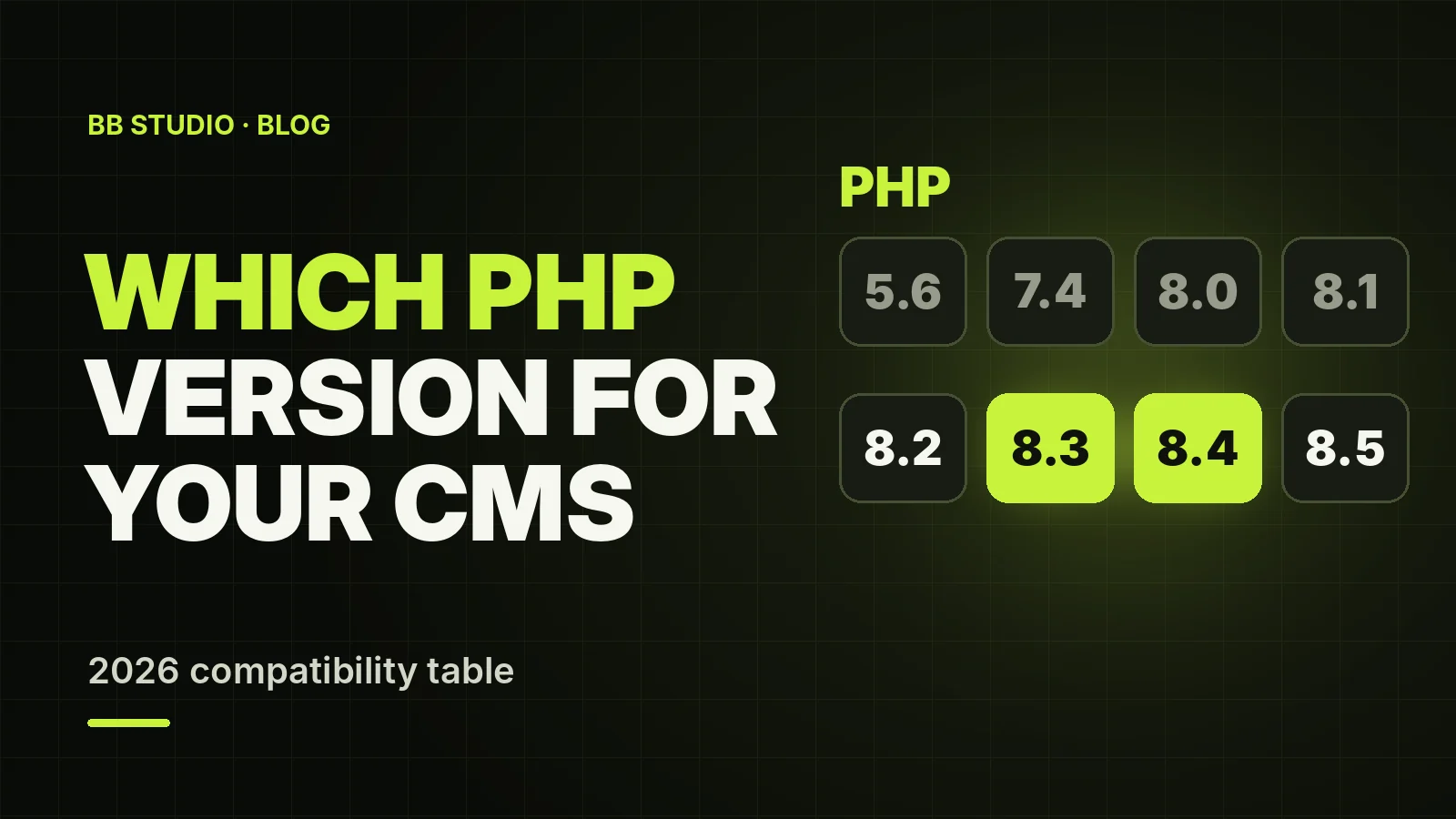
A migration takes weeks, and the old site has to keep working the whole time. If your current host is threatening to switch off old PHP versions, first move Bitrix somewhere you can choose the version it needs. Our 1C-Bitrix hosting offers PHP from 5.6 to 8.5, and the move itself is free.
Carry the current design over to a template on the new CMS — visitors should see a site they recognise. If a redesign is needed, it is best done as a separate stage after the move.
Data is transferred by scripts straight from the Bitrix database, not copied by hand:
/upload/ folder are moved together with the links to them in the content;Build an “old URL → new URL” table for every page, category and product. Wherever possible, keep the URLs unchanged; where you can’t, set up a 301 redirect from each old URL to the new page closest in content. Google treats mass redirects to the site’s home page as errors, and those pages drop out of search results. How redirects work and how 301 differs from 302 is covered in a separate article.
Set up the exchange with 1C or BAS — catalogue, prices, stock and orders — via the standard CommerceML protocol or an exchange module for the new platform. Then come payments, delivery, the CRM, Google Analytics 4, Google Ads conversions and ad pixels. How to keep prices on your site from going stale is covered in our article on syncing your site with 1C and other ERP systems.
Switch the domain over on a quiet day, submit the new sitemap to Google Search Console and check the report for 404 errors every day. For the first 4–8 weeks, keep an eye on rankings, traffic and enquiries. Don’t delete the old site for at least a month — you will need it to cross-check data.
robots.txt does not block the new site and that the test copy is closed to indexing;Our free tools will help before launch: the 301 redirect generator, the redirect checker and the sitemap validator.
| What we migrate | BB STUDIO price | Timeline |
|---|---|---|
| Company website, business card website, blog | from ₴12,900 | 2–3 weeks |
| Large corporate website | from ₴19,900 | 3–5 weeks |
| Online store on OpenCart or WooCommerce | from ₴29,900 | 4–6 weeks |
| Bitrix hosting during the transition | from ₴250/mo, the move is free | 1–3 days for the move |
The final price depends on the number of pages and products, the integrations and whether we carry the design over as it is. A new design, exchange with 1C or BAS and non-standard modules are quoted separately. Details are on the 1C-Bitrix migration service page.
/upload/ — manuals, price lists and certificates disappear;You can stay on 1C-Bitrix in 2026, but it is a decision with an expiry date: no updates, no way to renew the licence legally and fewer and fewer developers. Moving to WordPress, OpenCart or another CMS is a project of a few weeks, and if the data and redirects are migrated properly, visitors and Google will hardly notice it.
If you would like your site assessed, contact BB STUDIO: we will audit it, recommend a platform and quote a price before work begins. And we can move your current Bitrix site to our hosting free of charge right away.
 Hosting & tech
 Hosting & tech
 Hosting & tech
 E-commerce
 Let’s create something amazing together
