
We create digital solutions that work for businesses
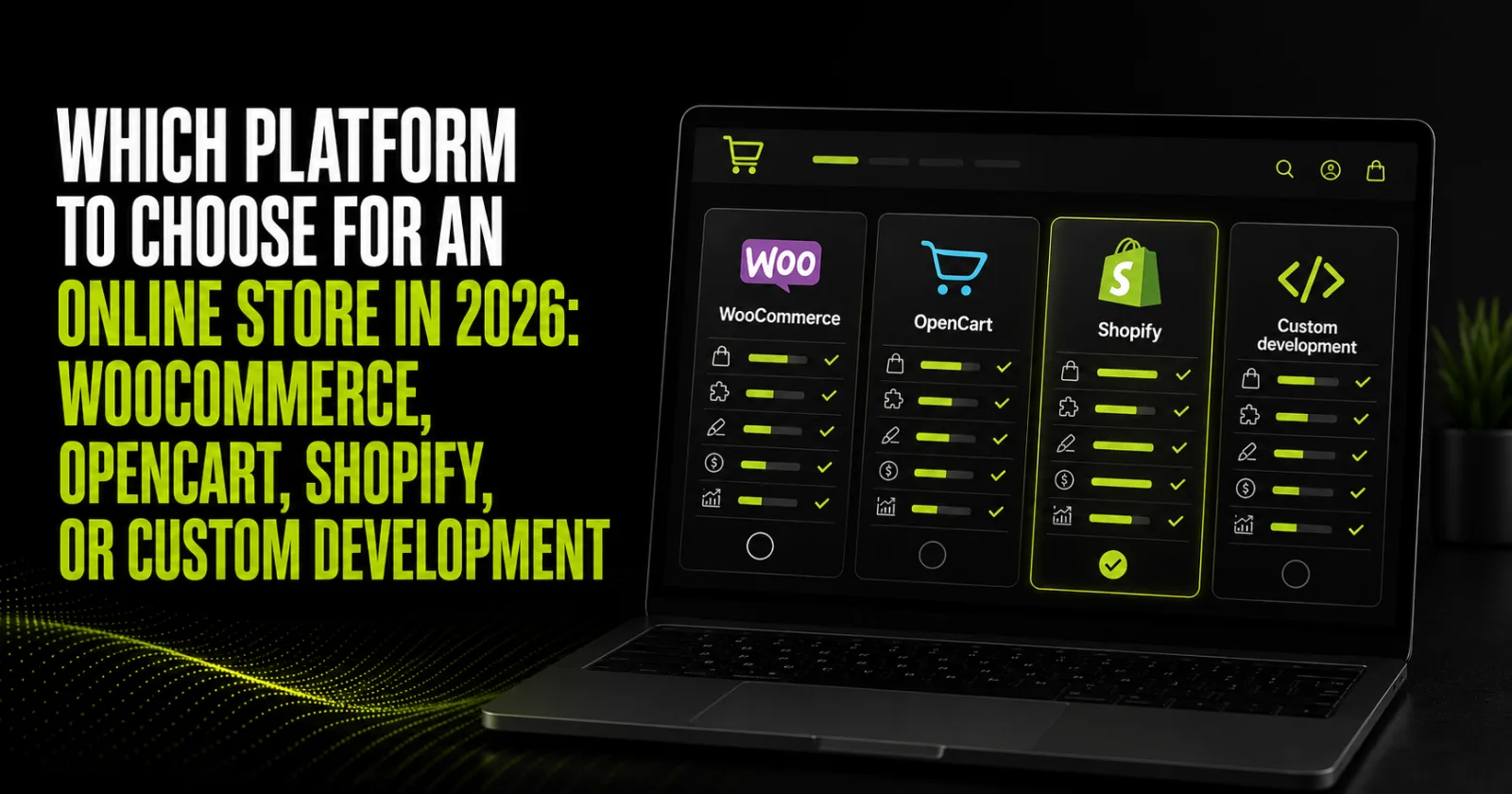
Short answer: there is no universally best e-commerce platform. WooCommerce often suits content-led stores that need WordPress flexibility. OpenCart works well for structured product catalogs and conventional e-commerce workflows. Shopify is strong when speed to market and low infrastructure overhead matter. Custom development makes sense when business processes, integrations, or scale no longer fit an off-the-shelf CMS.
A poor platform decision can cost far more than the initial website. A low-cost launch may be followed by incompatible extensions, manual stock updates, a slow catalog, or expensive maintenance. The right choice should therefore reflect the business model, catalog, integrations, SEO requirements, and growth plan—not popularity alone.
If these requirements are not documented yet, begin with discovery. BB STUDIO builds turnkey online stores, covering information architecture, UX, integrations, analytics, and launch.
| Criterion | WooCommerce | OpenCart | Shopify | Custom development |
|---|---|---|---|---|
| Launch speed | Medium | Medium | High | Lower |
| Code and data control | High | High | Bound by SaaS rules | Maximum |
| Content and blogging | Core strength | Usually needs enhancement | Enough for basic needs | Built to requirements |
| Large catalog | Possible with sound architecture | Strong use case | Supported through plans and apps | Engineered for the load |
| Technical maintenance | Hosting and specialists required | Hosting and specialists required | Infrastructure managed by platform | Support team required |
| Custom integrations | Plugins and APIs | Extensions and APIs | Apps and platform APIs | No off-the-shelf CMS ceiling |
| Cost model | Build, hosting, plugins, support | Build, hosting, extensions, support | Subscription, apps, fees, development | Higher build and ongoing support |
A practical comparison of launch speed, control, scalability, and cost.
WooCommerce is an e-commerce extension for WordPress. It is a logical option for stores that grow through SEO, expert articles, landing pages, and content marketing. The business controls hosting, site structure, URLs, templates, and most technical settings.
Risk: an unmanaged collection of plugins can hurt speed, security, and compatibility. WooCommerce needs deliberate architecture, reliable hosting, backups, and tested updates.
OpenCart was designed specifically for e-commerce. It supports conventional catalogs with categories, filters, product options, promotions, and multiple stores. It is often a practical choice for businesses with many products and a standard checkout journey.
Risk: extensions from different vendors may conflict. SEO, blogging, and editorial workflows should be specified before development.
Shopify provides the platform, hosting, updates, and core infrastructure as a service. This reduces infrastructure tasks and can shorten time to market. In exchange, the store operates within Shopify's plans, app ecosystem, and API boundaries.
Risk: total cost includes more than the plan. Account for paid apps, themes, integrations, transaction-related charges where applicable, and specialist work. Confirm local payment, shipping, and accounting support before committing.
A custom solution does not mean rebuilding every commodity component. It means designing architecture around specific processes: complex roles, B2B pricing, product configuration, marketplace logic, multiple warehouses, non-standard logistics, or high traffic.
Risk: higher initial investment, a longer launch, and dependence on documentation and team quality. Start with a prototype, technical specification, delivery stages, and support plan.
Compare the total cost of ownership, not just the initial quote:
TCO = development + design + data migration + hosting or subscription + plugins and apps + integrations + support + upgrades + fees + future enhancements.
A cheap template becomes expensive if staff copy orders into a CRM every day. A more capable build can save money through automation. BB STUDIO explains budget factors in “How much does an online store cost in 2026?”. Current entry points are also listed on the BB STUDIO pricing page.
Google documents that Product and Offer structured data can make product pages eligible for richer shopping experiences when the markup matches visible page content. For ongoing technical and content work, consider BB STUDIO's SEO services.
Start with the business model and integrations; finish with TCO and prototype validation.
The recommendation depends on the project. The right platform delivers the necessary integrations, speed, SEO control, and predictable maintenance without unnecessary complexity.
See how the team approaches e-commerce UX and development in the Antana and Bivaji case studies. More projects are available in the BB STUDIO portfolio.
Do not begin with “Which CMS is most popular?” Begin with the catalog, customer journey, integrations, SEO, and financial model. This turns the platform into a sales foundation rather than a technical constraint.
Planning a launch or migration? Send BB STUDIO your catalog structure and integration list. We will recommend an architecture and estimate e-commerce development without unnecessary fe
 Web Application Development
 Web Application Development
 SEO
SEO
 Hosting & tech
 Let’s create something amazing together
