
We create digital solutions that work for businesses
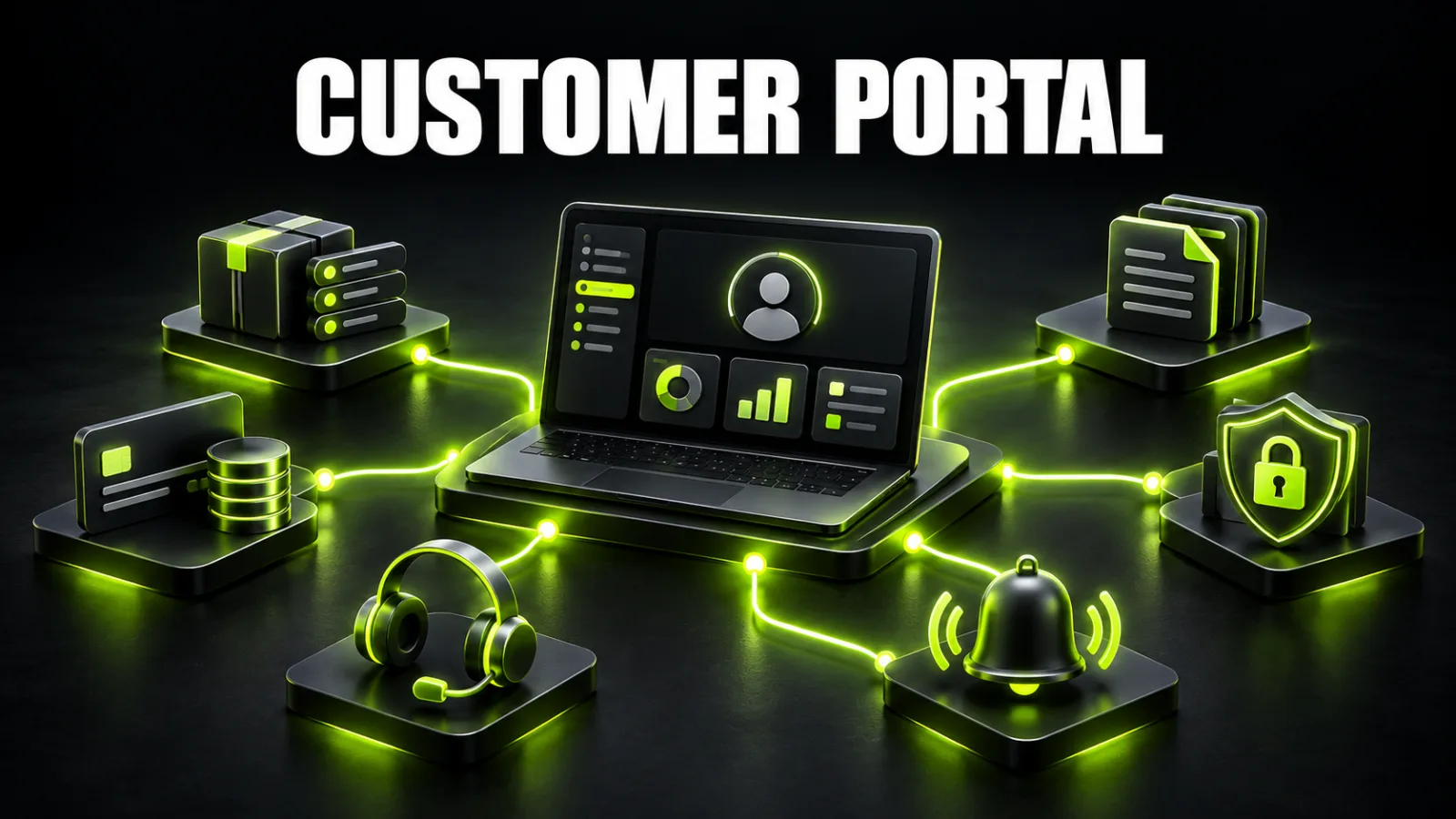
A customer asks a manager for an order update, requests an invoice in a separate email, searches for a contract, checks a balance and submits details the company already has. Each request looks small, but at scale it becomes hours of manual work, delays and avoidable errors.
A customer portal moves those operations into one secure system. Clients sign in, see current information, download documents, pay invoices, update details, submit requests or repeat an order without waiting for a manager.
It is more than a protected profile page. A useful portal is a web product with roles, business rules, a database, integrations and security requirements. Our guide to business web application development covers the broader product lifecycle; this article focuses specifically on customer self-service.
A customer portal is worth building when clients return regularly, work with orders, documents, payments or statuses, and the team spends significant time answering repetitive questions.
A basic release usually includes sign-in, a profile, transaction history, status tracking, documents, notifications and administration. Advanced solutions add payments, subscriptions, company roles, individual pricing, approvals, CRM or ERP integrations and product analytics.
Cost is driven less by the number of screens than by user journeys, permissions, data sources, integrations and security. Custom web service development at BB STUDIO starts from UAH 59,900; a multi-role portal with external systems requires a requirements-based estimate.
A customer portal is an authenticated area of a website or standalone web application where a user can access personal data and complete permitted actions. After sign-in, the system identifies the person, their organisation, the relevant orders or services, and the functions available to their role.
Portals can serve consumers, corporate buyers, partners, dealers, tenants, students, patients, subscribers or contractors. The screens differ, but the principle is the same: controlled access to personalised information and workflows.
A portal does not replace a CRM. Employees use a CRM to manage leads, deals and communication, while the portal exposes a safe portion of that information to the customer. If the sales process is still inconsistent, define the internal small-business CRM workflow before designing the external experience.
Development makes sense when the portal removes recurring workload or enables a new revenue model. Strong signals include:
A complex portal may be premature when the customer interacts only once, the process changes weekly or it has not been validated manually. A form, CRM, ready-made service or simple tracking page may be the better first step.
Customers access orders, delivery records, returns, loyalty points, individual prices and stock. B2B accounts may add spending limits, purchase approvals, multiple company users and bulk reorder tools.
Clients view active services, work schedules, tickets, invoices, reports and contacts. This model works for agencies, legal and accounting firms, service centres, property managers and B2B contractors.
The portal stores learning plans, materials, recordings, assignments, progress, certificates and payments. Teachers or consultants review submissions and manage access.
Users manage plans, payment methods, team members, usage limits and invoices. The system must handle renewals, plan changes, failed payments and access restoration reliably.
Customers submit meter readings, service requests and payments, and access charges, agreements and maintenance history. Rental portals can add booking, inspection reports, deposits and calendars.
Features should be organised around completed customer jobs, not a checklist of fashionable modules.
Authentication may use email, phone, a one-time code, password, social sign-in or an invitation from an organisation. Decide whether public registration is allowed, how identity is verified, how phone changes are handled and how access is removed when a customer employee leaves.
Users update contact information, addresses, billing details, notification preferences and consent. B2B portals add company records, branches, colleagues and roles.
The portal shows active and completed operations, order contents, stage, expected timing and the next action. Customer-facing statuses should be meaningful: replace an internal code such as “processing 4” with “documents are being reviewed — response expected by 18:00.”
Contracts, invoices, reports and instructions belong next to the relevant order or service. Define formats, size limits, retention, versioning and download permissions.
Customers pay invoices, view history, download receipts, manage plans or top up balances. The server must confirm a payment with the provider rather than trusting a success screen in the browser.
A request form creates a traceable ticket with a category, priority, files and response history. Customers see progress while the team keeps context in one place.
Email, SMS, push or in-portal messages notify users about payments, status changes, new documents or replies. Customers should be able to control non-essential notifications.
Staff manage users, roles, content, requests, documents and exceptional operations. Without administrative tools, routine changes turn into development tasks.
“A user can see orders” is not a complete permission model. Specify whether they see every order placed by their company or only their own, whether they may edit billing details, invite colleagues, approve a payment, delete files or export data.
A B2B portal may include:
Permissions must be checked on the server for every operation. Hiding a button is not security: a user must not be able to retrieve another customer’s document or modify an order through a direct API request.
Customers do not sign in to admire a dashboard. They want to complete a task. The portal home page should make three things clear: what is happening now, what requires attention and what the user can do next.
During customer portal UI/UX design, plan for:
Test the prototype with real tasks: locate the latest invoice, repeat an order, invite a colleague, change a plan and submit a support request. Visual polish cannot fix a journey users cannot complete.
Customer portals process personal and commercial information, so security must be part of product design rather than a final checklist.
A baseline includes:
Account recovery, changes to email or phone, organisation invitations and account deletion deserve their own flows. Secondary scenarios are common sources of security weaknesses.
A portal is useful only when it displays current information. Data may come from a CRM, ERP, accounting system, payment provider, delivery service, telephony platform, calendar or document store.
For each integration, define:
If employees copy the same information between systems, map the business process automation opportunities first. A portal should remove duplication, not create another place for manual entry.
The team documents customer groups, employees, current channels, common requests, data sources and business metrics. The outcome is a clear product boundary and a prioritised problem list.
Each role receives an end-to-end flow: sign-in, data access, transaction, payment, document upload, support and sign-out. Errors, rejected actions and empty states are included.
Requirements describe rules, fields, statuses, permissions, integrations and acceptance criteria. This becomes the basis for estimates, contracts and testing.
Structure and transitions are validated before visual design. The next step creates components, responsive states and a consistent interface system.
The team defines the data model, APIs, authentication, environments, logs, backups and deployment process.
Work is divided into short releases. Every iteration should demonstrate a working user journey instead of unrelated screens.
Testing covers functions, roles, mobile behaviour, integrations, security, performance, recovery from errors and accessibility.
A small customer group uses the portal first. The team resolves issues, prepares support and then expands access.
For a product built around unique workflows, custom website and web app development connects product requirements, architecture and interface in one process.
The first release should complete one meaningful journey. For example, a customer signs in, finds an invoice, pays it and receives a document. That is more valuable than ten partially working sections.
A focused portal MVP can include:
Complex company roles, subscriptions, chat, loyalty, advanced reports, bulk import and secondary integrations can follow after validation.
An accurate estimate requires roles, journeys and integration details. The ranges below are planning scenarios rather than a public offer.
| Scenario | Typical scope | Planning range |
|---|---|---|
| Basic portal | one role, profile, history, status, documents, administration | from UAH 59,900 |
| Portal with payments | core modules, payment integration, invoices and notifications | UAH 90,000–180,000 |
| B2B portal | organisations, multiple roles, individual prices, approvals, CRM/ERP | UAH 180,000–400,000 |
| Advanced service platform | subscriptions, billing, several integrations, advanced roles and analytics | from UAH 300,000 |
The main cost drivers are permissions, business rules, external API quality, data migration, interface states, security, expected load and administration. See the current studio baseline on the website and web service pricing page.
A focused portal with one primary journey may take 6–10 weeks. A release with payments, documents and several integrations often takes 3–5 months. A B2B portal with complex permissions, approvals and accounting software may require 5–9 months and continue through planned releases.
Development is not the only dependency. Timeline is affected by decision speed, API readiness, data quality, access to subject-matter experts and changes in scope.
A ready-made product is suitable when the workflow is standard, available features cover most needs and pricing or integration limits are acceptable. It can validate demand faster.
Custom development is justified when:
Compare total ownership cost, including per-user charges, integrations, customisation, migration, support and the ability to export your data.
The portal should improve a process. Useful metrics include:
Record the baseline before launch so the team can measure the actual effect.
The first weeks reveal confusing statuses, weak journeys and operations that still require manual work. Review product events, support questions, integration errors and the performance of core screens.
The portal needs dependency updates, backups, access reviews, monitoring and a release plan. Agree on ongoing website and web service support, ownership and response times before launch.
Before selecting a vendor, review completed web projects and ask about role logic, administration, testing and support rather than evaluating screenshots alone.
A customer portal creates value when it turns repetitive requests into clear self-service. Start with one completed journey, reliable data sources, permissions and a measurable business outcome—not with a decorative dashboard.
A strong first release can be compact: sign-in, a current status, documents and one important action. Payments, roles, automation and analytics can expand after real-world validation.
To receive an estimate for your process, prepare a short description of users, current operations and required integrations, then discuss the customer portal with BB STUDIO.
 Web Application Development
 Web Application Development
 Web development
 E-commerce
 Let’s create something amazing together
