We create digital solutions that work for businesses
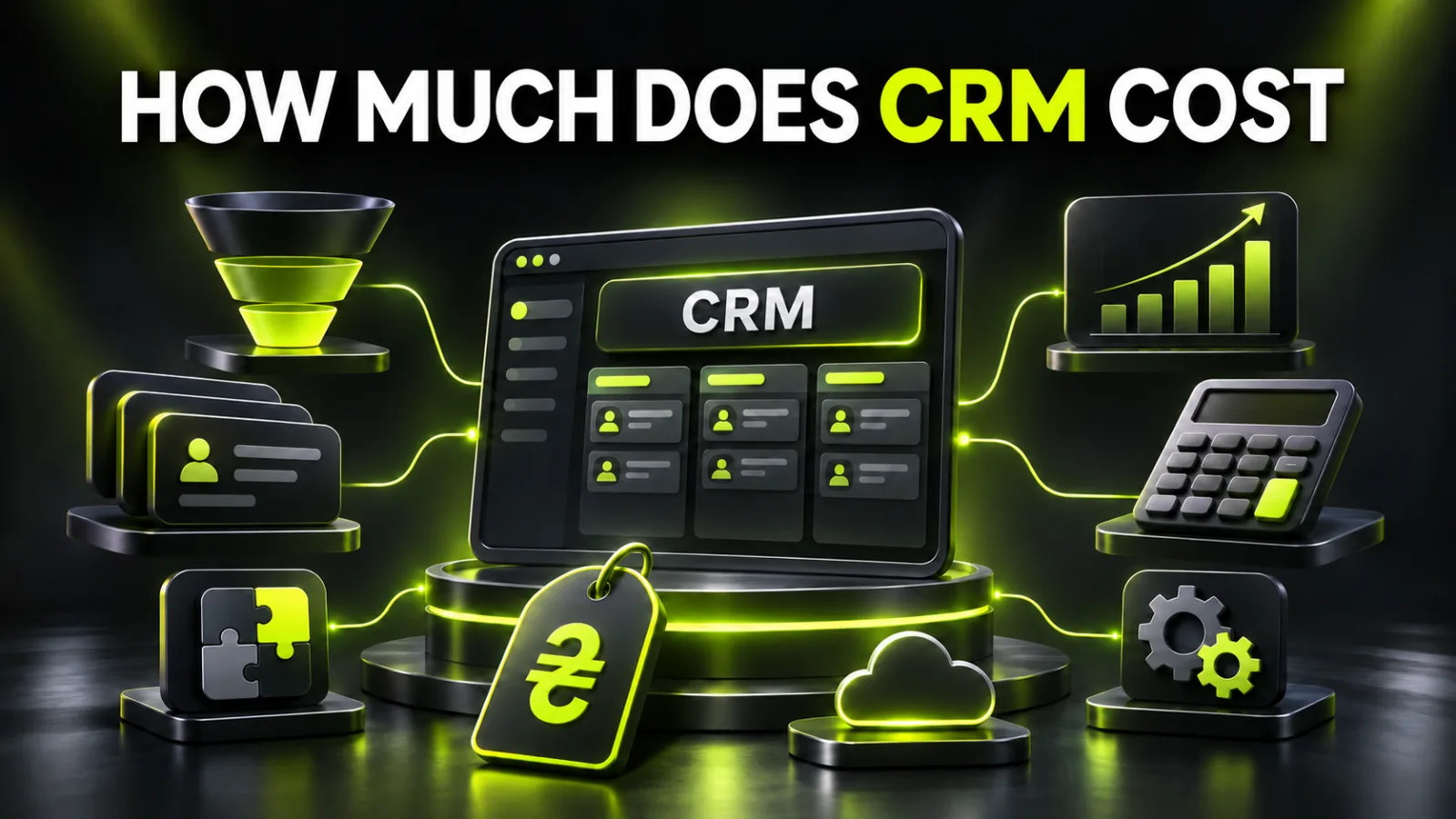
A basic CRM for one user can be free. A small team of two to five salespeople often spends UAH 800-4,000 per month on licences. One-off setup, customer import, pipelines, website integration, and training may start at UAH 3,500 for a simple launch and exceed UAH 30,000 for a complex process.
The cost of CRM is not the price shown on a software page. The full budget includes the licence, implementation, integrations, data migration, training, and support.
If you are still defining the required features, start with the guide on choosing CRM for a small business. This article focuses on cost.
| Scenario | Best for | Monthly licence | One-off implementation | Realistic launch time |
|---|---|---|---|---|
| Basic | Owner or 1-2 managers, one pipeline | UAH 0-1,500 | UAH 3,500-10,000 | 3-7 days |
| Working system | Team of 3-10, website, phone, and messengers | UAH 1,500-5,000 | UAH 10,000-30,000 | 2-4 weeks |
| Advanced | Online store, several departments, or branches | from UAH 5,000 | UAH 30,000-100,000+ | from 4 weeks |
These are planning ranges rather than tariffs from a specific vendor. The total depends on users, lead volume, communication channels, automation, and data quality.
For a simple CRM connection to a new website, the BB STUDIO calculator uses an add-on starting at UAH 3,500. General web-project and integration prices are listed on the BB STUDIO pricing page.
A CRM may charge per user, per account, or by actual usage. Plans can limit orders, contacts, messages, automation, storage, and integrations.
A small business should calculate future growth as well as the current team. If the sales department doubles in six months, per-seat pricing can raise costs quickly.
An empty CRM does not understand the business. Someone must create pipeline stages, customer records, fields, loss reasons, tasks, access permissions, message templates, and reports.
A template shortens the launch but still requires adaptation. A furniture manufacturer, law firm, and online shop cannot use exactly the same sales pipeline.
Customers may be stored in Excel, Google Sheets, phones, email, an old CRM, and messengers. The data needs cleaning, duplicate removal, field matching, and a test import.
The less organised the old database, the more expensive migration becomes. Automatic import cannot repair incorrect phone numbers, missing names, or unstructured notes.
The website, phone system, email, Instagram, Facebook, Telegram, Viber, marketplaces, delivery, payments, and fiscal tools may need to send information into CRM.
Connecting one website form is quick. Synchronising products, stock, payment, and delivery statuses requires much more work.
CRM can assign an owner, create a task, send a reminder, change a status, generate a document, or alert a manager about overdue work.
Do not automate everything at once. Begin with actions that repeat often, consume time, or cause lost revenue. The article on 15 business process automation examples provides practical scenarios.
Showing a salesperson how to create a deal is not enough. The team needs rules for stages, agreements, tasks, and required fields.
Without training, employees return to private notes and spreadsheets. The company keeps paying for CRM but loses a single view of sales.
Services, staff, channels, and rules change after launch. Fields need updates, automation needs adjustment, integrations need monitoring, and new employees need onboarding.
Support may be handled internally by a system owner or purchased from an external specialist.
The prices below were checked on 20 November 2026. Vendors may change them, so verify the official page before payment.
The base KeyCRM plan costs $19 per month per account. It includes up to 200 orders, 2,000 pipeline records, and 20,000 chat messages. Users are not charged separately.
Connecting synchronised sources costs another $19 per month. Additional volumes of orders, records, and messages are sold in packages.
This model may suit a team with many users, but the budget depends on transaction volume and connected channels.
SalesDrive focuses on product businesses. With annual payment, the plan for one or two users costs UAH 791 per month. For three to nine users, the price is UAH 361 per user per month. Quarterly billing costs more.
The platform supports online stores, marketplaces, delivery, phone services, and messaging. Check the exact channels your store needs before choosing it.
KeepinCRM has a free plan for one user. On 20 November 2026, the extended plan costs UAH 349 per month for each additional user.
The vendor has announced a change. From 1 December 2026, the extended plan will cost UAH 449 per user per month. The free single-user plan remains available.
A cheap licence does not help when the platform lacks the required delivery, phone, or marketplace connection. An expensive CRM does not create sales discipline by itself.
Compare the first-year total:
12 months of licences + implementation + data migration + integrations + support
A small company receives leads from a website, phone, and messengers. Its main CRM task is to keep every enquiry and remind the responsible person about the next action.
The minimum configuration includes:
The licence may cost UAH 0-1,500 per month. A simple implementation starts at UAH 3,500 when the data is clean, the process is clear, and complex integrations are unnecessary.
A spreadsheet can still work when one person handles a small number of leads. CRM becomes necessary when a second person joins, leads arrive through several channels, or the owner no longer knows who should follow up and when.
A team needs lead assignment, response-time control, call records, loss reasons, targets, and reports.
A typical setup includes:
Licences may cost UAH 1,500-5,000 per month. Implementation often falls in the UAH 10,000-30,000 range because the process needs documentation, the database needs migration, channels need connection, and the team needs training.
The main risk here is not price. If management has not defined the rules, implementation only moves disorder from a spreadsheet into a more expensive tool.
An online shop needs to collect orders from its website, Instagram, Prom, Rozetka, and other channels. CRM may also handle payments, delivery, stock, messages, and repeat sales.
The budget may include:
The licence can start at several thousand hryvnias per month and grow with order volume. Implementation starts at UAH 30,000. Projects with multiple warehouses, data exchange, and custom logic may exceed UAH 100,000.
Create a data map before development. Decide where products, prices, stock, customers, payments, and final order status are stored.
A basic integration sends a form into CRM and creates a contact, lead, or deal. It should also store the page, UTM parameters, advertising source, selected service, and comment.
Simple transfer of one or several forms may start at UAH 3,500. The price grows when the project must:
A reliable integration does more than email a manager. It monitors delivery and makes it possible to recover an enquiry after a failure. The guide on CRM website integration without lost leads explains the process.
Duplicates, inconsistent phone formats, empty fields, and outdated contacts increase migration time. Part of the database may need manual cleaning.
Phone services, SMS, WhatsApp, Viber, email sending, fiscal tools, and third-party connectors can be billed separately from CRM.
A form may currently send only a name and phone number, while sales needs a product, city, budget, or customer type. The form and server logic will require changes.
Staff members participate in interviews, testing, training, and data correction. This time has a cost even when it is not a separate invoice.
During migration, the old and new CRM may run in parallel for several weeks. Budget for double licences and data consistency checks.
The most expensive outcome is buying a system the team does not use. A few months later, the business pays again for an audit, another migration, and training.
The first effect appears quickly. Leads arrive in one place, salespeople see tasks, and the owner can review overdue actions.
Stable results take longer:
| Period | What happens |
|---|---|
| Week 1 | Configuration, import, and testing |
| Weeks 2-4 | Team adoption and correction of errors |
| Months 2-3 | Reliable reports and loss reasons appear |
| Months 3-6 | Repeat sales, speed, and ROI can be evaluated |
Do not judge CRM after one day. At the same time, do not excuse every issue as adaptation. Lead transfer must work correctly from launch.
CRM pays back through saved deals, saved time, and better repeat sales.
Basic formula:
Payback period = total implementation cost / monthly financial effect
Example. A company spends UAH 18,000 on implementation and pays UAH 2,400 per month for licences and channels.
Four salespeople save an average of 45 minutes per day. Their working hour costs UAH 200.
4 × 0.75 hours × 22 days × UAH 200 = UAH 13,200 in monthly time savings
CRM also recovers two deals that would previously have been lost. Each creates UAH 1,500 in contribution margin.
2 × UAH 1,500 = UAH 3,000 in preserved profit
The total effect is UAH 16,200. After UAH 2,400 in recurring cost, the net effect is UAH 13,800 per month.
UAH 18,000 / UAH 13,800 = approximately 1.3 months
This is a model, not a promise. Time savings become financial value only when the team uses the released capacity for sales or the business genuinely reduces expenses.
The broader method is explained in how to calculate ROI for a digital business tool.
When advertising, website, and CRM show different figures, the business needs a consistent measurement model. The guide to end-to-end analytics explains the connection.
Save on unused features, not on lead control.
Reasonable ways to reduce the budget:
Do not build dozens of robots, BI dashboards, and custom modules immediately. The first version must reliably capture enquiries and show the next action.
Do not remove:
These tasks are less visible than a polished dashboard, but they determine whether a lead survives and whether employees trust the data.
Document lead sources, sales stages, roles, required fields, and reports. Choose the platform based on process fit rather than feature count.
Create a test pipeline, fields, permissions, tasks, and templates. Prepare a database copy and cleaning rules.
Connect the website, phone, email, and primary messengers. Test each channel with a real enquiry.
Import the data, verify a sample, and correct duplicates. Train the manager and several key salespeople.
Launch the team and collect questions and errors every day. Avoid changing the entire structure at once.
Document the rules, review reports, lead assignment, and overdue tasks. Prepare a second-month improvement list.
If CRM is part of a new website or customer account, review BB STUDIO’s website development and integration services. Other automation, advertising, and support services are listed on the BB STUDIO services page.
Prepare a short list:
The project can then be split into an essential launch and a second stage. To estimate website, form, and API integration, contact BB STUDIO.
 Analytics and Conversion
 Web Application Development
 Web Application Development
 SEO
 Let’s create something amazing together

