
We create digital solutions that work for businesses
PrestaShop is one of the most popular free e-commerce platforms in Europe, and plenty of stores in Ukraine run on it too. But they vary enormously in age: from PrestaShop 1.6, which is more than ten years old, to the latest 9.x branch built on Symfony 6.4. The version determines everything — which modules are available, which PHP version you need and how much it will cost to maintain the store.
In this article we compare PrestaShop 1.7, 8 and 9, go through the hosting requirements and set out a safe upgrade order — one that costs you neither orders nor search rankings.
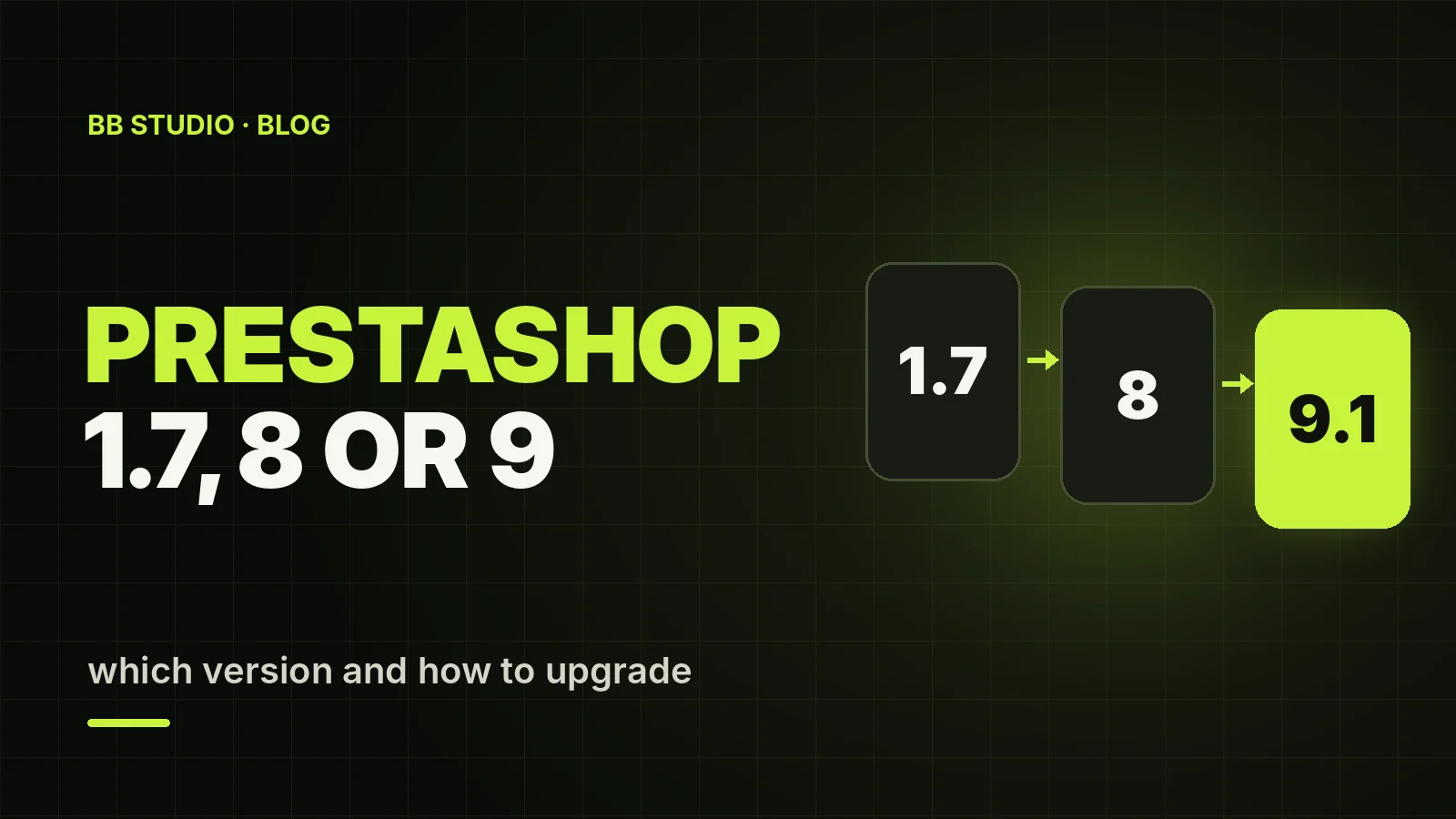
For a new store in 2026, go with PrestaShop 9.1 on PHP 8.4–8.5. If your store runs on PrestaShop 8, start planning the move to the 9.x branch. A store on 1.7.8 should be upgraded in stages, alternating PrestaShop and PHP upgrades: 1.7.8 on PHP 7.4 → PrestaShop 8 → PHP 8.1 → PrestaShop 9 → PHP 8.4 or 8.5. With PrestaShop 1.6, you are looking at a data migration to a new version rather than an upgrade.
Every step is rehearsed on a copy of the store first, and the final upgrade of the live site is done at a quiet time, with a backup in hand.
| Version | PHP | memory_limit | Built on | Status |
|---|---|---|---|---|
| 1.6.1 | 5.6–7.1 | — | its own core | unsupported for years |
| 1.7.8 | 7.1–7.4 (7.4 recommended) | at least 256 MB | partly Symfony 3.4 | unsupported since PrestaShop 9 came out |
| 8.0–8.2 | 7.2–8.1 (8.1 recommended) | at least 256 MB | Symfony 4.4 | previous branch |
| 9.0 | 8.1–8.4 (8.4 recommended) | at least 512 MB | Symfony 6.4 | earlier 9.x release |
| 9.1 | 8.1–8.5 (8.5 recommended) | at least 512 MB | Symfony 6.4 LTS | current; stable since 23 March 2026 |
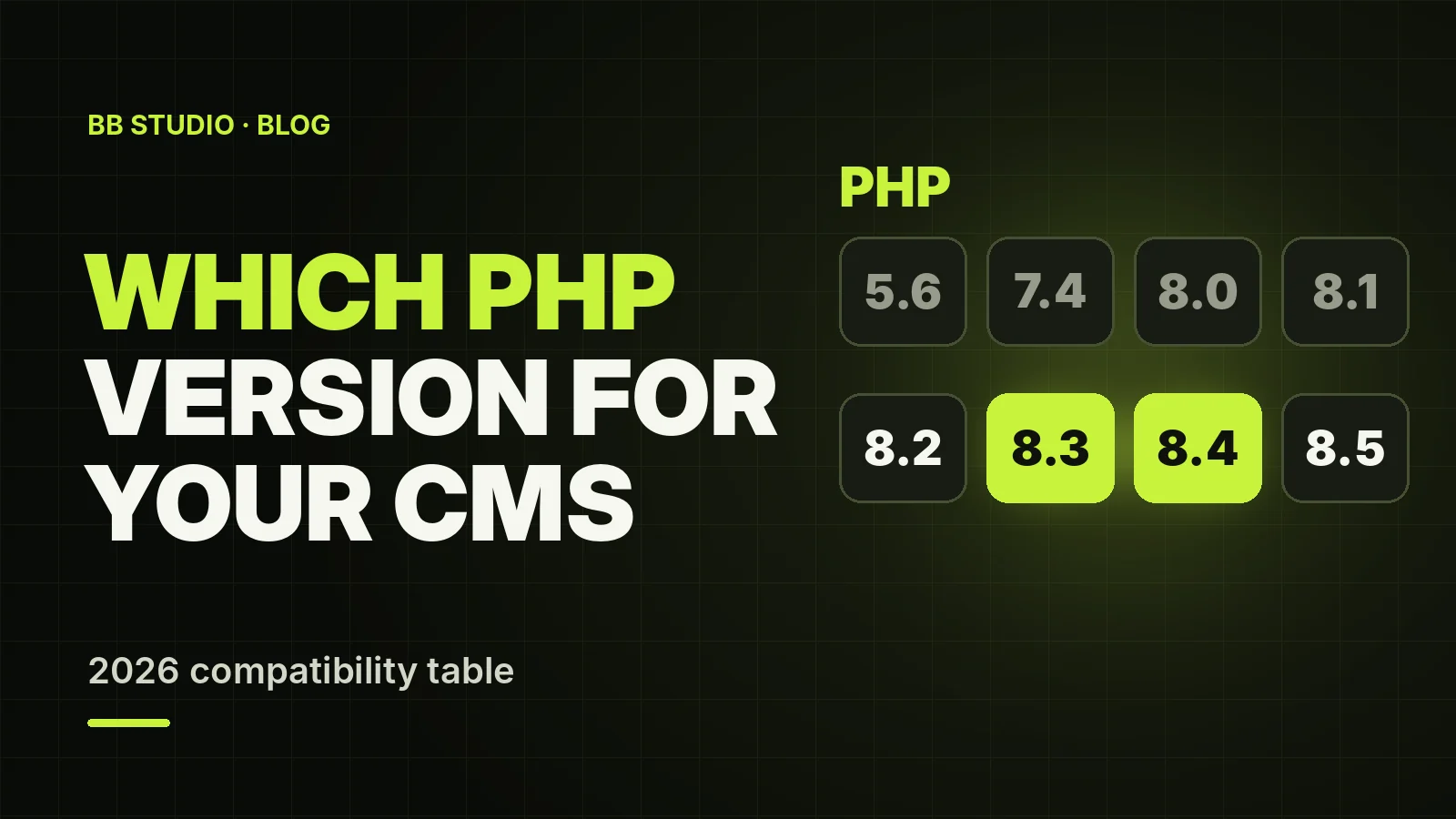
For the database, all current versions need MySQL 5.7 or later, or MariaDB 10.2 or later; in practice, MySQL 8 is the better choice. To compare these with the requirements of other CMS platforms, see our PHP compatibility table.
For a store owner, this means the new branch is faster, more secure and better prepared for integrations, but old modules and themes will not work in it unless they are updated.
memory_limit of at least 256 MB for PrestaShop 8 and at least 512 MB for 9, allow_url_fopen enabled, and sufficient execution time and upload limits for product imports;.htaccess for friendly URLs, or Nginx with routing rules;On cheap hosting with tight limits, PrestaShop 9 often crawls in the back office, and imports break off midway. That is exactly why, on our PrestaShop hosting, you choose the PHP version (from 5.6 to 8.5) for each site separately, and we tune the limits to your catalogue.
Make a full backup of the files and database, then deploy a copy of the store on a test subdomain. Block the copy from indexing and switch the payment modules to test mode, so that a stray order on the copy does not turn into a real payment.
List your modules and, for each one, check whether there is a version for the target branch — on PrestaShop Addons or from the developer. Take a separate look at the override folder: overrides of core classes are the most common cause of errors after an upgrade. A theme built for 1.7 will have to be updated or replaced for the 9.x branch.
The golden rule: change PHP and PrestaShop one at a time, never both at once:
The core is upgraded with the official Update Assistant module (formerly 1-Click Upgrade). At each step, the store must run without errors before you move on to the next one.
Clear the cache in the var/cache folder, re-save the friendly URL settings so that PrestaShop regenerates .htaccess, and go through the whole customer journey: catalogue, filters, cart, checkout, payment, delivery, and the emails to the customer and the store manager.
While you are testing the copy, new orders and customers keep arriving on the live site. That is why the final upgrade is done on the live store in maintenance mode, at a quiet time, repeating the steps you have already rehearsed on the copy. The alternative is to carry new orders over from the live database before the switch, but that is more complicated and riskier.
For more on optimising categories, filters and product pages, see our article on e-commerce SEO.
override folder;var/cache — and getting a 500 error after the upgrade;memory_limit too low — so the back office and imports fail halfway through.We move PrestaShop stores to our hosting free of charge — files, database, images, modules, email and SSL — and sync orders right before the domain is switched over. Hosting plans for online stores start from ₴250/mo. Upgrades to PrestaShop 8 or 9 and module replacements are handled as part of our website support: first an audit and an estimate, then the work on a copy. If you are still choosing a platform, the options are compared in our article on which platform to choose for an online store.
PrestaShop 9.1 is the right choice for a new store and the upgrade target for an older one. The road from 1.7 runs through PrestaShop 8 and gradual PHP upgrades, and the keys to a safe upgrade are a copy of the store, a module audit and testing the whole customer journey. If you need help with a migration or an upgrade, contact BB STUDIO.
 Hosting & tech
 Hosting & tech
 Hosting & tech
 Hosting & tech
 Let’s create something amazing together
