
We create digital solutions that work for businesses
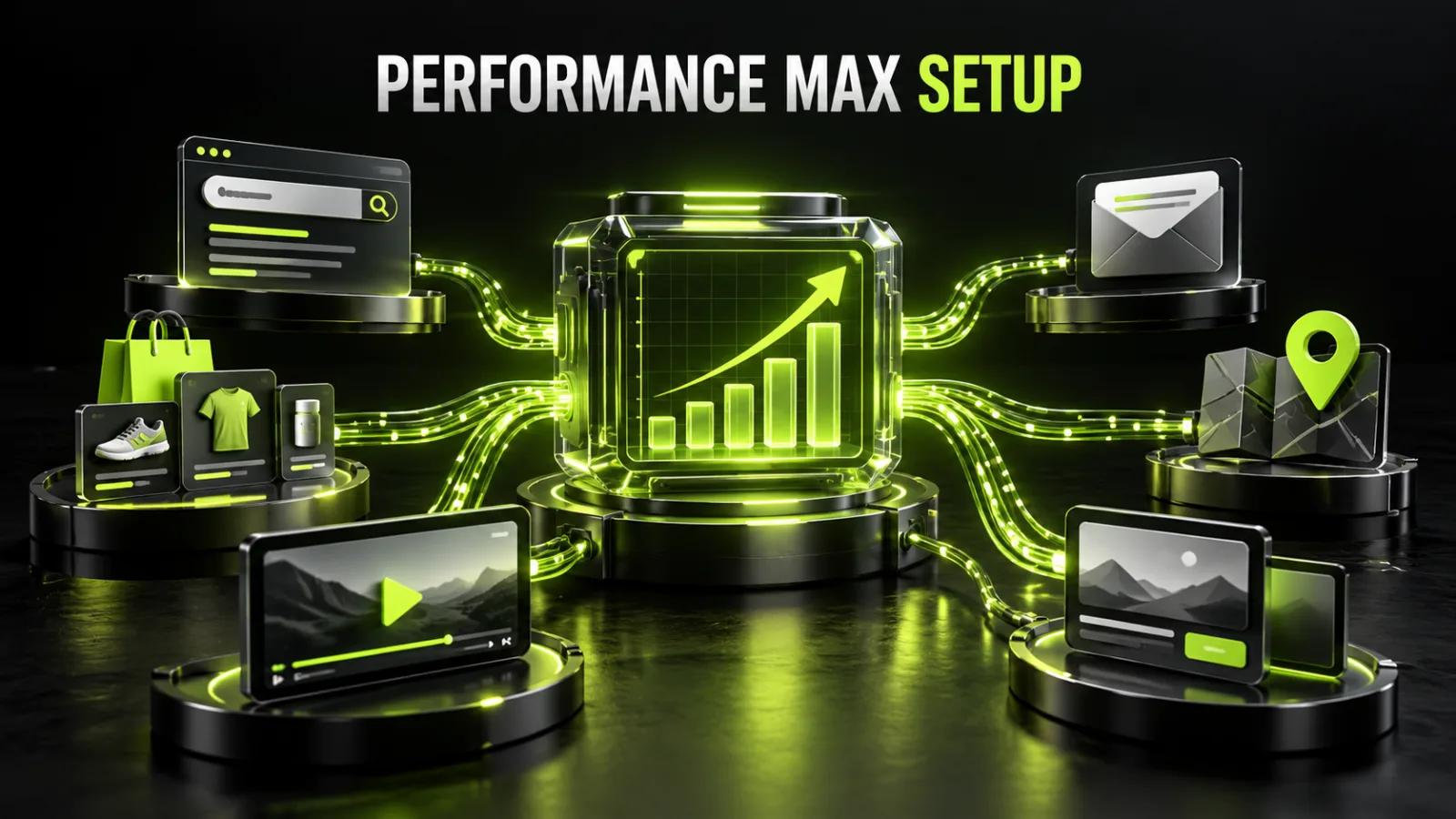
Performance Max, or PMax, is a Google Ads campaign type that combines automated bidding, audience signals, creative assets, website pages, and product feeds to serve ads across Google inventory. It can reach Search, Shopping, YouTube, Gmail, Discover, Maps, and the Display Network.
That reach is both an advantage and a risk. The business gains access to multiple channels from one campaign but delegates more decisions to the system: who sees an ad, which creative is assembled, which page is selected, and how much is bid. Incorrect conversions, a poor feed, or weak landing pages can therefore be scaled quickly.
This guide focuses on the logic of a controlled launch, not only the interface. Businesses that want the research, setup, and ongoing optimization handled by a team can use the BB STUDIO Google Ads service.
PMax optimizes toward a selected business goal and uses eligible Google advertising surfaces. The exact channel mix changes with demand, assets, feed quality, bidding, budget, and predicted conversion likelihood.
| Channel | Possible format | What to prepare |
|---|---|---|
| Search | text ads | strong headlines, descriptions, relevant URLs |
| Shopping | product listings | Merchant Center and a reliable feed |
| YouTube | video | original videos in suitable formats |
| Discover | visual native ads | images, headlines, logo |
| Gmail | inbox placements | copy and images |
| Display | responsive and banner formats | varied images and safe claims |
| Maps | local actions | accurate location assets |
Performance Max does not split spend equally by channel. Google adjusts the mix dynamically. Use channel performance reporting to understand contribution while judging the campaign against its primary business goal.
Performance Max can be appropriate when:
A Search campaign may be a clearer starting point for one narrow service, a limited budget, strong existing search intent, limited creative resources, or a need for tighter query control. The baseline process is covered in how to set up Google Ads yourself.
Do not select PMax solely because the interface recommends it. The campaign type must fit the objective, data, and customer journey.
Choose one priority action: a purchase with value, qualified lead, booking, sufficiently long call, or store visit. “More traffic” does not tell the system which users create business value.
Lead generation requires an acceptable cost per qualified lead and customer. Ecommerce needs margin, average order value, returns, repeat purchases, and a defensible ROAS. The planned budget must make a meaningful number of conversions mathematically possible. The full model is explained in the guide to Google Ads cost and budgeting.
Validate the Google tag, GA4, Consent Mode where applicable, enhanced conversions, calls, forms, purchases, currency, and deduplication. Lead-generation teams should prepare offline status imports for qualified leads, opportunities, sales, and revenue.
The page must continue the ad promise, perform well on mobile, and provide a working action. A retailer needs current titles, prices, stock, delivery information, identifiers where available, strong images, and correct product categories.
Prepare distinct arguments rather than rearrangements of one sentence. Include landscape, square, and vertical images, logos, short and long headlines, descriptions, and original videos.
| Type | Core mechanism | Relative control | Typical use |
|---|---|---|---|
| Search | search keywords and intent | high | defined demand and specific services |
| AI Max for Search | automated Search expansion | medium | scaling Search with available controls |
| Standard Shopping | product feed and Shopping inventory | relatively high | controlled retail traffic |
| Performance Max | cross-channel automation | lower but with controls | data-led scaling of sales or leads |
These campaigns do not always need to compete. PMax can complement a strong Search structure, but overlapping goals, products, and budget allocation should be reviewed at account level.
Retail campaigns normally optimize toward purchases with value. Service campaigns use leads, but only measurable and meaningful ones. Avoid including every available micro-action such as page views, scrolls, menu clicks, and form starts.
Review account and campaign goals before creation. Primary actions can influence bidding. Secondary actions help analysis without competing with a genuine purchase or lead.
Complete a real purchase or lead journey and confirm that:
Automated bidding cannot learn the right task from unreliable measurement.
Two leads are not necessarily equal. A high-value enquiry, spam submission, and existing-customer support request have different business value. Import offline conversions or use enhanced conversions for leads when the contact becomes qualified or produces a sale.
For ecommerce, send actual order value and account for cancellations and returns in business reporting. If category margins differ significantly, one account-wide ROAS may hide unprofitable sales.
Budget should support a useful number of target events. There is no universal minimum because a campaign with a £20 expected CPA differs from one with a £400 expected CPA.
| Situation | Possible strategy | Main control |
|---|---|---|
| Leads with limited history | Maximize conversions | lead quality and actual CPA |
| Stable CPA history | Maximize conversions with target CPA | volume and average CPA |
| Retail with revenue values | Maximize conversion value | revenue, margin, ROAS |
| Stable value history | Maximize value with target ROAS | volume, profit, seasonality |
An unrealistically low target CPA or high target ROAS can restrict delivery. Start with a target supported by actual economics and available history.
Do not combine countries, languages, business models, budgets, and categories with radically different margins in one campaign. Conversely, avoid dozens of tiny campaigns without enough data.
Separate campaigns when there is a material difference in:
The structure must preserve enough data for optimization while giving the business meaningful budget control.
An asset group combines headlines, descriptions, images, logos, videos, and signals around a common theme. It is not a direct equivalent of a Search ad group, but it should remain coherent.
Useful divisions include a product category, individual service, customer segment with a distinct message, seasonal proposition, or different landing page. Avoid duplicating identical assets across numerous groups without a clear purpose.
For retailers, the feed is a major relevance source. Review Merchant Center diagnostics, disapprovals, prices, availability, URLs, imagery, shipping, and returns.
Structure product titles with brand, type, important attribute, model, color, or size where useful. Use custom labels for margin, season, bestsellers, stock, or price bands. They support listing-group control and analysis.
When a store is still being planned, feed requirements, analytics, and advertising architecture are cheaper to include during ecommerce development than repair after campaigns start.
Provide varied images and videos for relevant formats. If no original video is uploaded, Google may automatically generate one, but the result may not communicate the brand or offer as intended.
The creative matrix should cover the product or service outcome, usage or process, a concrete advantage, evidence, price or calculation method where appropriate, and one clear action. Include square, landscape, portrait, and vertical assets according to current requirements.
Avoid tiny overlaid text, important elements near crop zones, and claims absent from the landing page.
Audience signals guide the system toward useful starting points but generally do not restrict delivery to those users. Strong inputs include consented Customer Match lists, valuable page visitors, purchasers, qualified leads, custom segments based on relevant searches and sites, defensible demographics, and close intent segments.
Do not mix unrelated broad interests merely to increase reach. The signal should describe a credible buyer.
Search themes let advertisers share the words and phrases customers use. They can accelerate learning for new products, specialized terminology, or pages whose meaning is not sufficiently clear.
Group themes by intent and asset group. Use commercial phrases, problems, categories, and local qualifiers without treating the field as an unlimited keyword list. Search themes are not exact-match keywords and do not restrict all traffic to the submitted phrases.
When Final URL expansion is enabled, PMax can select a more relevant page on the same domain and adjust text assets. This can be useful on a high-quality, well-structured site but risky when the domain contains utility, outdated, informational, or irrelevant pages.
Exclude legal pages, careers, support areas, account pages, irrelevant blog sections, out-of-stock products, wrong-language URLs, and pages without the intended action. If traffic must land on one page only, Final URL expansion can be disabled.
Before giving the system broad access to a large domain, use BB STUDIO tools to inspect redirects, indexing signals, metadata, and key technical elements.
Brand exclusions help manage traffic for the advertiser’s own or unwanted brands. This matters when the business wants to separate incremental demand from people already searching for its name.
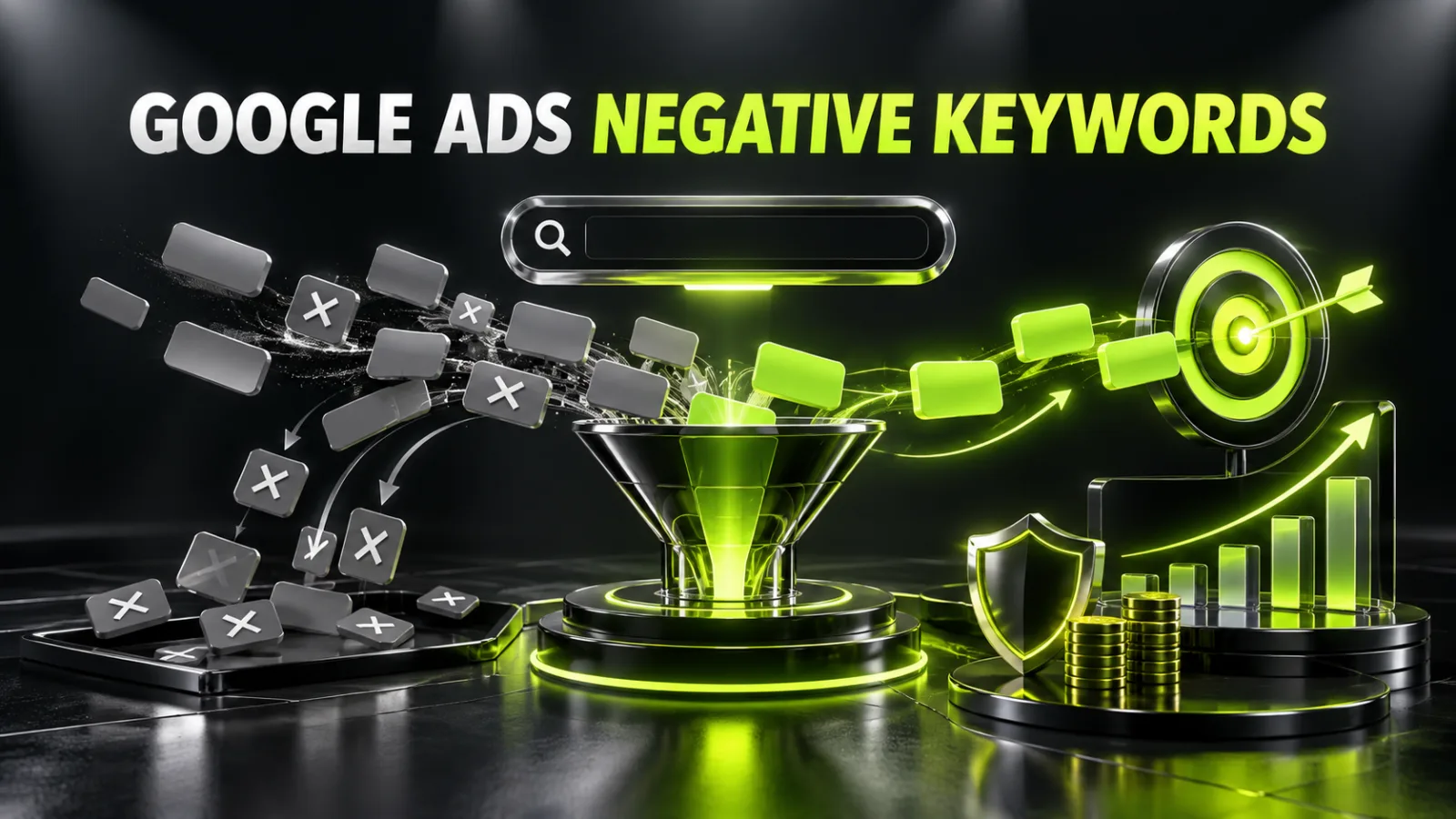
Use negative keywords for genuinely irrelevant intent: jobs, free resources, training, DIY, used items, existing-customer support, or unsupported regions. Avoid generic copied lists that may block valuable variants.
Target only real service regions and review advanced location options. Provide matching pages and creatives for each language. Keep location assets, phone numbers, and hours current.
Review content suitability, excluded content types, placement reporting, and policies for the advertised category. Placement reports can show where impressions occurred but may not provide a complete placement-level spend breakdown.
A weak page is not fixed by automation. When the offer, structure, or mobile journey is not ready, prioritize website development or improvement before scaling media spend.
After launch, monitor spend, policy status, conversions, and obvious defects daily, but do not change goals, budgets, bids, assets, and structure at the same time. Frequent major edits make the outcome harder to interpret and may trigger renewed learning.
Use channel performance, search-term insights, asset and combination reports, audience insights, product and listing-group performance, landing pages, Final URL expansion reporting, change history, and CRM or ecommerce results for the same period.
The core lead-generation problem is that Google cannot know which submission is qualified until the business sends that feedback. When every form is equal, the system may discover cheap but weak enquiries.
Use successful forms or sufficiently long calls as meaningful actions, introduce reasonable spam protection, add only necessary qualification fields, pass leads to CRM quickly, record loss reasons, and import qualified leads and sales. Judge cost per qualified lead and cost per sale, not only cost per form.
If the campaign already spends without producing useful enquiries, follow the full guide on why Google Ads is not generating leads.
For ecommerce, compare platform ROAS with gross profit after discounts, delivery, fees, cost of goods, cancellations, and returns. Products with different margins may need custom labels or different campaign treatment.
Review Merchant Center diagnostics, products without impressions, titles and images, prices and availability, listing groups, SKU and category performance, new versus returning customers, actual CMS or CRM revenue, returns, and mobile checkout.
Do not scale the whole catalogue when a small subset generates all profit.
| Symptom | First check | Next action |
|---|---|---|
| No impressions | policy, budget, goals, feed | asset completeness and bidding |
| Spend but no conversions | tag and real test | URLs, traffic, page |
| Many cheap leads | primary goals and spam | offline quality import |
| Low volume | target CPA/ROAS and budget | reach, assets, themes |
| Wrong destination pages | Final URL expansion | exclusions or disable expansion |
| Revenue without profit | margin and returns | product segmentation and values |
| Sudden performance shift | change history, demand, feed | channels and competition |
Track spend and pacing, conversions and value, CPA or cost per qualified lead, ROAS and gross profit, confirmed sales rate, new customers, channel contribution, asset-group results, products and listing groups, search terms and insights, landing pages, conversion delay, returns, and cancellations.
Do not make business decisions only from Ad Strength or an individual asset rating. They can reveal missing inputs, but customer quality and profit determine success.
Increase budget when measurement is stable, leads are validated, sales meet acceptable CPA or ROAS, the site can handle traffic, and the team can process demand.
Scale gradually and record each change. Avoid changing budget, bidding, creatives, goals, and structure simultaneously.
After website changes, re-test tags, forms, feed, and checkout. Ongoing website support reduces the risk of paid traffic continuing after a technical failure.
Performance Max is not an automatic-sales switch. It is a scaling system that requires correct goals, adequate budget, strong assets, relevant pages, a reliable feed, and feedback about real sales. The safest sequence is measurement and economics first, then structure and assets, followed by launch, diagnosis, and gradual scaling.
For a readiness review of the account, website, feed, and analytics and a PMax structure tailored to the business, contact BB STUDIO.
 Google Ads
 Google Ads
 Google Ads
 Google Ads
 Let’s create something amazing together
