
We create digital solutions that work for businesses
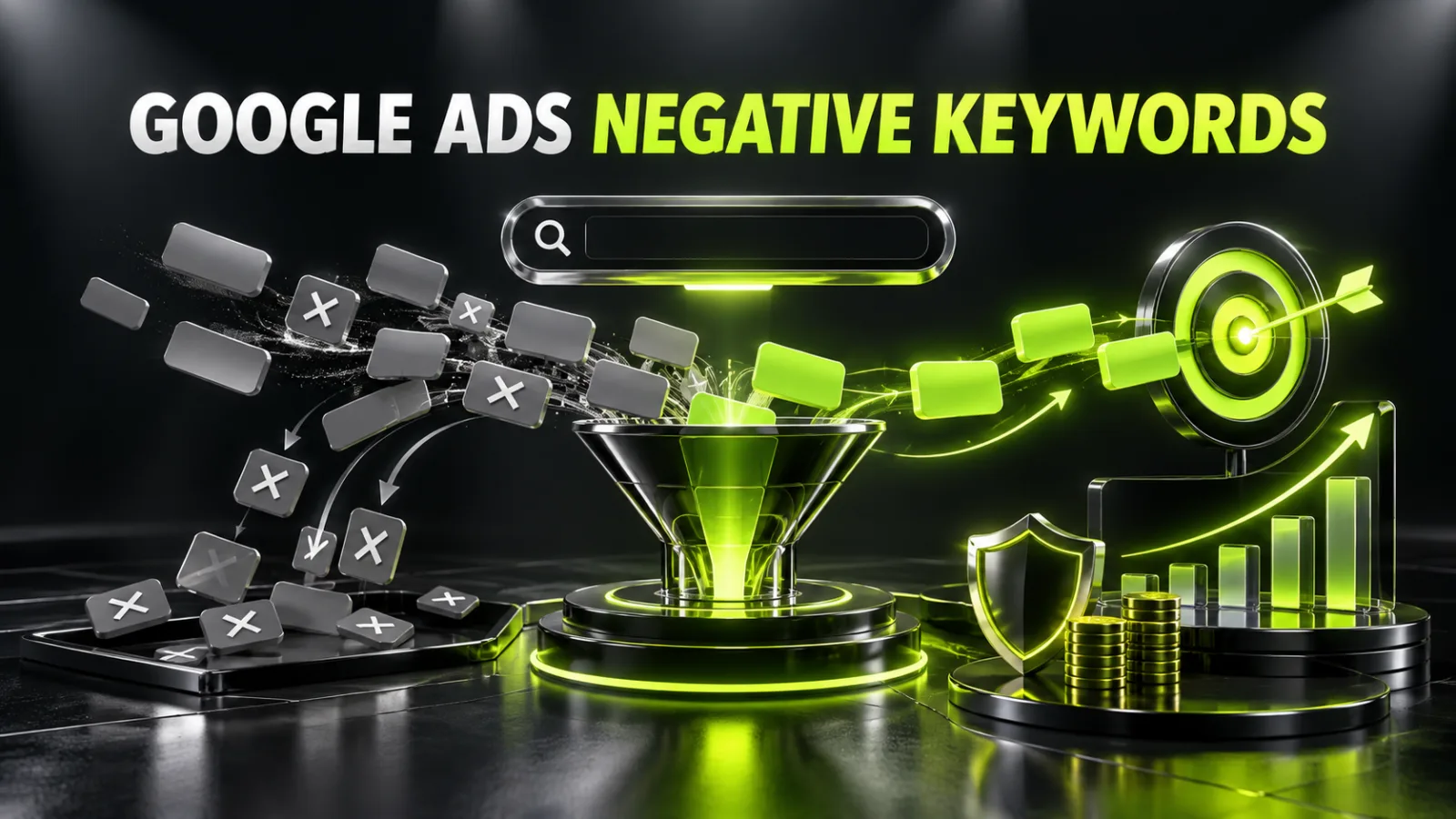
Negative keywords prevent ads from appearing for searches that do not match a business offer. They can filter out jobs, free resources, unsupported locations, the wrong product type or support requests from existing customers.
However, a long list is not proof of good management. One exclusion that is too broad can block commercial searches that would have generated leads. The objective is not to collect the largest possible list, but to control intent accurately.
Research, campaign setup and ongoing search-term management are included in professional Google Ads management.
These are three different elements.
| Element | Defined by | Example |
|---|---|---|
| Keyword | Advertiser | apartment renovation Kyiv |
| Search term | User | free apartment renovation course Kyiv |
| Negative keyword | Advertiser | course or free |
A keyword tells Google which related intent may enter the auction. A search term is what the person actually typed. A negative keyword creates a restriction for an unwanted wording.
This is why the list cannot be created once and forgotten. Before launch you work with assumptions; after launch, real search terms show what generated impressions and clicks.
The complete process for accounts, campaigns, ad groups, keywords and conversions is covered in the guide on how to set up Google Ads yourself.
Add a negative when the intent clearly cannot produce a useful business outcome.
Typical categories include:
Do not exclude a term simply because it produced no conversion after one click. The real issue may be the page, form, price, speed or tracking. Use the wider guide on why Google Ads is not generating leads for a complete diagnosis.
Search campaigns support broad, phrase and exact negative match. The choice determines which combination of words is blocked.
Assume an online store sells new office chairs only.
used office chair
A search is blocked when it contains all words in the negative phrase, even in another order. If one word is missing, the search may remain eligible.
Broad negative match does not automatically block every synonym and close variant. Plurals, spelling errors and language forms should be reviewed separately in actual search terms.
"used office chair"
A search containing this sequence is blocked, even with extra words before or after it. A different order may remain eligible.
[used office chair]
The specific query is blocked without extra words. This is the narrowest control and is useful when an ambiguous term should be excluded in one formulation only.
| Situation | Practical choice |
|---|---|
| A word always signals irrelevant intent | A single broad negative after verification |
| Only one stable phrase is unwanted | Phrase match |
| One specific query must be removed | Exact match |
| The word has several meanings | Avoid a single-word exclusion; use a safer phrase |
| There is not enough evidence | Observe and collect more terms |
One word can reduce reach much more than expected.
A web studio may not create websites for free, so free looks like an obvious exclusion. But if the studio provides a free audit or consultation, website development with a free consultation may be valuable.
Likewise, do not exclude price merely because some visitors are comparing suppliers. Price-related searches often show strong commercial intent.
Before adding a single-word negative:
Record what the business sells and does not sell, where it operates, which customer types it serves and which brands, models, materials or project sizes it accepts.
Classify purchase, commercial comparison, information, education, employment, support, free resources and adjacent services that are not offered.
The keyword research and mapping guide explains how to collect and cluster demand. For paid search, add match type, negative status and application level to the map.
Review enquiries, call notes, chats, internal site search, CRM records and sales-team feedback. These sources reveal what prospects regularly confuse with the offer.
Keyword Planner reveals related wording. Search results reveal dominant intent: products, services, jobs, education or support.
Ask: “Is there at least one commercial search that this negative could block?” If yes, narrow the phrase or wait for stronger evidence.
Use account-wide exclusions only for intent that is unsuitable across the business. An error here can affect many campaigns, so keep the list conservative.
A shared list is useful for categories applied to several campaigns, such as recruitment, education, unsupported locations or irrelevant product groups. Document which campaigns use each list.
Use campaign negatives when an intent is unsuitable only for one direction. A sales campaign may exclude rentals while a rental campaign actively targets them.
This level can route related product searches to the most relevant ad and page. Cross-negatives are useful only in a clear and stable structure. Excessive rules make the account fragile and can remove all eligible traffic.
Do not store unexplained lists. A working table can include:
| Field | Purpose |
|---|---|
| Negative keyword | Actual wording |
| Match type | Broad, phrase or exact |
| Level | Account, list, campaign or ad group |
| Reason | Intent being excluded |
| Source | Pre-launch research, Search terms, sales or CRM |
| Date | When it was added |
| Owner | Who approved it |
| Review | Next audit date |
Documentation is particularly important when several specialists manage the account or campaigns run in several languages.
Review real terms regularly. A new campaign with active spend requires closer monitoring; a stable campaign can follow a defined schedule.
Ask four questions about each term:
A term can then be kept, added as a keyword, moved to another group, excluded exactly or by phrase, covered by a broader verified negative, or marked for more research.
Do not evaluate search terms using clicks alone. Compare them with reliable conversion data. Correct event deployment through Google Tag Manager and outcome analysis in Google Analytics 4 reduce decisions based on faulty tracking.
Check for:
Do not judge affordability from cheap alone. The user may have a genuine need, while the ad and landing page can explain the minimum price or calculation method.
Common conflicts include:
Do not exclude a missing brand before checking alternative-shopping intent. One shopper may want a compatible alternative; another expects the exact unavailable item. Those intentions should not be treated as identical.
Do not translate one list word for word. Each market may contain different inflections, transliteration, mixed-language searches, city names, synonyms, typing errors and professional terminology.
Collect terms from every language campaign and ensure that the ad and landing page match the language and intent.
Campaigns with more automation offer different controls from classic Search. Use the available search reports and insights, brand exclusions, URL exclusions, feeds and negative keywords where supported.
Do not try to manage Performance Max as an ordinary keyword group. Conversion quality, feed data, URLs, search themes, audience signals and CRM feedback are equally important. The complete framework is in the Performance Max guide.
Check change history, application levels, shared lists and match types. Do not remove every negative at once. Identify the conflict, correct it and record the date.
Do not assess the change only through CTR or average CPC. Monitor:
A cheaper click is not automatically a better result. The guide on Google Ads cost and budgeting explains campaign economics and acceptable lead cost.
The best negative keyword list is not the longest. It removes clearly irrelevant intent without suppressing valuable demand, and it changes with real search terms, products and business geography.
Start with a short verified set, apply the right level and match type, review terms after launch and compare them with lead quality. For a campaign audit and conflict check, contact BB STUDIO.
 Google Ads
 SEO
SEO
 Google Ads
 Google Ads
 Let’s create something amazing together
