
We create digital solutions that work for businesses
A corporate website is not simply a larger online brochure. It is a managed digital system that explains a company's offer to different audiences, generates enquiries, demonstrates expertise, supports recruitment and provides a foundation for SEO, advertising and analytics.
Its main distinction from a landing page is not the page count but its ability to grow with the company. New services, markets, locations, case studies and languages should fit into an established architecture instead of forcing a redesign.
However, not every business needs this format. A landing page can be faster and more economical when a company sells one product, validates demand or runs a short campaign. The choice should follow the business model rather than the prestige associated with the word “corporate.”
A corporate website represents the company as an organisation. It combines commercial, reputational and service content: services, sector solutions, case studies, team profiles, vacancies, insights, documents, contacts and enquiry paths.
It normally has three characteristics:
A five-page site with a deliberate architecture may perform corporate tasks better than a hundred-page site with unclear navigation. Size alone does not define the format.
This format is justified when a company:
It is common for manufacturers, IT businesses, agencies, construction and logistics companies, professional services, medical networks, education providers and groups of companies.
| Format | Best use | Main limitation |
|---|---|---|
| Landing page | one offer, one audience, a campaign or demand test | difficult to expand search coverage and explain a complex offer |
| Brochure site | a small company needing basic presence and contacts | limited proof, content and SEO scope |
| Corporate website | several services, audiences, regions or business goals | requires deliberate architecture and an accountable editor |
| Catalogue | many items without online payment | requires current data, filtering and an enquiry process |
| Online store | standardised goods, basket and payment | integrations, logistics, stock and support add complexity |
| Web application | accounts and unique business workflows | higher investment and a longer development cycle |
Do not order the maximum scope on day one. A sound first release may contain 7–12 pages with reusable templates for future sections.
Define measurable jobs before listing features.
The site should connect a visitor's problem to a relevant service, demonstrate outcomes, answer objections and offer an appropriate next step. For a considered purchase, this may be a consultation, brief, audit or proposal request.
Prospects verify the legal entity, people, process, certificates, reviews, partners and actual work. Generic claims such as “market leader” cannot replace specific evidence.
A careers area explains culture, conditions, selection stages and open roles. It reduces repetitive questions and helps the company attract candidates directly.
A knowledge base, documents, department contacts and service updates reduce repeat requests. Partner audiences may need separate forms and resources.
Service pages, industry solutions, case studies and expert articles create entry points from search. This is why SEO architecture belongs before design, not after launch.
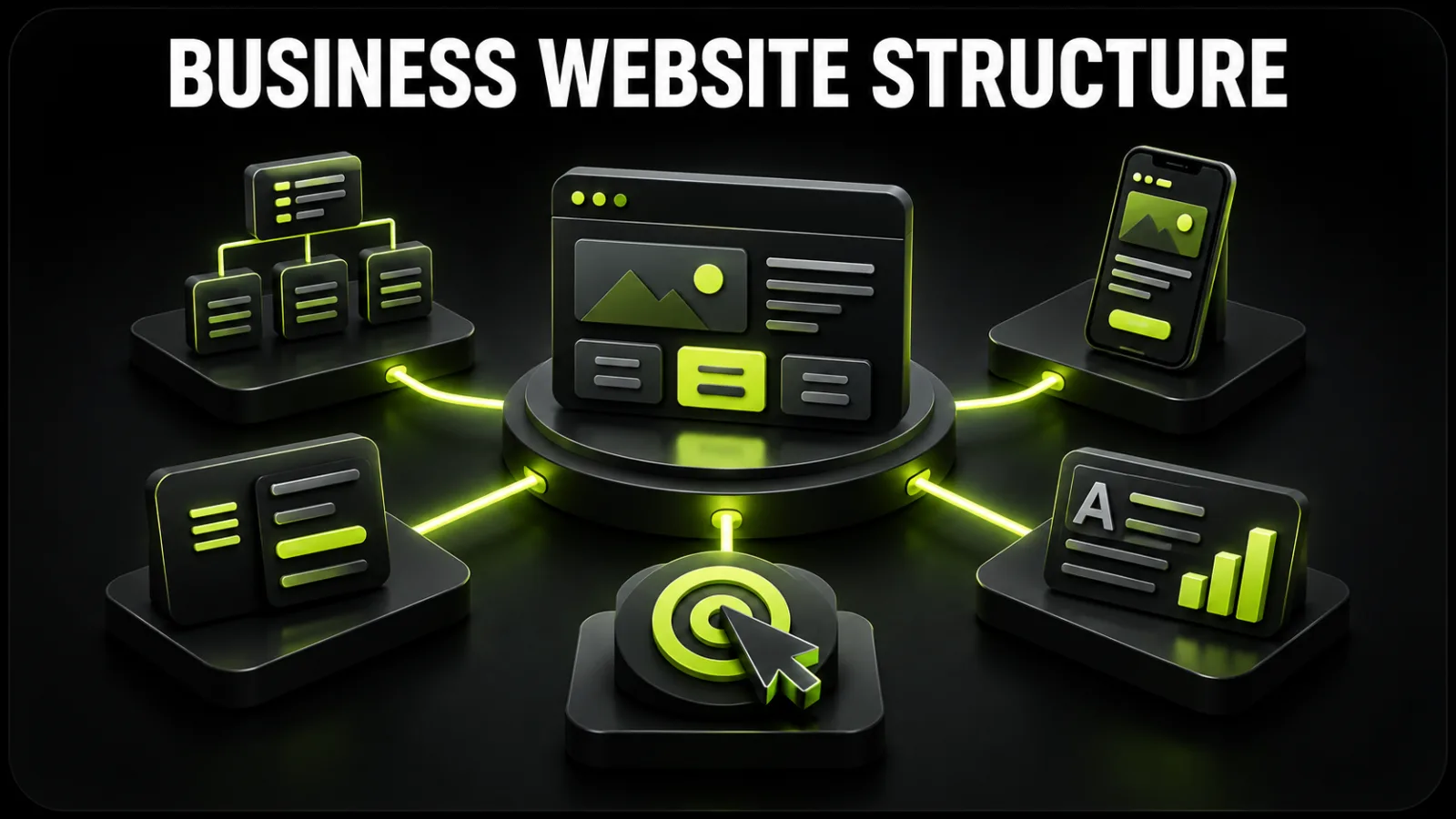
There is no universal menu, but most service companies need the following core.
The home page should not retell every page. Within a few screens, it must answer: who are you, whom do you help, what outcome do you create, why should visitors trust you and where should they go next?
A practical sequence is:
Every important service deserves a dedicated page. It should include use cases, scope, outcome, process, timing, price guidance, FAQs and a relevant case — not merely a paragraph and a button.
If customers think in industries rather than service names, add solution pages for manufacturing, retail, logistics or professional services. Each must provide unique value instead of repeating one template with a substituted heading.
A persuasive case describes the initial challenge, constraints, approach, work completed and measurable outcome. Screenshots without context give a buyer little basis for judging competence.
Use facts: history, specialisation, principles, geographic reach, leaders, capabilities, certificates and company details. Named specialists matter especially for regulated or high-value services.
Content answers questions before purchase, demonstrates expertise and creates organic demand. Define topics, authorship, editing, update frequency and internal linking before publishing at scale.
Keep job applications separate from sales enquiries. Contact pages should include offices, hours, departmental details, maps and the legal entity. Privacy information must reflect the actual forms and services in use.
Start with the complete business website creation process and then turn the approved sitemap into requirements.
Each feature should shorten a user journey or an internal process. A typical set includes:
Do not add calculators, accounts or complicated catalogues “just in case.” For every feature, define the user, scenario, input, output, owner and success measure.
The quality of a website is constrained by its inputs. Gather:
Record the scope in a website technical specification. It protects the budget by giving the company and supplier the same understanding of templates, responsive states, integrations and acceptance criteria.
Good corporate design makes the visual system serve the content. It should:
Agree wireframes for key templates before producing the complete UI. Logic is less expensive to change at this stage. Professional website design should result in both layouts and a reusable component system.
A sound search foundation includes logical URLs, unique titles and descriptions, one clear H1, heading hierarchy, internal links, canonicals, a sitemap, robots directives and applicable structured data.
For multilingual sites, every version needs its own URL, properly localised content and reciprocal hreflang references. Unedited machine translation weakens trust and may not match how people search in each market.
Assess speed on real templates and devices, not an empty demo. Compress images, control fonts and challenge every third-party script. Build accessibility into components through adequate contrast, visible focus, alternative text, understandable form errors and keyboard operation.
BB STUDIO's website development service covers architecture, bespoke design, responsive implementation, baseline SEO, analytics and CMS training.
Do not choose technology by popularity alone. Start with the editorial workflow, integrations, traffic profile, security needs and maintenance budget.
A CMS is suitable when the site primarily consists of standard content types, a faster launch matters and the team must edit content independently.
Custom software is justified when unusual roles, accounts, configurators, data processing or integrations form part of the product itself.
Many corporate projects benefit from a hybrid: a dependable CMS for publishing plus dedicated modules for unique logic. Documentation, updateability, backups and freedom from supplier lock-in matter more than a platform label.
Use the guide on how to order a business website to compare proposals and keep control of accounts and deliverables.
At the time of publication, a BB STUDIO corporate website starts at UAH 19,900, with an indicative delivery time of 2–4 weeks. The base format covers up to ten pages, SEO-oriented structure, an admin panel, three languages and a Google Ads setup bonus. Always check current terms on the BB STUDIO pricing page.
The final investment depends on:
Compare quotations against an identical list of outputs. A low headline price that excludes content, mobile states, migration and testing usually creates later charges.
Before final payment, verify:
A portfolio demonstrates both style and problem-solving range. Review BB STUDIO projects and ask the team to explain the decisions behind a comparable case.
Launch begins the operating phase. During the first weeks, validate events, mobile behaviour, internal-search terms, form errors and exit pages. Then publish cases, update services, improve pages already receiving traffic and address new search demand.
Assign responsibility for updates, backups and monitoring. If the company does not have an internal owner, use a structured website support service.
For a scoped estimate of architecture, features and budget, send a short description through BB STUDIO contacts.
 Web development
 Web development
 Web Application Development
 Web development
 Let’s create something amazing together
