
We create digital solutions that work for businesses
Selling clothes on a marketplace is easy at the start: the platform brings the traffic, you just upload the products. But once turnover passes a certain point, commission starts eating your margin, and the customer base belongs to someone else. That is when the question of your own store appears. Here is how to make the move without losing rankings or customers.
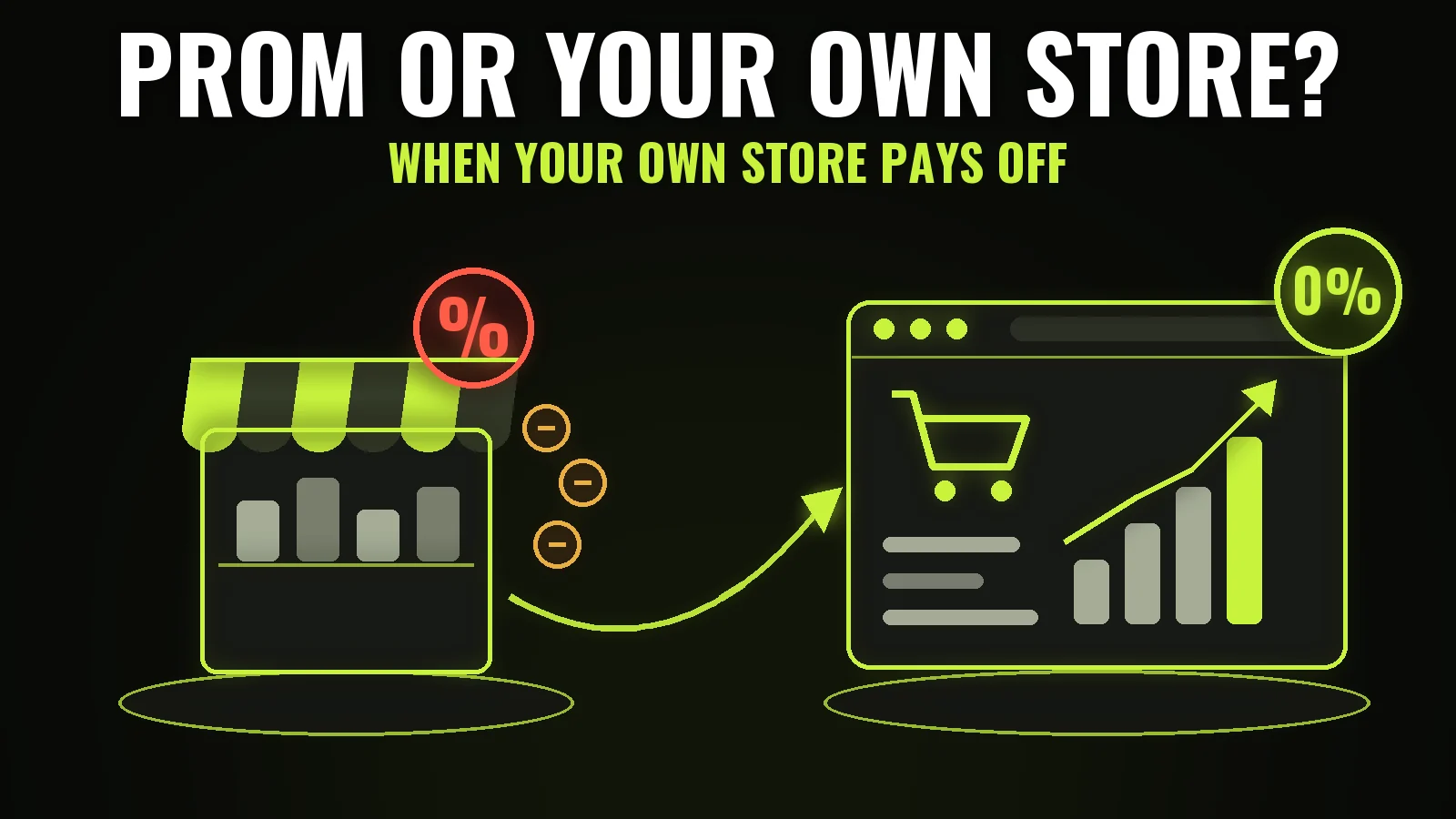
Your own site is not always the right answer. If you sell 20–30 items a month, development and advertising will take a long time to pay off, and staying on the platform is smarter. The signals that it is time to move:
The healthiest scenario is not either-or but running both: the site becomes the main channel while the marketplace stays a shop window and a source of new buyers. That is exactly why we build product feeds to Rozetka and Prom into the store from day one.
Moving from a marketplace is not copying product cards. There are four different things to migrate, and each needs its own approach.
Export the catalog to CSV or XML: name, SKU, category, price, stock by size, specifications, photo links. The main trap is variants. On a marketplace one T-shirt in three colours is often listed as three separate products. On your own site it has to be one card with variants, otherwise search results fill up with duplicates competing against each other.
Take the originals, not the copies compressed by the platform. At least two angles per colour, and ideally one shot on a person. In fashion the photo is the product: that is what the decision is based on.
Reviews left on a marketplace formally belong to it, so they cannot be migrated automatically. The working route is to ask regular customers to leave a review on the new site, and to show your Google Business Profile rating during the first weeks.
This is the most valuable asset. If you kept phone numbers and emails from orders, they will bring the first sales on the new site. Send an announcement with a first-order promo code: such a campaign converts many times better than cold advertising.
The main reason your own store outperforms a marketplace listing is category pages. On a platform, the query "midi dresses" leads to a filter with a thousand items from different sellers; on your site it leads to your own page with copy, a curated selection and internal links.
The minimum structure for a clothing store looks like this: a section by gender and age, inside it categories by garment type, then filters by size, colour, material and price. It matters that filters do not reset when moving to page two and are kept in the URL: then the customer can share a selection and you can advertise it.
We covered how a category and a product page should be built in our piece on the product page that sells. The platform choice itself is broken down in the article about online store platforms.
This is where stores most often lose money. If you had a site on another platform and the URLs change, four steps are mandatory.
If you are leaving the marketplace and never had your own domain, there is nothing to redirect from: the site starts from zero, the first months are carried by ads, and organic traffic grows gradually. We wrote about that path in the article on why a site is not indexed by Google.
A clothing store without integrations forces a manager to do by hand what should happen by itself. The minimum set:
A new address has no history in search, so for the first two or three months traffic has to be bought. This is a normal stage and it belongs in the budget from the start, rather than being a surprise when the site goes quiet after launch.
What works best in this period. First, the customer base you collected on the marketplace: a campaign with a promo code brings the cheapest sales because those people already bought from you. Second, Google Shopping through Merchant Center: the buyer sees the photo and the price before the click, and for fashion this is the strongest format. Third, Meta retargeting on abandoned carts and viewed products, which picks up everyone who already visited.
SEO runs in parallel but not instantly: category pages start bringing first visits after roughly two to three months, and meaningful volume after half a year. So the correct logic is this — ads feed the store now, categories and the blog accumulate traffic for later. Switching ads off in the first month because they feel expensive simply stops the store.
A clothing store with 100–300 products and basic integrations starts from ₴29,900 and four weeks. A store with a thousand-plus items, accounting sync and marketplace feeds costs more and usually takes six to eight weeks. The longest stage is almost never development — it is content: photos, size charts, category copy.
To estimate payback before you start, see our breakdown of how to calculate a website's return.
Moving to your own store makes sense when the platform commission is already noticeable and the brand is recognisable. Migrate products with proper variants, take the original photos, build a category structure around real queries, and do not forget redirects if the URLs change. And do not switch the marketplace off at once — let it work for you through automatic feeds.
 E-commerce
 E-commerce
 Hosting & tech
 E-commerce
 Let’s create something amazing together
