
We create digital solutions that work for businesses
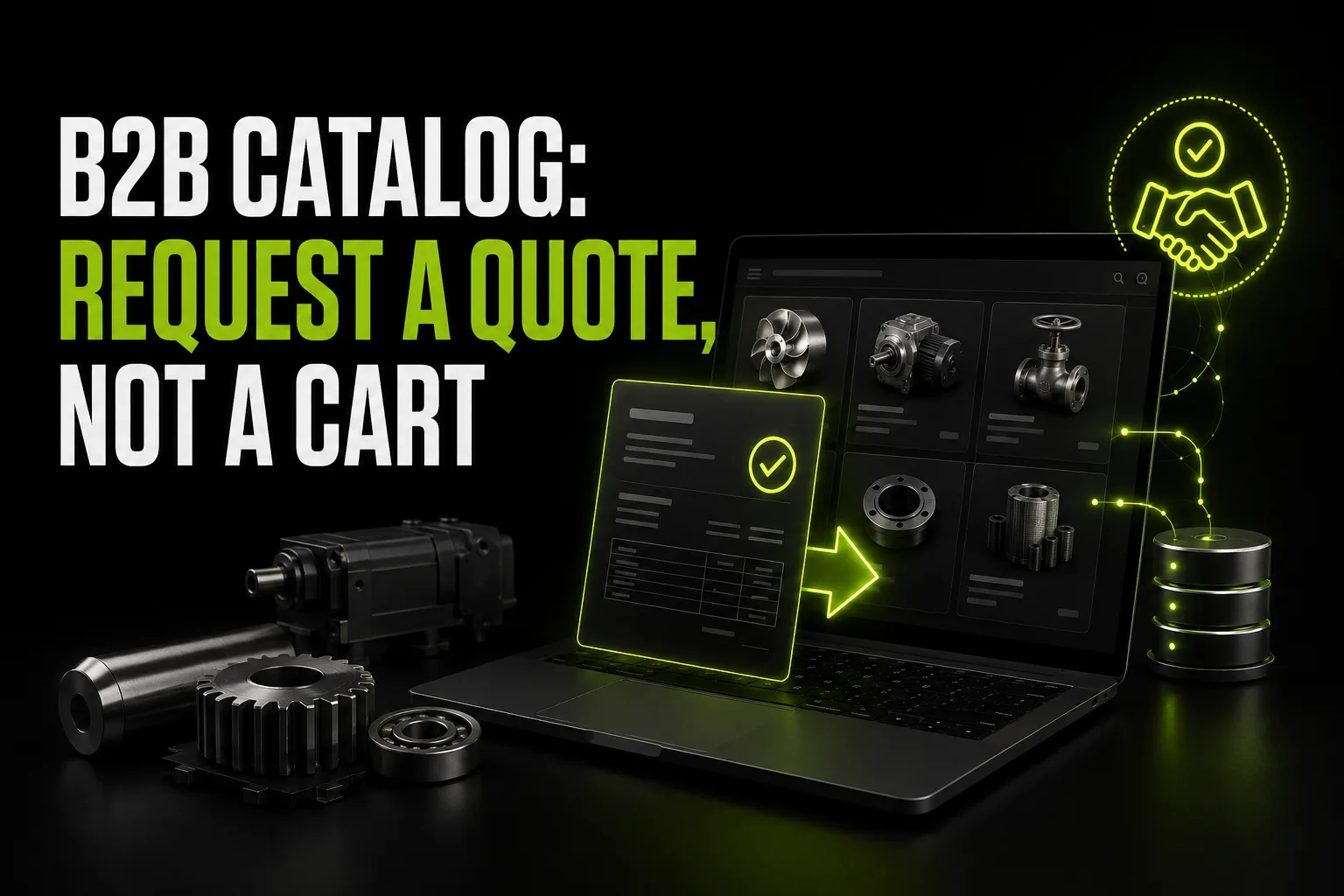
When a manufacturer orders a website, the request is usually "an online shop like everyone else has". A month after launch it turns out nobody uses the cart: purchasing managers call and ask for a price list by email. The reason is simple — a B2B catalog sells differently. The price depends on volume, terms and client tier, so a "buy" button does not work here. What works is a quote request.
A retail buyer decides alone and pays immediately. A purchasing manager does not. Their scenario is different: find items by specification, assemble a list, get a price for their volume, get it approved internally and only then place an order.
A cart serves only the last step and ignores the first three. That is why manufacturers usually hide prices — and with them hide any possibility of doing something on the site: only the phone number remains.
A quote request closes exactly the steps a cart skips. Mechanically it is the same cart — you collect items with quantities — but instead of payment the output is a structured request for a commercial offer.
Technically it is a simple tool that delivers disproportionately much. The purchasing manager browses the catalog, presses "add to request" on each product and enters a quantity. The list gathers in a side panel and is not lost when moving between pages.
At the final step comes a form: company, registration number or just the name, contact person, phone and email, delivery region, desired deadline and a comment field. Plus the option to upload their own specification as a file if the client already has a list.
What the manager receives is not "how much is a pipe" but a ready enquiry: twenty items with quantities, company details, region, deadline. Then they price it for the volume and send the offer. Processing time drops several times over and the quality of enquiries rises.
This is the main question, and the answer depends on how you sell.
Showing prices to everyone makes sense when you have a base price list and retail clients also appear. Then the site displays a retail or "from" price, while the wholesale one is revealed after login.
Hiding them completely is justified when the price is individual every time: equipment, made-to-measure metalwork, large batches. But then instead of prices there has to be something concrete — "a quote within 2 working hours" rather than a silent "on request".
Splitting is the most common working option: a guest sees specifications and availability, prices appear after logging into the dealer account, each with their own tier and discounts. We will write about the account itself separately; what such a site includes is on the page about B2B websites for manufacturers.
A B2B catalog differs from a retail one not in the number of items but in search logic. A purchasing manager looks not for "something nice" but for a specific parameter: diameter, wall thickness, strength grade, power, standard.
So filters have to be specific per category: diameter and wall for pipes, size and coating for fasteners, power and voltage for equipment. A universal "price — brand — colour" filter does not work here at all.
The second mandatory element is search by article number. Half of purchasing managers arrive with a specification that already contains codes, and they simply need to find the item rather than browse categories.
In retail the product page sells with emotion, in B2B with data. What is mandatory: specifications as a table rather than text in the description; a drawing or schematic; certificates and quality passports in PDF; stock by warehouse; analogues and related items; shipment multiples and packaging terms.
The table matters precisely as a table: the purchasing manager copies it into a comparison with another supplier. If the specifications are smeared across a paragraph, comparison is impossible and the choice goes to whoever made it easier.
Two buttons on the page: "add to quote request" and "download product PDF". The second is underrated — that file goes into internal approval, to a person who will never open your website.
"Please send the price list" is the most frequent email in a manufacturer's inbox. Every such email costs a manager half an hour: find the current file, check prices, reply.
The working solution is generating the price list from the catalog at the moment of download, in PDF and Excel. A guest gets the base one, an authorised dealer gets their own prices. The file is always current because it is assembled from the same database as the site.
This is one of those cases where automation pays for itself in the first month purely through the sales team's saved time.
The best catalog dies within two months if it is filled by hand. The product range changes, prices rise, items disappear — and the site starts lying.
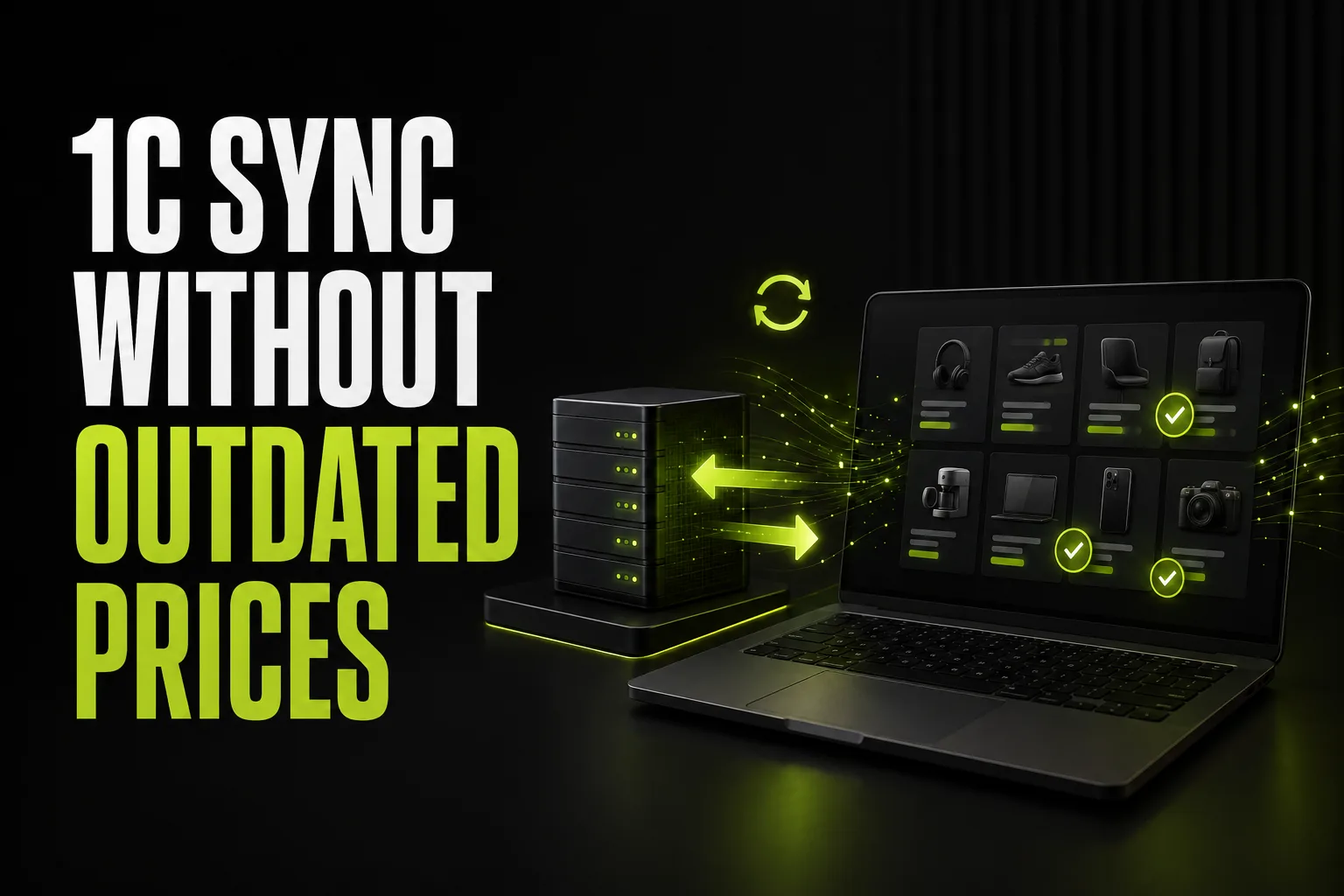
So the catalog has to pull data from your accounting system. The product range, prices by client type and stock by warehouse are exported on schedule, while quote requests and orders from the dealer account flow back into accounting.
This part is the most expensive in development and the most important in consequences. We will cover it separately in more detail — there are many nuances with versions and exchange formats.
If you sell abroad or plan to, an English version of the catalog is not an interface translation but separate terminology work. A mistake in a product name means you simply will not be found: the purchasing manager searches for the exact industry term.
Plus units of measurement, currency for the market, Incoterms in the delivery conditions and customs documents on the product page. And hreflang so Google shows a foreigner the English page rather than the Ukrainian one.
How to get such pages into search in general we covered in how to reach the top of Google.
Three changes visible immediately after launch. First: enquiries arrive structured, and the manager does not spend the first call working out what exactly is needed. Second: "send us the price list" emails disappear — people download it themselves. Third: demand statistics appear — which categories and items get viewed, what ends up in quote requests and what sits as dead weight.
The last one often proves the most valuable: you see demand before it turns into orders and understand what is worth adding to the range. How to measure the site's return overall is described in how to calculate a website's return.
A purchasing manager searches differently from a retail buyer: they type not "buy pipes" but an exact parameter or product group — "pipe 57x3.5 price", "corrugated sheet wholesale from manufacturer", "sandwich panel fasteners". There are fewer such queries than retail ones, but they are far more precise.
To appear for them you need product group pages with proper copy, not just product cards. Each covers what it is, which types exist, which parameters guide the choice, a size table and a link into the catalog with the filter already applied. Such pages live for years and bring people in even after the range has changed.
The second part is pages for popular article numbers: they collect queries with codes and exact dimensions. Competition for those is almost nil, because most manufacturers keep the catalog in a PDF that Google does not read as pages. We covered the basic promotion steps in how to reach the top of Google, and why traffic does not always produce enquiries in why a site has traffic but no leads.
A B2B catalog is built around a quote request rather than a cart: the purchasing manager collects items with quantities, adds company details and receives an offer for their volume. Filters follow technical parameters, the product page carries a specification table and a PDF, the price list generates itself, and the range is pulled from accounting. Then the site stops being a brochure and starts working as part of the sales department.
 Web development
 Web development
 Hosting & tech
 For business
 Let’s create something amazing together
