We create digital solutions that work for businesses
Web development · Real estate
 or a property developer
In real estate a website loses to the portals on the number of listings — and wins on trust, if it is built right. The buyer comes from a listings portal to check: who is this company, are the prices current, is the building really under construction. If the site answers honestly and quickly, the deal is yours. If it shows sold flats and “price on request”, the buyer goes back to the portal.
We build two different products: an agency catalog with filters and district pages — and a residential complex website with a unit grid, floor plans and construction progress. Listings sync with your CRM and feed the portals automatically. Custom code that handles thousands of listings without slowing down on a phone.
An agency and a developer sell different things to different people — so their websites are not alike. Four typical clients:
Hundreds of listings that appear and disappear daily. You need a filterable catalog, agent profiles and district pages — plus automatic feeds to portals, so each flat is not entered three times.
Sells not a flat but a choice between complexes. So the site is a comparison of developments by district, price per square metre, completion date and developer, with selection by the client's budget.
A landing page for the complex with renders, a unit grid, floor plans and month-by-month construction progress. The buyer's main objection — “will you finish it?” — must be answered with documents and on-site photos.
A corporate site plus a dedicated page for each complex, delivered projects as proof, a section for investors and partners, one unit database for all sales offices.
Industry specifics
Seven modules — some for the agency, some for the developer, several needed by both:
District, number of rooms, price, floor area, floor, building type, renovation state — filters work instantly, without reloading, and are stored in the URL so the buyer can send the selection to their spouse.
Photos, floor plan with dimensions, a map with surrounding infrastructure, price per square metre and total, mortgage calculation, the agent or manager with a photo and a “Book a viewing” button.
“Buy a flat in Pozniaky”, “rent in Podil”, “new builds Holosiivskyi district” — landing pages with a district description, listings and prices. An agency's core SEO lives here.
Building → section → floor → unit. Available, reserved, sold — in different colours. A click on a unit opens the floor plan, price and a reserve button. Updated automatically from the CRM.
Monthly photos with dates, stages with completion percentage, drone video. The manager uploads from a phone in a minute. This is the page a new-build buyer opens first.
A monthly payment calculator for a specific unit: down payment, term, bank rate or the developer's instalment plan. Shows an amount the buyer can live with — and removes the “this is not for me” barrier.
Building permit, licence, declaration, sample contract, delivered projects with addresses. For an agency — agent credentials and Google reviews. What the buyer looks for when deciding whether to call.
A real estate website is a shop window for the listings database, so the main integration is with wherever that database lives:
Listings, statuses, prices and photos come from your CRM or an in-house database. Sold a flat — it disappears from the site and the portals by itself. One source of truth for all channels.
DIM.RIA, LUN, OLX, Flatfy — every listing is exported automatically in the portal's format with the current price and status. The manager enters a flat once — on the site.
Listings on a map with filters, and on the listing page — schools, kindergartens, metro, supermarkets nearby. The buyer assesses the district without leaving the site.
For a developer — reserving a unit from the grid with an online deposit. The unit changes status immediately, the manager gets the request, the buyer gets a confirmation and a reservation agreement.
Matterport 3D tours, drone video, renders in the gallery — all embedded in the listing without slowing the page down. The buyer “walks through” the flat before the viewing.
Calls from listing pages are tracked down to the specific unit and source. Viewing requests and reservations go to GA4 and ads as conversions — you see which listings and districts actually sell.
We compare on what decides whether the buyer stays on your site or goes back to the portal:
| Site builder (Wix, Tilda) | WordPress theme | Custom build (BB STUDIO) | |
|---|---|---|---|
| Catalog with instant filters | Up to 50 listings, hardly any filters | A plugin, slow with hundreds of listings | Thousands of listings, filters without reload |
| Unit grid | Not available | A picture or an expensive plugin | Interactive, updated from the CRM |
| Sync with CRM and portals | Manual | Partially, via plugins | Automatic, one data source |
| Construction progress | A gallery | A gallery with dates | Month-by-month module, updated from a phone |
| Speed with hundreds of photos | Drops | Depends on optimisation | Compression and lazy-load out of the box, 90+ PageSpeed |
| District pages for SEO | Manual, not linked to the catalog | Via categories | Automatic listing selection + district copy |
Marketing
An agency and a developer live on different channels, and the site has to support both scenarios:
“Buy a flat in Pozniaky”, “office rent in Podil”, “house in Sofiivska Borshchahivka” — the main source for an agency. District pages with a live listing selection rank for years.
A developer lives on the complex's name and on ads — so the landing page has to convert: unit grid, prices, documents, a viewing tour form. Every click is expensive, and the site must not waste it.
The buyer arrives from a portal to check the company. The site must confirm what they saw there and give more: documents, construction progress, a manager with a face.
Whoever looked at two-room flats in Teremky sees exactly such listings in ads. Dynamic retargeting from the site's feed — that is how real estate works on Meta and Google.
The price depends on the number of listings, whether you need a unit grid and CRM sync, and how many portals to connect. Three typical configurations:
One complex or a cottage community: renders, floor plans, prices, instalments, documents, construction progress as a gallery, a viewing tour form.
Get a quoteGet a quoteA filterable catalog with a map, listing and agent pages, district pages, a mortgage calculator, a “Sell your flat” form, an SEO structure. Populated from your database.
Get a quoteGet a quoteAn interactive unit grid, CRM sync, portal feeds, construction progress updated from a phone, online reservation with a deposit, a buyer's account, several complexes on one site.
Get a quoteGet a quoteAn exact quote is free and takes 15 minutes after your request. If you already use a CRM, tell us which one — it affects the integration cost the most.
Base packages and prices for this type of website: Catalog website →
In our portfolio we show projects our clients allowed us to publish, so we do not pass off other people's complexes as ours. The mechanics of a real estate website — a large filterable catalog, listing pages with galleries, sync with external sources, speed with hundreds of photos — are what we have proven on e-commerce projects with big catalogs: custom code that carries the load, and an admin panel a manager works in without a developer. See our delivered work, and we will discuss the specifics of your catalog or complex at the briefing.
Before starting we go through the competitors in your city. Here is what repeats:
The more of this you have at the briefing, the shorter the timeline. The first two items define the architecture:
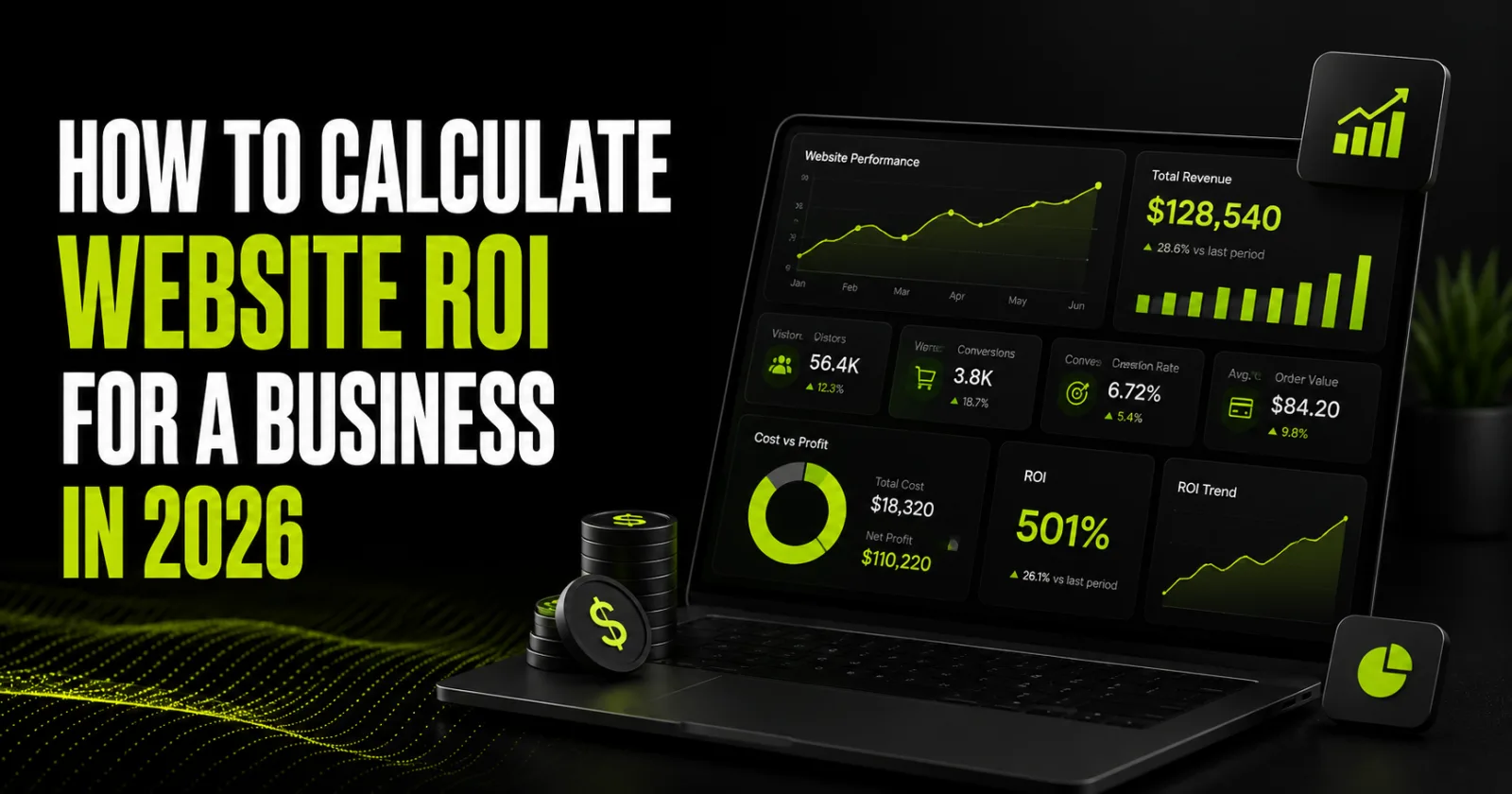
A website pays for itself not when it “looks good,” but when it generates more gross profit than its development, traffic acquisi…
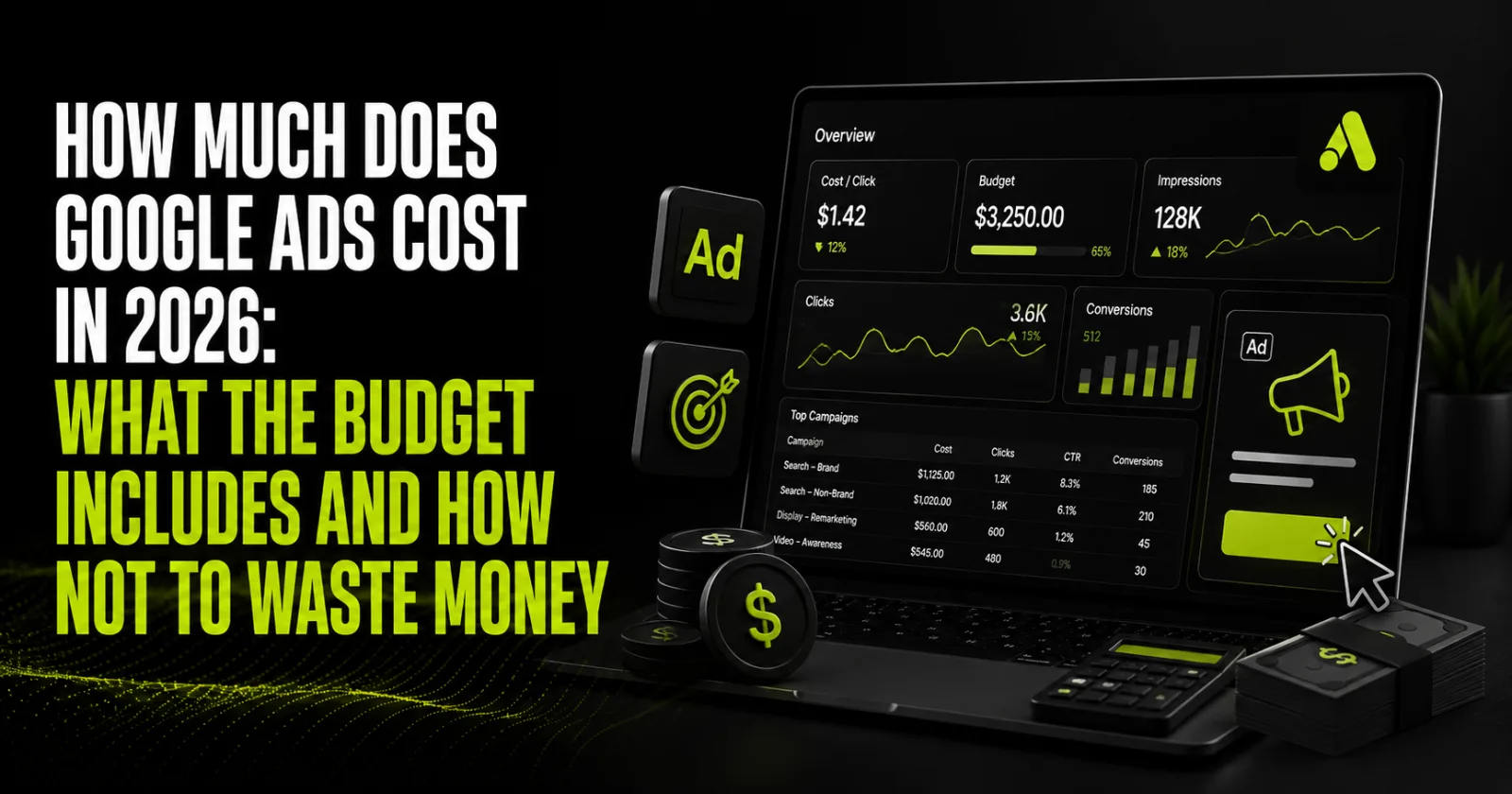
The cost of Google Ads isn’t a fixed rate—it’s determined by auctions, competition, ad quality, landing pages, and your analytics…
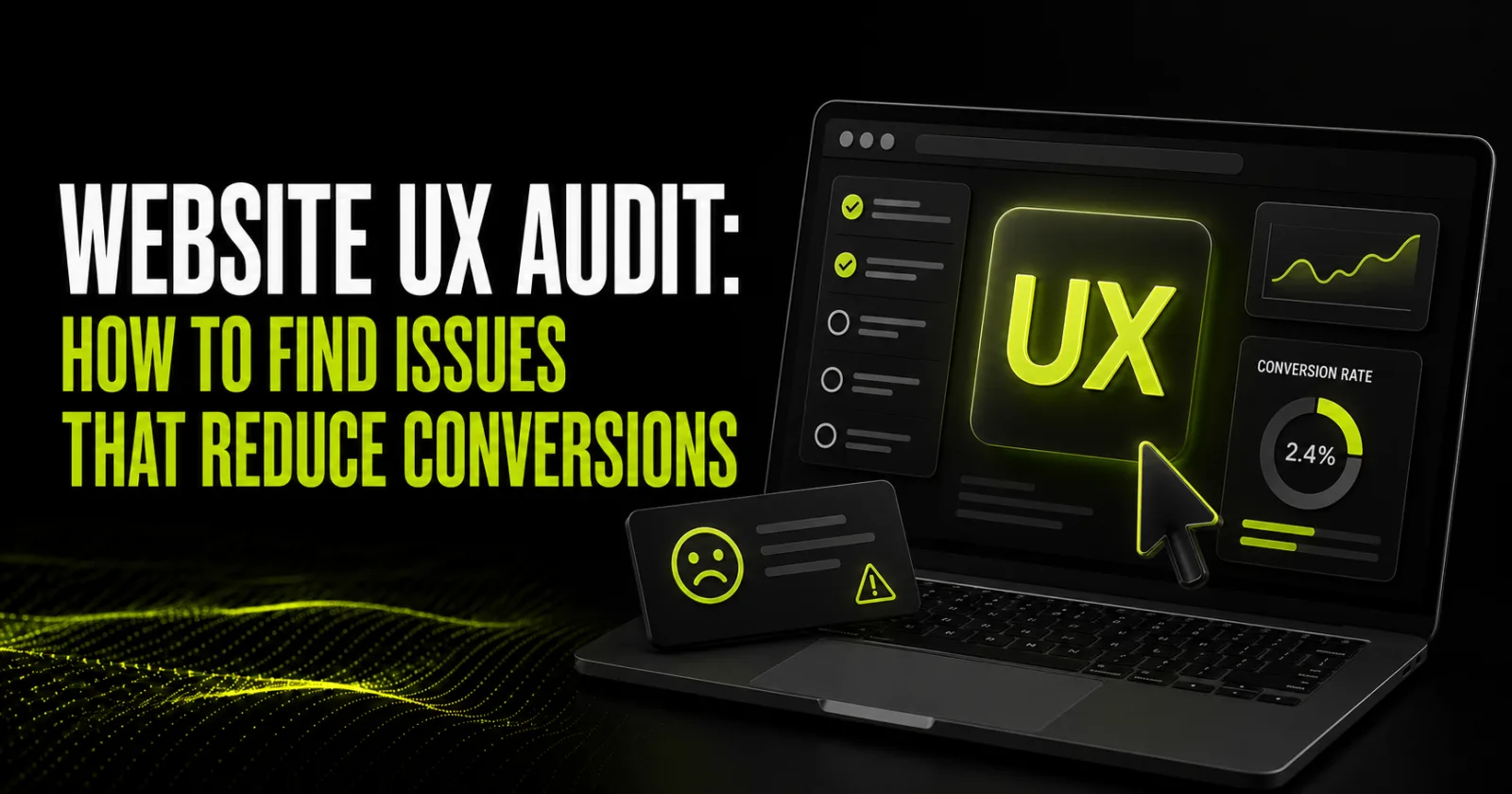
A website can look modern and still lose enquiries. The cause is often not a button colour but hidden friction: an unclear first …
A bit about us
BB STUDIO is a team that goes beyond the standard approach to web development. We build modern turnkey websites focused on concrete business results: attracting new clients, increasing sales and keeping the project stable after launch.
We deliver the full cycle of building web products — from analytics, strategy and design to launch, technical support and further development. We start every project with a detailed study of the business, company goals, audience needs and market specifics.
We work transparently and consistently, so you can see the progress of the project at every stage.
Discuss a projectDiscuss a projectWe dive into the specifics of your business, research the market and competitors and form a clear technical brief for the future project.
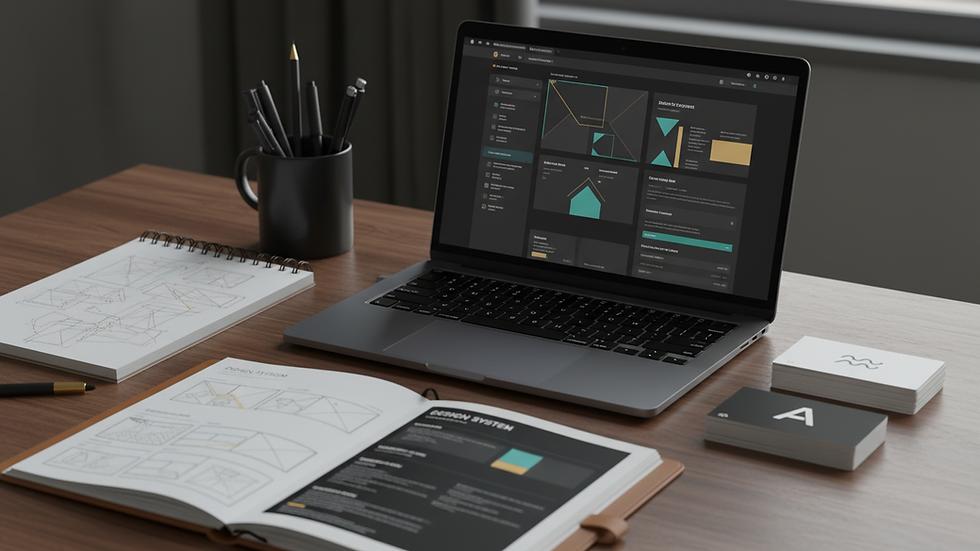
We plan the site architecture, build convenient interaction scenarios and create prototypes of key pages.
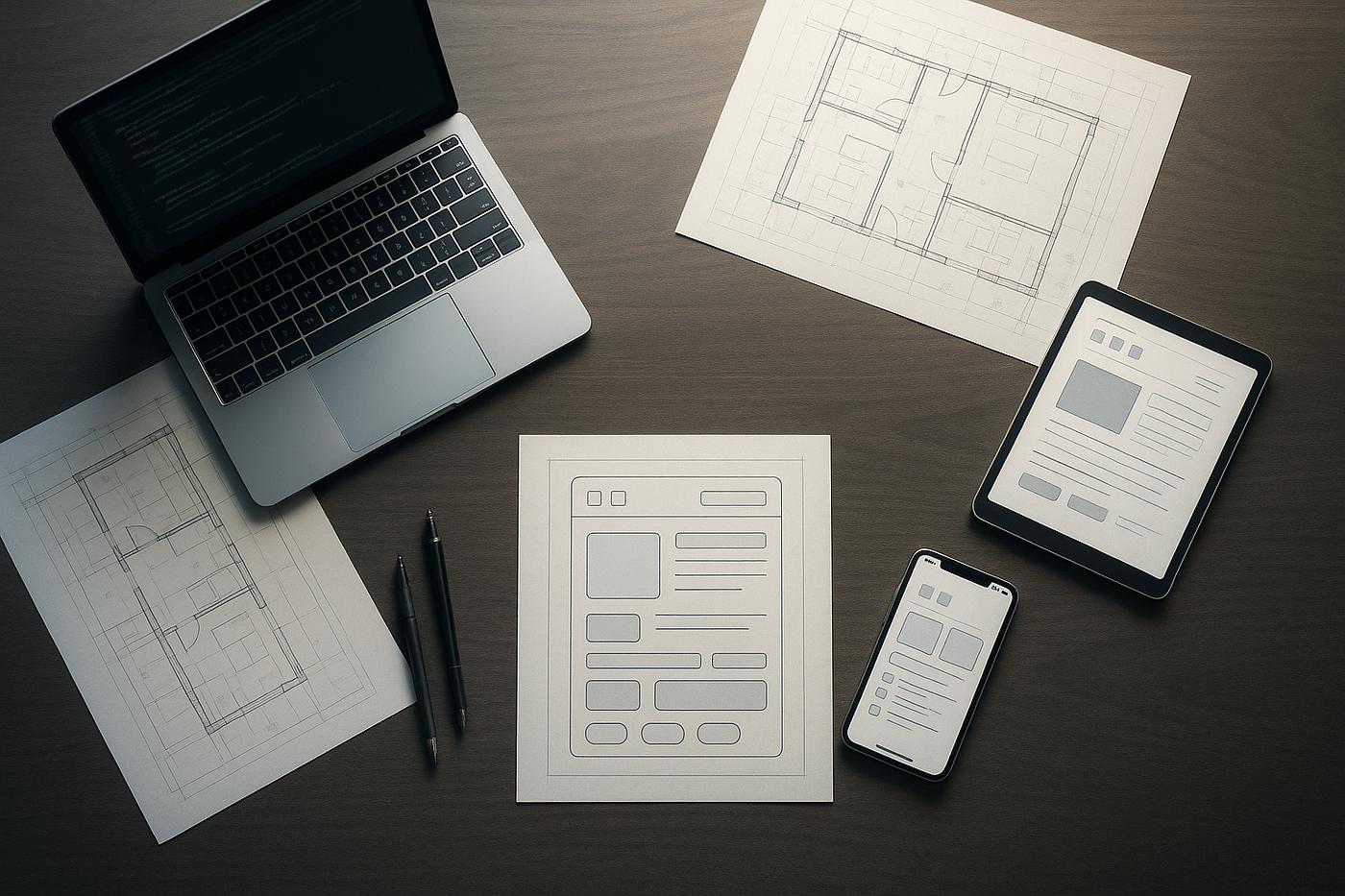
We create a modern and recognizable design in your brand style, adapted to all devices and user needs.
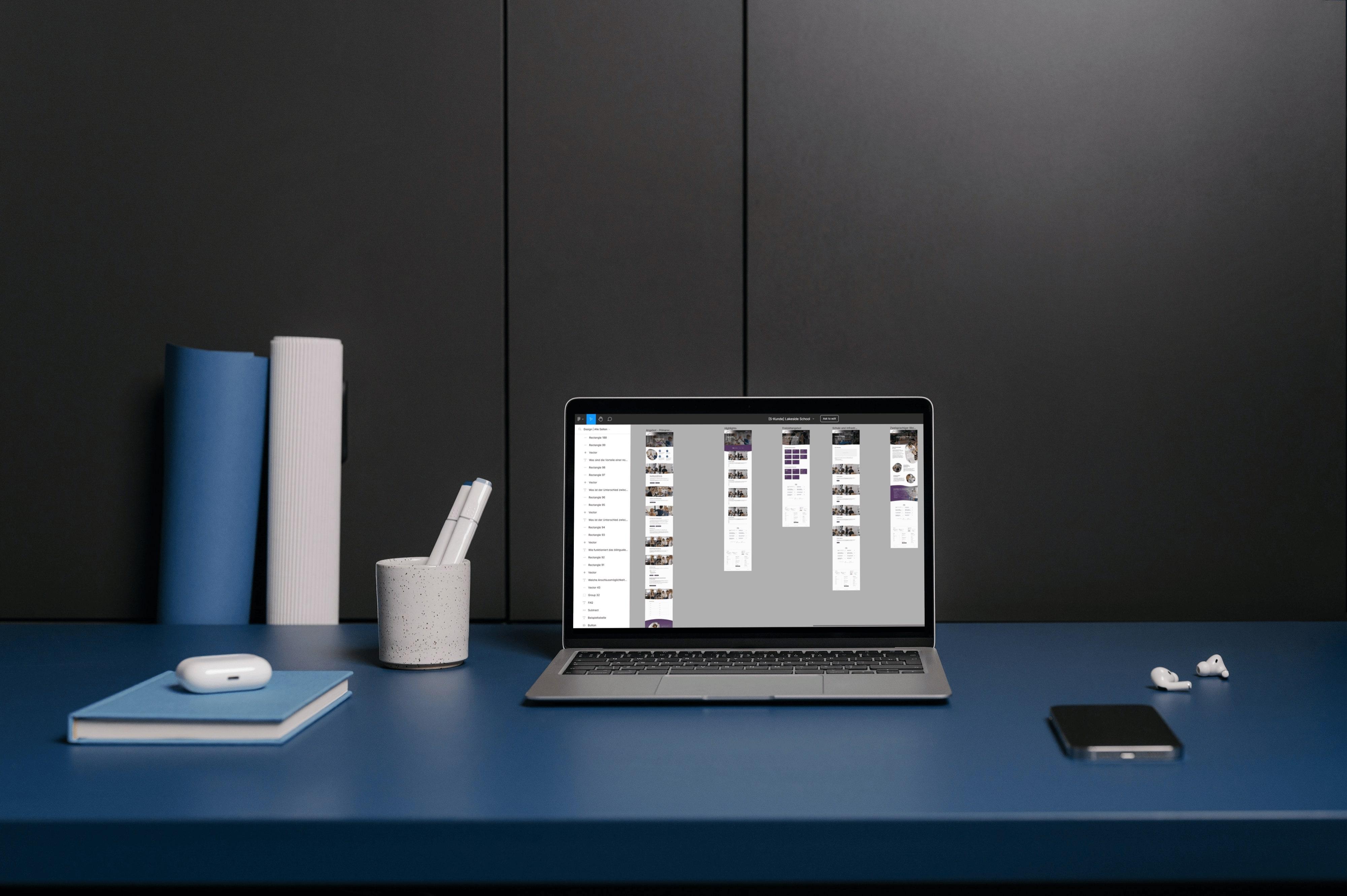
We turn the design into a fast, stable and functional website on our own CMS (PHP, JavaScript, Bootstrap) — without plugin bloat. If the project needs WordPress, we build on it too.
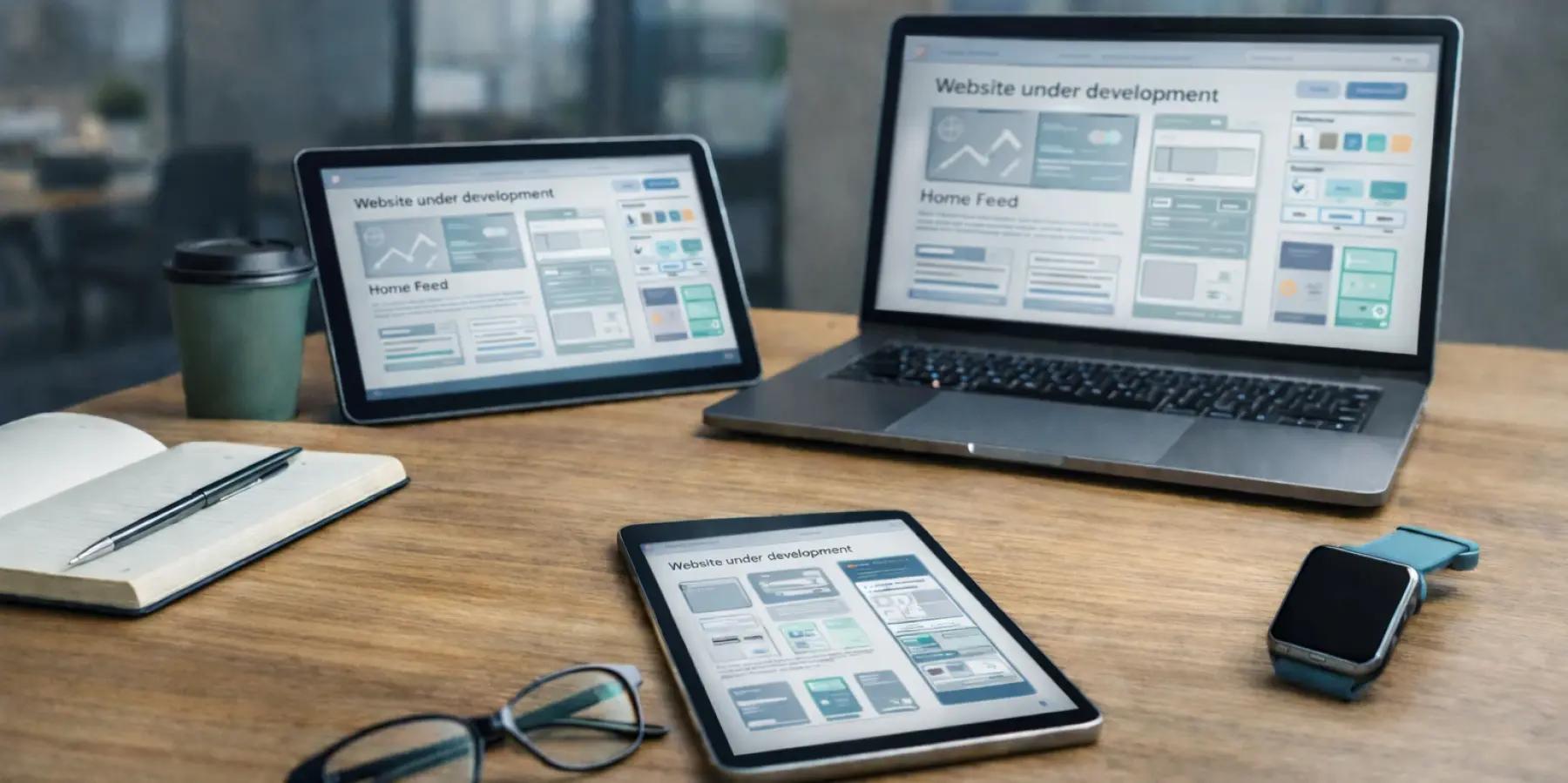
We fill the site with content, perform basic SEO optimization and connect CRM, analytics and the necessary services.
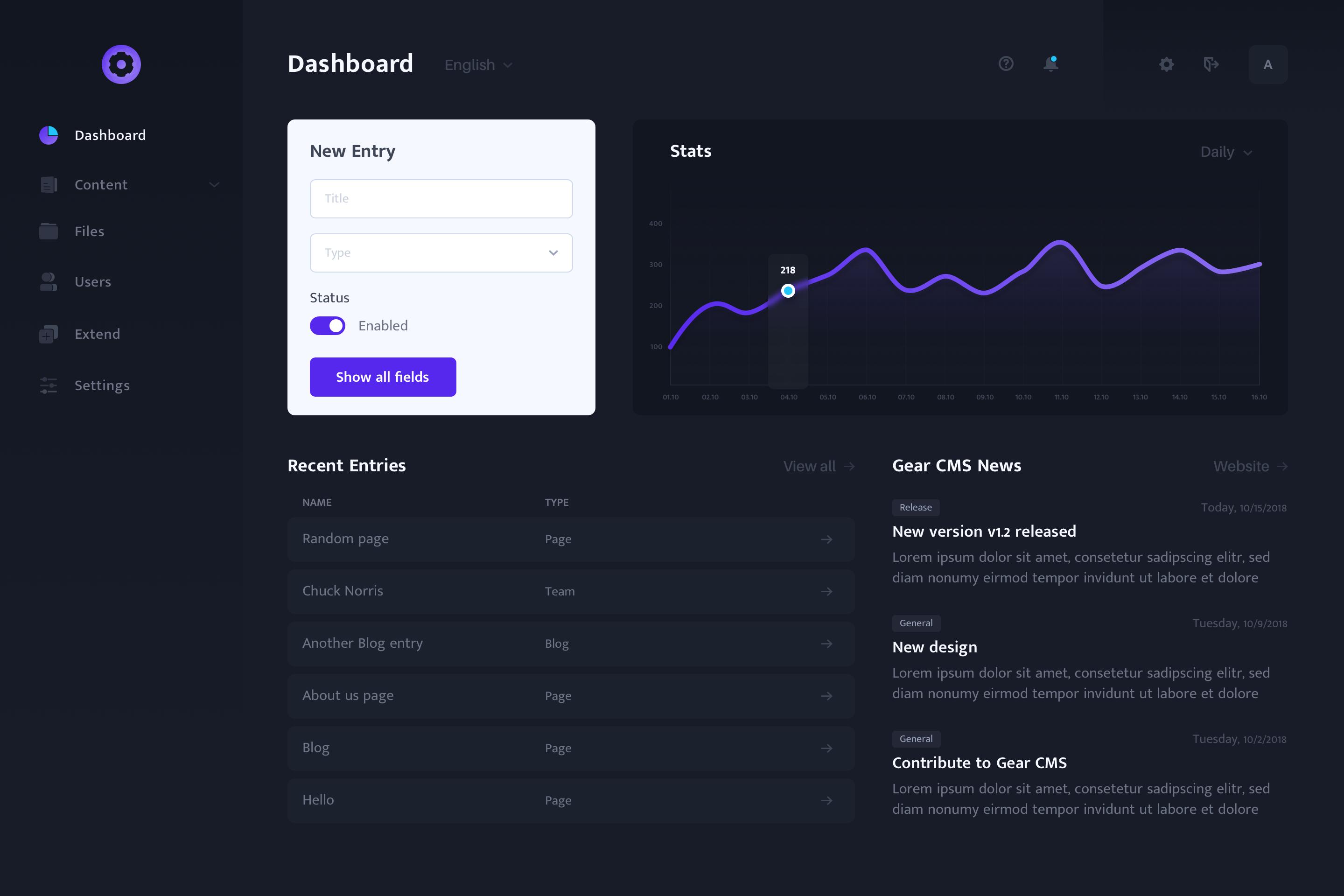
We thoroughly check the speed, responsiveness, functionality and correctness of the site before publishing it.
We stay by your side after launch: we provide technical support, updates, improvements and further development of the project.
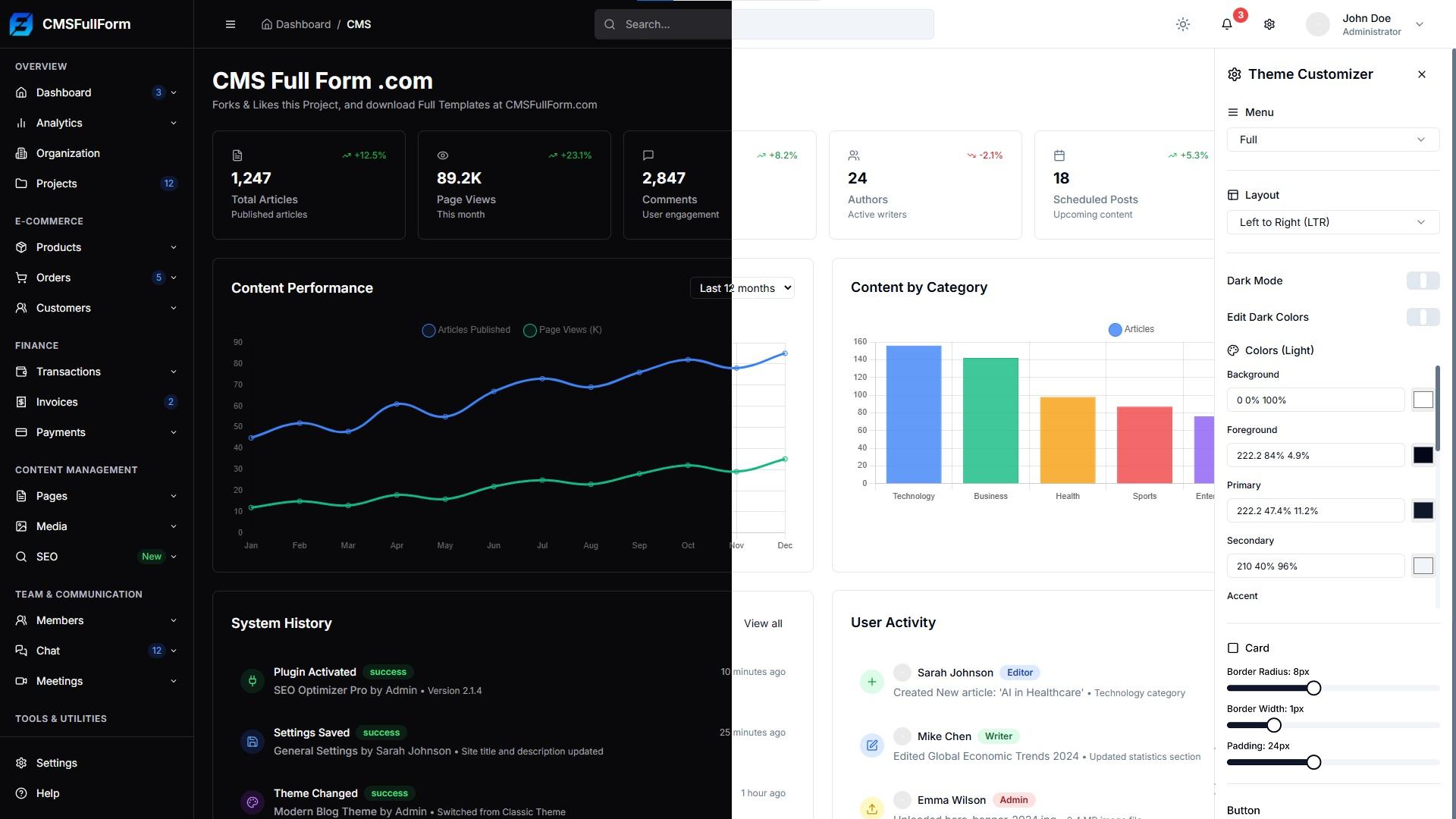
Everything we agree is put in writing, and we never take money up front — you see the result of the work before you pay for it.
We take no money in advance. Payment terms are agreed with you beforehand — by arrangement or under the contract.
Contract, invoice and certificate of completed work. We are a Ukrainian sole proprietor (FOP, 3rd group) and not VAT-registered, so the price is final — no VAT is added on top.
We fix the scope, cost and timeline before work starts. Any new task begins only after you have approved its price.
The consultation and project estimate cost nothing and commit you to nothing. We reply within 15 minutes during working hours.
We know how a dental clinic website differs from a furniture maker's. Pick your field — you'll find the structure, integrations and pricing built for it:
We build modern websites that combine thoughtful design, high speed and convenient functionality. From corporate sites to complex web projects — solutions that work for your business growth.
We design online stores with a well-thought-out structure, fast performance and convenient checkout. We integrate payment, delivery and everything needed for effective online sales.
We create landing pages that grab attention and motivate action. A thoughtful structure, strong design and conversion focus help you get more leads.
Design for new websites and redesigns of old ones, UX audits, mockups in Figma or Photoshop and pixel-perfect coding. We also create logos and brand identity. We make sure the site is clear to people and brings in leads, not just looks good.
We optimize the site for search engines, improve its visibility in Google and AI search, and attract the target audience. We work on technical optimization, content and organic traffic growth.
We set up and run ads on Google, Facebook, Instagram, TikTok and ChatGPT. A transparent budget, clear reports and prices published on the site.
We run Instagram, Facebook and TikTok for businesses: a content plan, posts, Reels and Stories in one consistent style. We also set up pages from scratch — profile photo, bio, covers, buttons and a link to your site.
We ensure the stable operation of the site: updates, backups, bug fixes, security control and technical support. You grow your business — we take care of the site.
We host websites on fast SSD hosting with SSL, daily backups and 24/7 monitoring. Moving from another host? The migration is free — and you get 2 weeks of hosting as a gift.
 Let’s create something amazing together